
Link in Bio Page
Your link in bio page lives at postigniter.com/l/your-name. Put that address in your Instagram, TikTok and YouTube bios to send followers to all your links at once. It's included on every plan.
Open it from Link in bio in the sidebar.
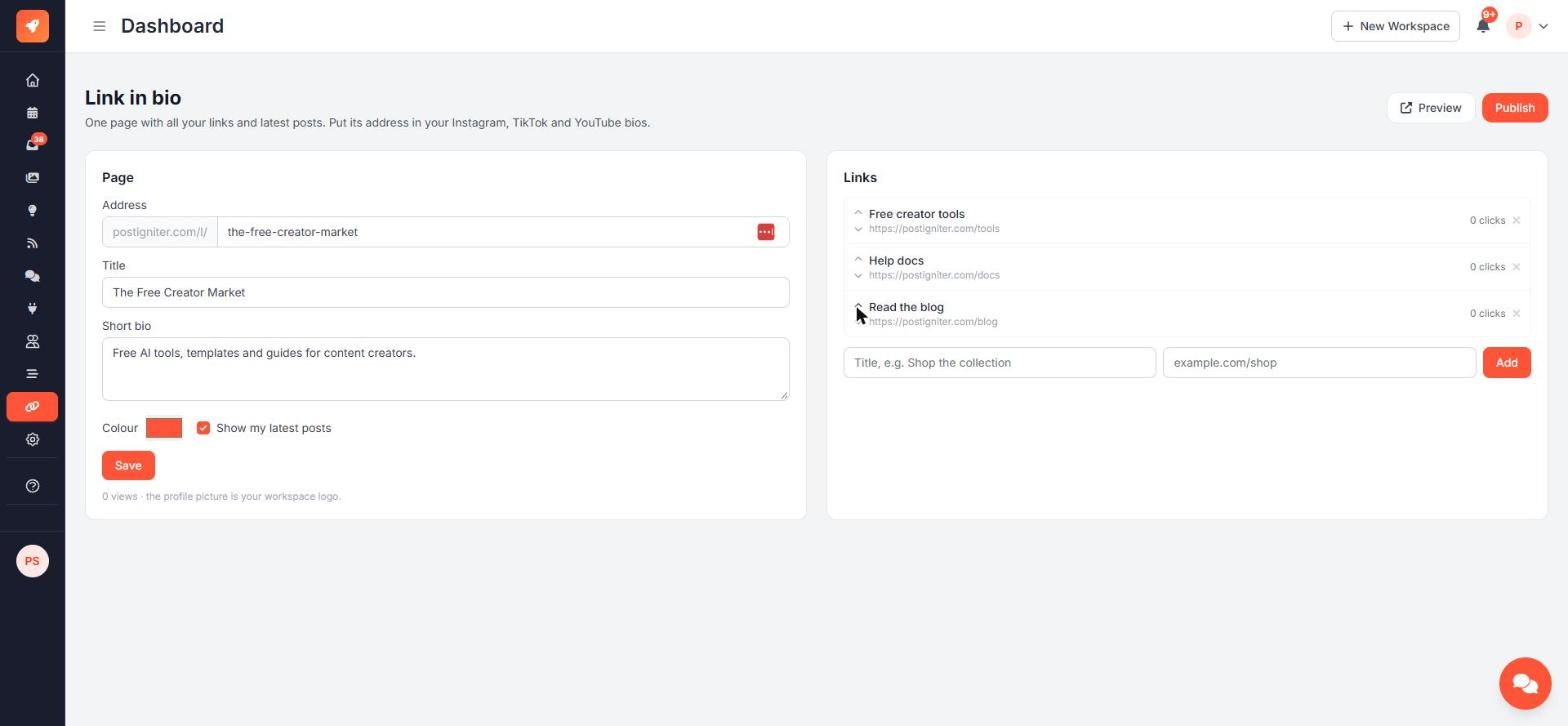
Set up the page
In the Page card:
- Address: 3–40 lowercase letters, numbers and dashes. Some words are reserved, and every address must be unique. If yours is taken, you'll see "That address is taken. Try another."
- Title: shown under your logo
- Short bio: one or two lines about you
- Colour: the accent colour for your buttons
- Show my latest posts: adds a grid of your recent published posts
Click Save. Your profile picture is your workspace logo.
Add links
In the Links card, enter a title and an address, then click Add.
- Links must be web addresses. If you leave out
https://, it's added for you. - Other kinds of address, like
ftp://, are refused. - You can add up to 20 links.
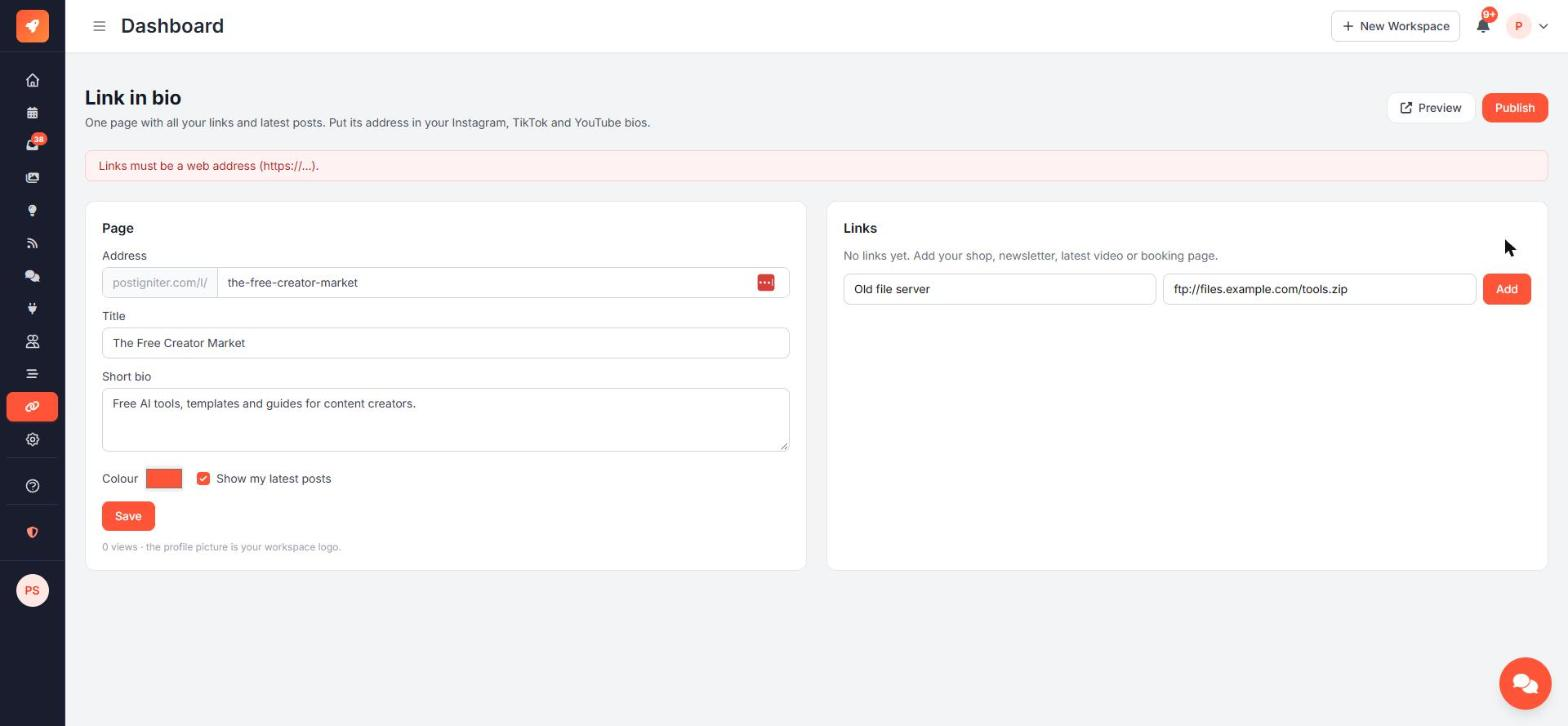
Use the up and down arrows next to a link to change its order, and × to remove it.
Preview, then publish
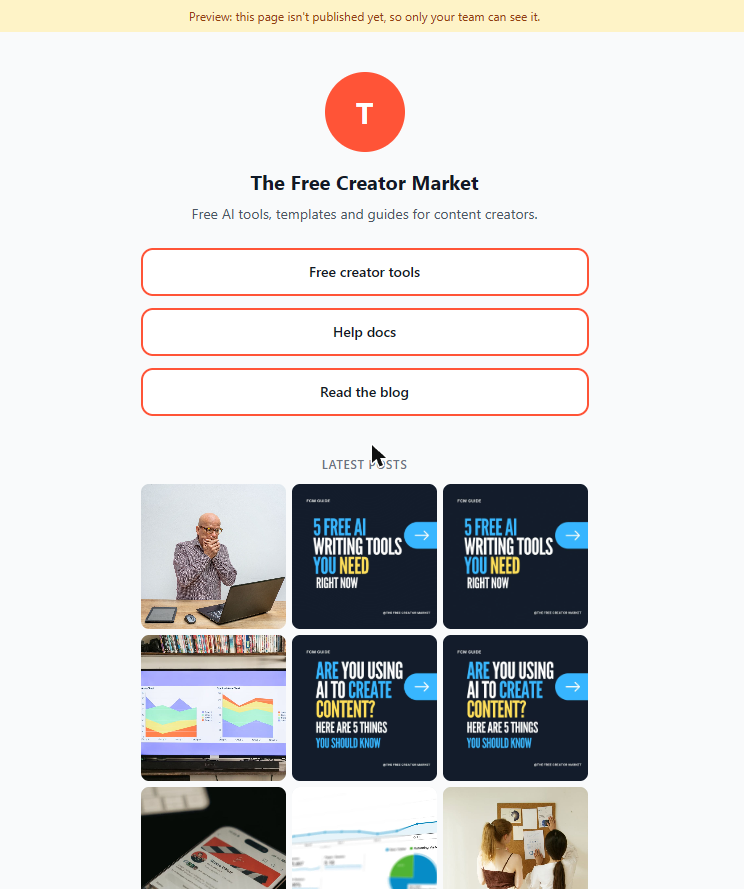
Click Preview to see the page. Until you publish, only your team can see it, with a yellow "Preview" banner at the top. Anyone else gets a "page not found".
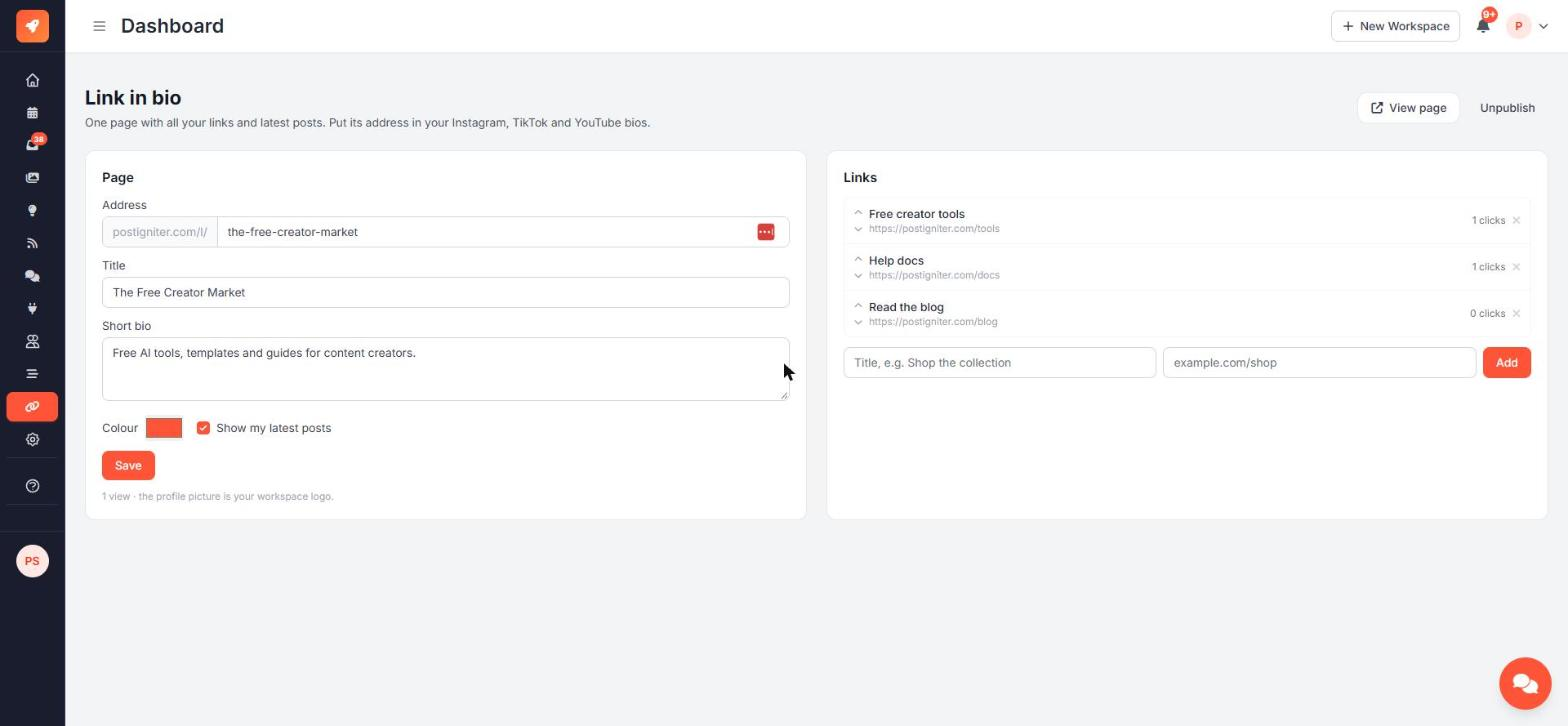
When you're happy, click Publish. The buttons change to View page and Unpublish.
Views and clicks
The editor shows how many times the page was viewed and how many clicks each link got.
Who can edit
Owners, admins and members can edit the page. Viewers can't.
The page and the AI
Once your page is live, the AI chat, Idea Lab and Autopilot know about it, so "link in bio" in a caption always points somewhere real.
Ask the AI chat:
- "Add a link to my link in bio: Shop the collection → example.com/shop"
- "Remove the blog link from my link in bio"