
What It Does
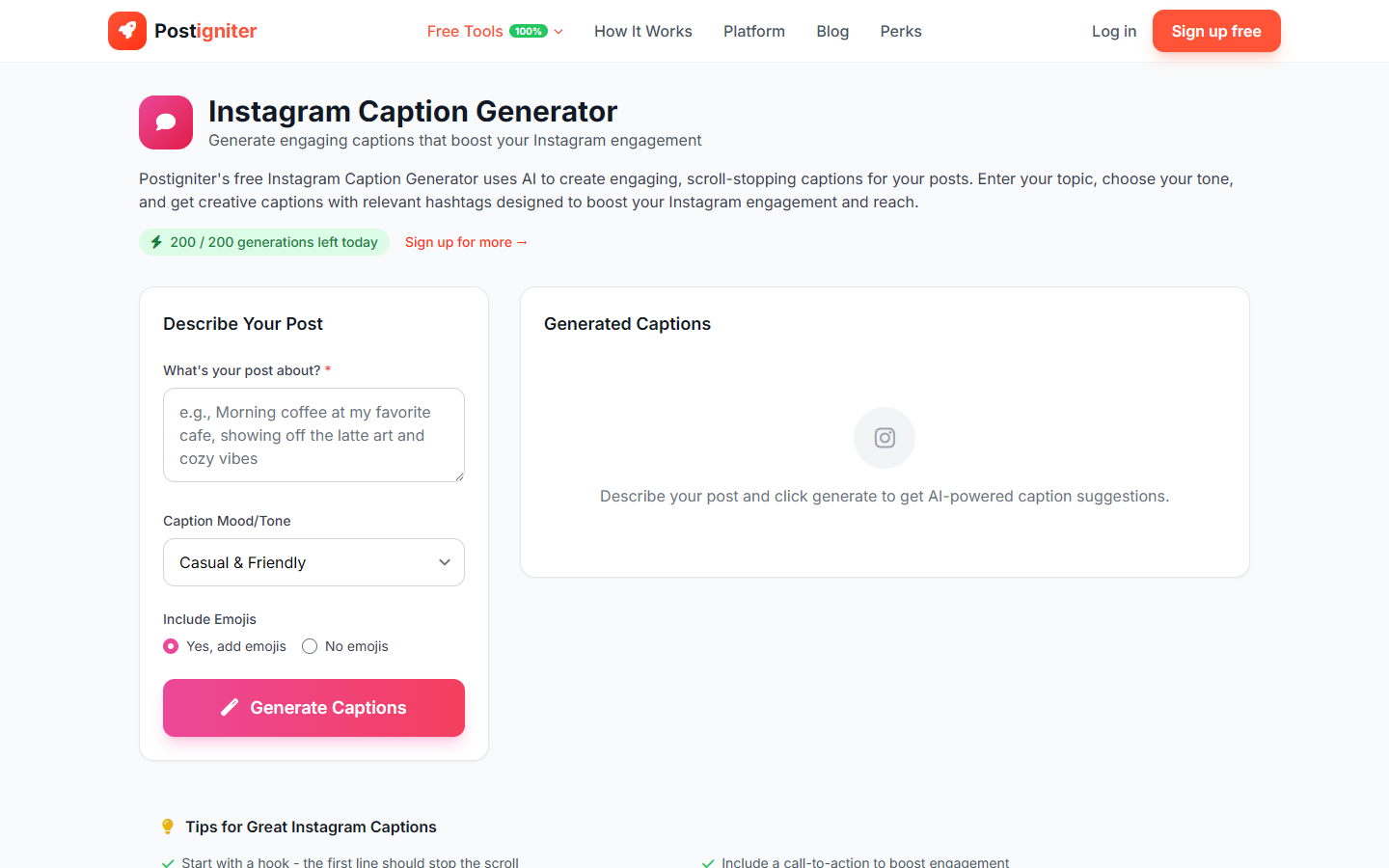
The Instagram Caption Generator creates scroll-stopping captions for your Instagram posts. You describe what your post is about, choose a mood, and the AI produces multiple caption options ready to copy and post.
How to Use It
- Enter your topic — Describe what your post is about. It could be a photo, a product, an event, or a feeling (e.g., "morning coffee at my desk," "new collection launch," "sunset hike in the mountains").
- Choose a mood — Select the tone that matches your brand voice:
- Casual — Relaxed and conversational
- Professional — Polished and credible
- Funny — Humorous and light-hearted
- Inspirational — Uplifting and motivational
- Educational — Informative and helpful
- Storytelling — Narrative-driven and personal
- Include emojis — Choose Yes or No depending on your style.
- Click Generate Captions.
Understanding the Results
You'll receive several caption options for the same topic and mood. Each caption is crafted at an appropriate length for Instagram (typically 125–300 characters for optimal engagement, though longer storytelling captions are included when the mood calls for it).
Copy any caption with one click and paste it directly into your Instagram post.
Tips for Best Results
- Include context about the visual. "A flat-lay of my desk setup with coffee and a notebook" gives better captions than "photo of my desk."
- Match mood to your content calendar. Use Inspirational for Monday motivation posts, Funny for meme-adjacent content.
- Toggle emojis off for professional brand accounts. Clean captions without emojis work better for B2B or luxury brands.
- Edit before posting. Add your specific product names, location tags, or personal touches after generating.