
What It Does
The Facebook Caption Generator creates platform-appropriate captions for Facebook posts. Facebook's algorithm rewards content that generates meaningful interactions — comments, shares, and reactions. This tool writes captions designed to start conversations and earn organic reach for your page or profile.
How to Use It
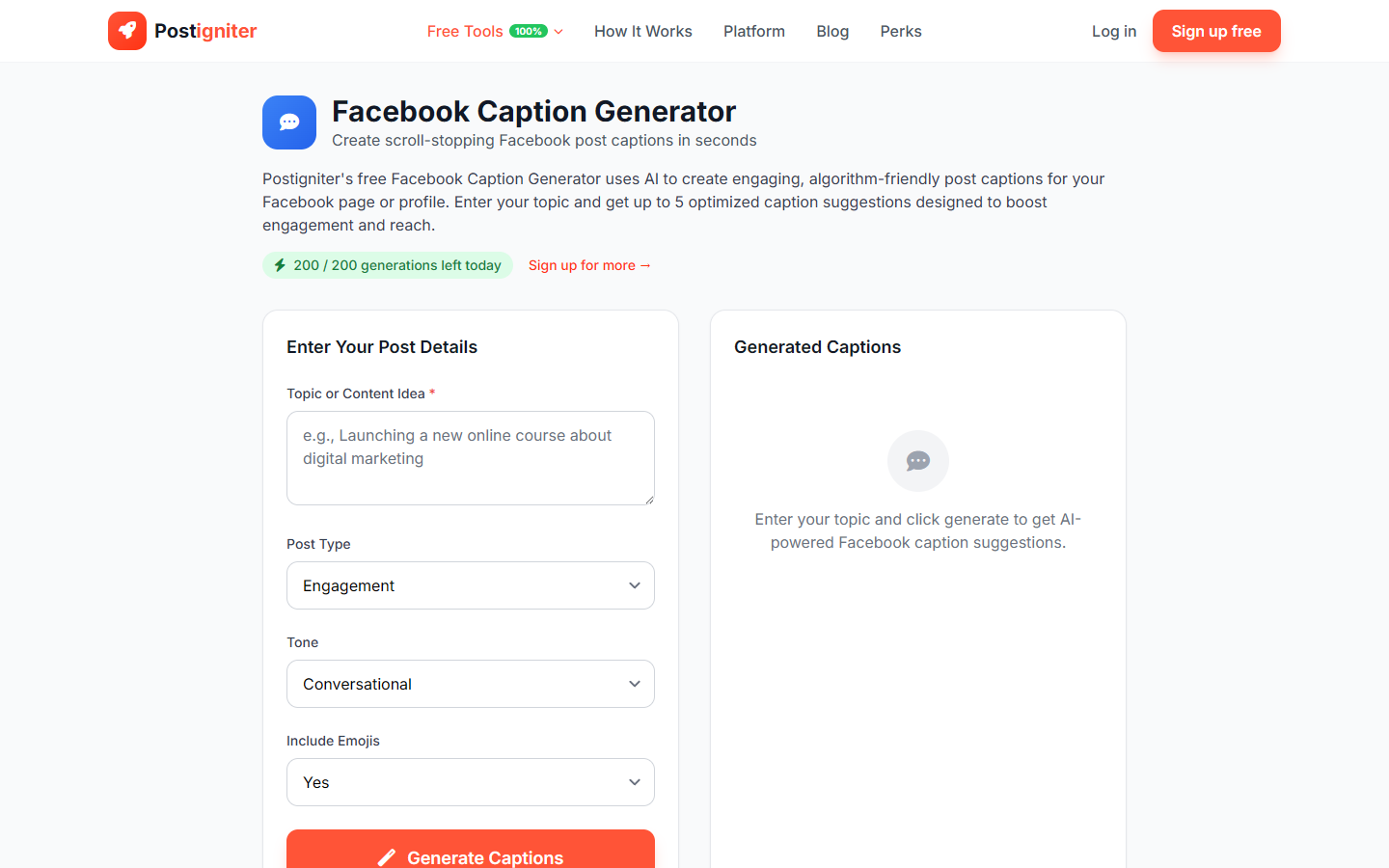
- Enter your topic — Describe what your post is about (e.g., "our new product launch," "a tip for small business owners," "throwback to last summer's team retreat").
- Choose a post type — Select the goal of your post:
- Engagement — Drive comments, reactions, and shares
- Informative — Share useful information or news with your audience
- Promotional — Showcase a product, service, or offer
- Storytelling — Personal or brand narrative
- Choose a tone — Select the voice:
- Conversational — Casual and friendly
- Professional — Polished for business pages
- Humorous — Light-hearted and fun
- Inspirational — Uplifting and motivational
- Include emojis — Choose Yes or No.
- Click Generate Captions.
Understanding the Results
You'll receive several caption options. Facebook allows longer-form captions than Instagram or Twitter — generated posts may be 2–4 short paragraphs, ending with a question or prompt to maximize comments.
Tips for Best Results
- End with a question. Facebook's algorithm heavily favors posts that receive comments — asking a direct question in your caption is the simplest way to trigger this.
- Conversational tone outperforms promotional for most pages. Audiences scroll past salesy content; they engage with relatable or interesting content.
- Include your location or local reference for community pages. Hyper-local content earns outsized engagement on Facebook.
- Post between 1–4 PM on weekdays when Facebook audiences are most active for organic reach.