
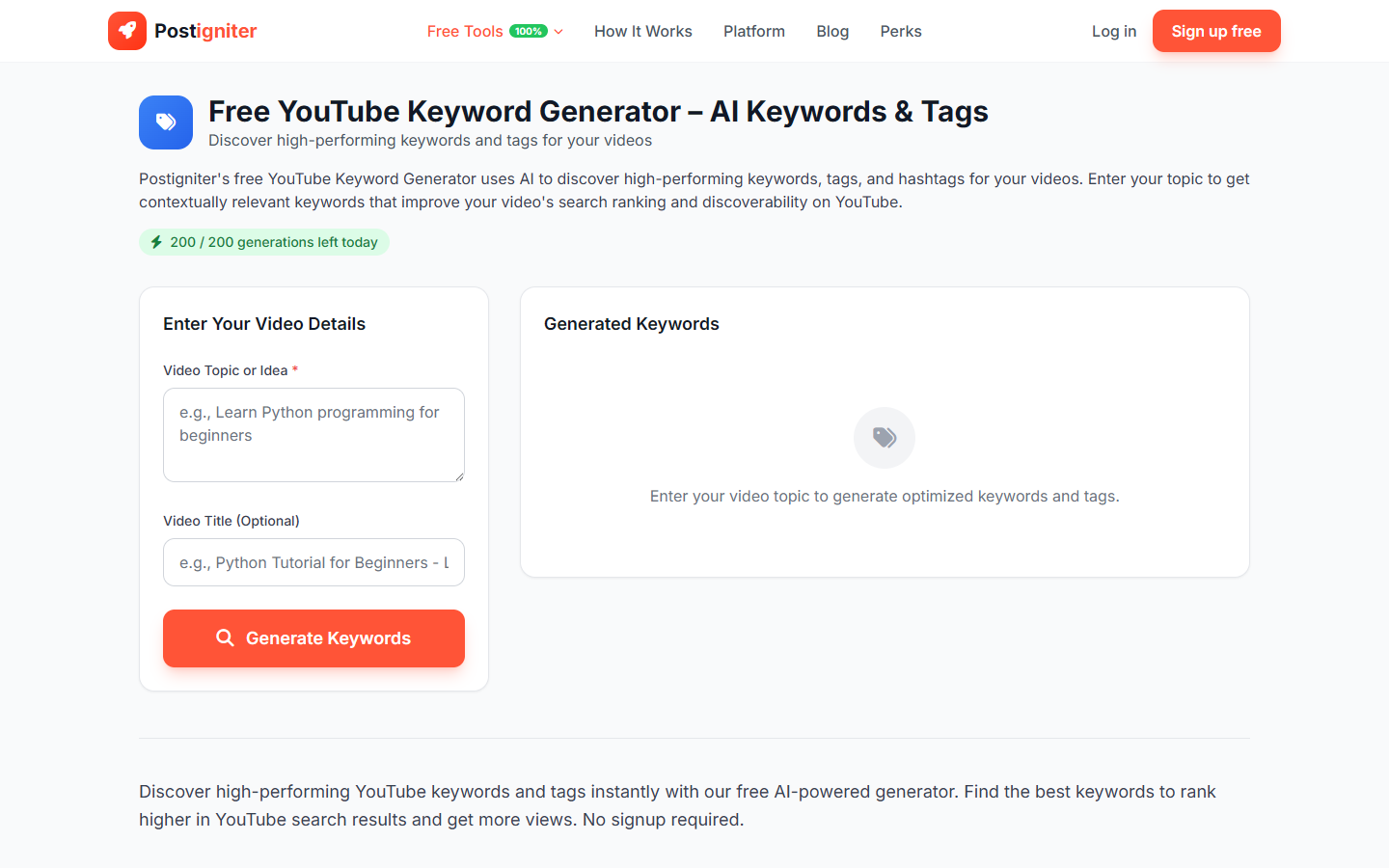
What It Does
The YouTube Keyword Generator uses AI to produce a targeted list of keywords and tags for your video. It covers primary keywords, long-tail variations, and related phrases that help your video surface in YouTube search and suggested feeds.
How to Use It
- Enter your video topic — Describe what your video is about. Be as specific as possible.
- Enter your video title (optional) — If you already have a title, paste it in. The AI uses it to generate keywords that are closely aligned with what you've already written.
- Click Generate Keywords.
Understanding the Results
You'll receive a set of keywords organized by type:
- Primary keywords — High-volume terms directly matching your topic
- Long-tail keywords — More specific phrases with lower competition and higher conversion intent
- Related tags — Broader and adjacent terms to help YouTube understand your video's context
Copy individual keywords or the full list to paste into YouTube Studio's Tags field. Each keyword can be copied with one click.
Tips for Best Results
- Include your niche in the topic. "vegan meal prep for beginners" gives more targeted keywords than "cooking."
- Add your title if you have one. The title anchors keyword selection to your actual phrasing, improving tag-to-title alignment.
- Use long-tail keywords in your description. Beyond YouTube tags, paste the long-tail keywords naturally into your video description for additional SEO value.
- Regenerate for variety. Run the generator two or three times on the same topic and combine the best keywords from each set.