
What It Does
The TikTok Script Generator writes a complete, ready-to-film script for a TikTok video. It structures your content with a scroll-stopping hook, a tight middle section, and a clear call-to-action — formatted for the specific video length you're targeting.
How to Use It
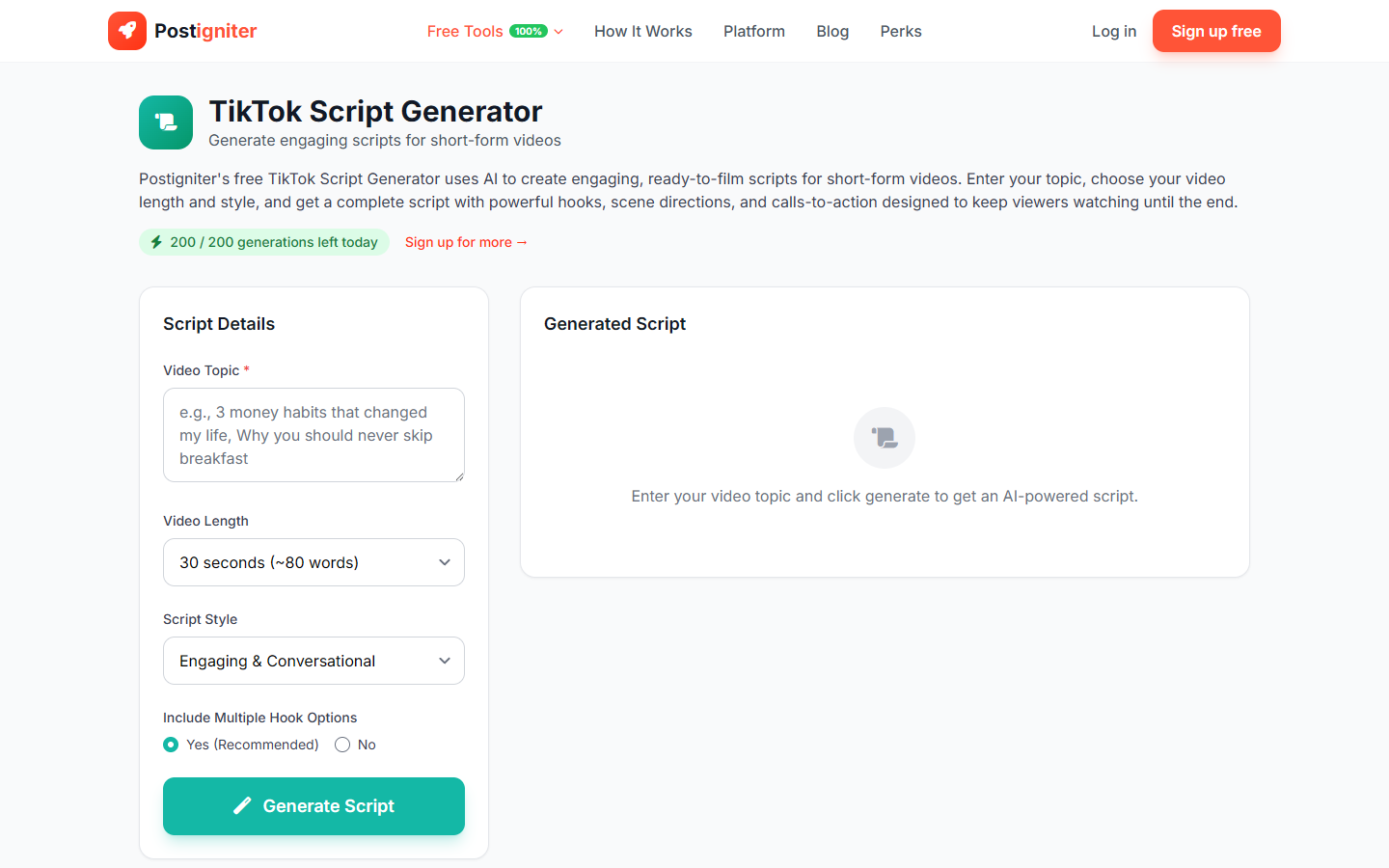
- Enter your video topic — Describe what your video is about (e.g., "3 mistakes people make when saving money," "how I meal-prepped for a week in 2 hours," "why your skincare routine isn't working").
- Choose video length — Select the target duration:
- 15 seconds — Ultra-tight, hook-only or one-tip format
- 30 seconds — Standard short-form with hook + value + CTA
- 60 seconds — Full explainer or multi-step tutorial
- 90 seconds — In-depth storytelling or detailed how-to
- Choose a style — Select the delivery format:
- Engaging — Dynamic, high-energy presentation
- Educational — Clear and structured teaching
- Funny — Comedy-driven with punchlines and timing notes
- Dramatic — Story tension and emotional build
- Casual — Relaxed talking-head style
- Include hooks — Choose Yes to have the AI generate an attention-grabbing opening line and visual hook direction, or No for a clean script body only.
- Click Generate Script.
Understanding the Results
The output is a formatted script with clearly labeled sections: Hook, Body (with beat-by-beat pacing notes), and CTA. Timing notes are included to help you hit the target duration.
Tips for Best Results
- Nail down your topic before generating. The more specific the topic, the tighter the script.
- Enable hooks for better performance. The opening 2 seconds determine if TikTok keeps showing your video — don't skip the hook.
- Use 30-second scripts for most content. The 30-second format aligns with peak TikTok completion rates.
- Read the script aloud before filming. Scripts at 60–90 seconds can feel long when read out — trim any section that feels forced.