
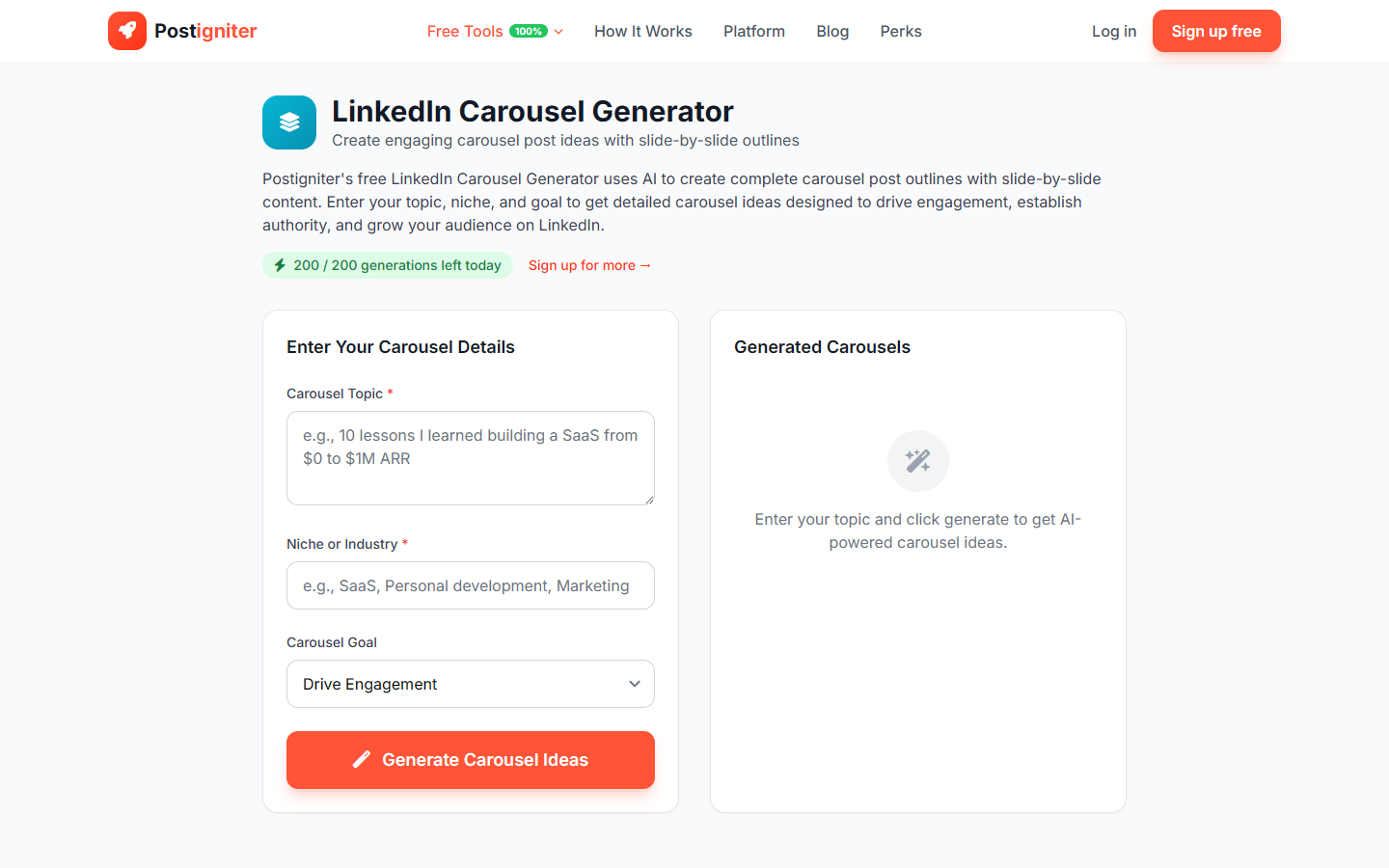
What It Does
The LinkedIn Carousel Idea Generator produces structured concepts for LinkedIn document posts (commonly called "carousels"). LinkedIn carousels consistently generate 3–5x more reach than regular text posts — this tool gives you a pipeline of carousel ideas tailored to your niche and growth goal.
How to Use It
- Enter your topic — Describe the subject area you want to create carousels about (e.g., "negotiating your salary," "how to build a personal brand on LinkedIn," "product management frameworks every PM should know").
- Enter your niche — Specify your industry or professional domain (e.g., "HR and recruitment," "SaaS product management," "financial services"). This is required and ensures ideas are targeted to your audience.
- Choose a goal — Select what you want each carousel to achieve:
- Engagement — Maximize comments and shares
- Leads — Generate inbound interest in your services or products
- Authority — Establish you as a recognized expert in your field
- Viral — Optimize for maximum reach and saves
- Click Generate Carousels.
Understanding the Results
Each idea includes a carousel title, a slide outline (key points per slide), and a suggested hook for the cover slide. You'll receive multiple distinct concepts per generation, giving you a content bank to work from.
Tips for Best Results
- The cover slide is your headline. The ideas generated include strong cover hooks — treat them as non-negotiable; weak covers kill reach.
- Leads-focused carousels should end with a CTA to your services page, DM invitation, or newsletter. The generator builds this in — add your specific links after.
- Design matters on LinkedIn. Use the carousel concepts with a Canva LinkedIn document template for a consistent, professional look.
- Repurpose your best carousels. A high-performing LinkedIn carousel can become a blog post, Instagram carousel, or YouTube explainer with minimal rework.