
What It Does
The YouTube Description Generator produces a full, structured video description — including an intro paragraph, timestamps placeholder, keywords, and a call-to-action. It's designed for creators who want descriptions that help videos rank in YouTube search without spending time writing from scratch.
How to Use It
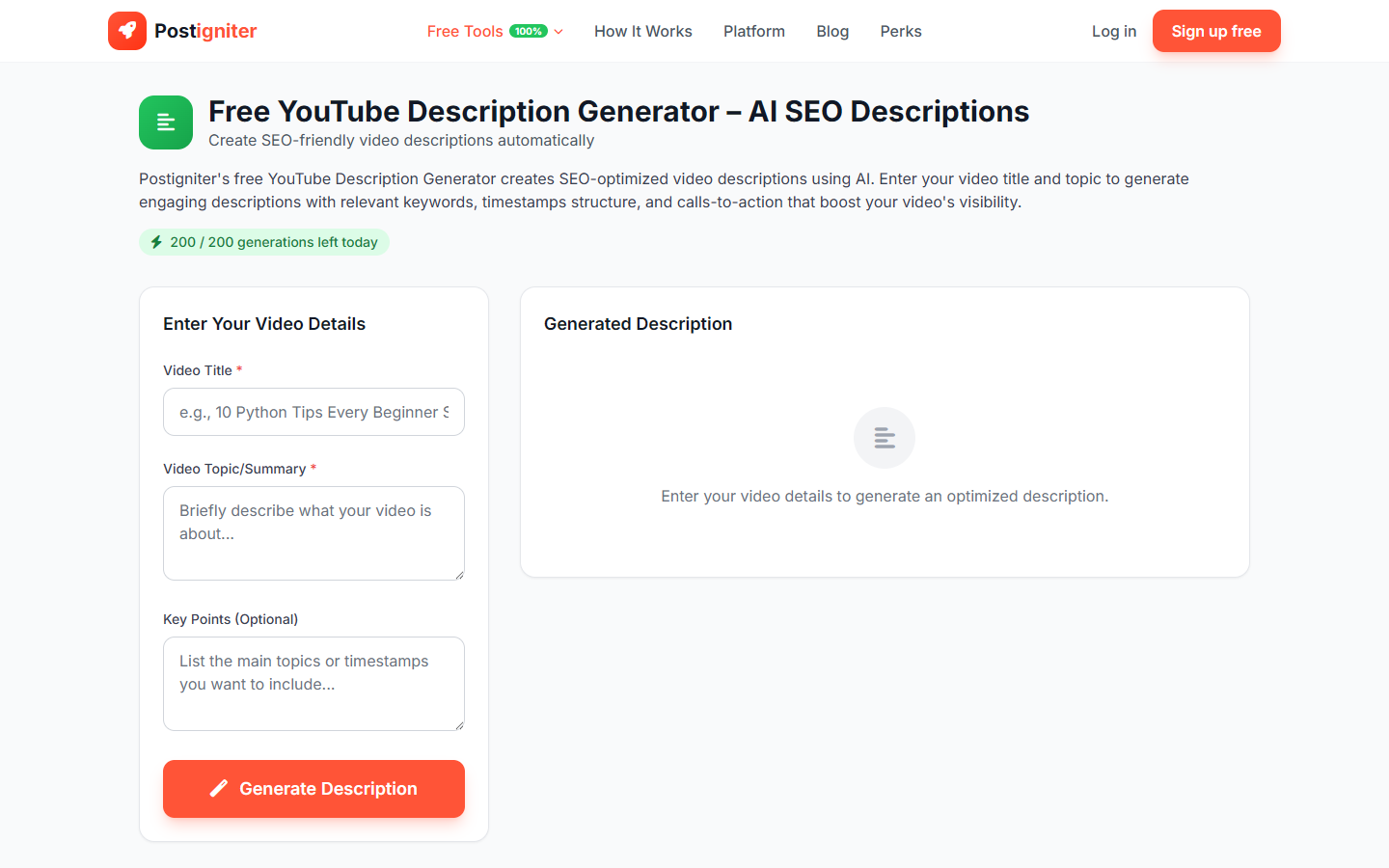
- Enter your video title — Paste or type the title of the video you're writing a description for. This anchors the AI to the right context.
- Enter your video topic — Describe what the video covers. The more detail you provide here, the more accurate the description will be.
- Add key points (optional) — List the main points, sections, or talking points from your video. Separate them with commas or new lines. This helps the AI accurately reflect your actual content.
- Click Generate Description.
Understanding the Results
The generated description typically includes:
- An opening paragraph that introduces the video and naturally incorporates keywords
- A summary of what viewers will learn or see
- A timestamps section you can fill in with your actual timecodes
- Relevant hashtags and keywords placed naturally
- A closing call-to-action (subscribe, follow, visit links)
Use the Copy button to copy the full description to your clipboard, then paste it into YouTube Studio.
Tips for Best Results
- Paste your actual video title. The description is optimized around the title, so using the exact title you'll publish ensures keyword alignment.
- Include 3–5 key points. Listing what you cover in the video gives the AI concrete content to reference rather than generating generic filler.
- Edit the timestamps section. The AI includes a placeholder — fill it in with real timecodes after uploading your video.
- Customize the CTA. The generated call-to-action is a starting point; update it with your actual links (subscribe button, merch, Patreon, etc.).