
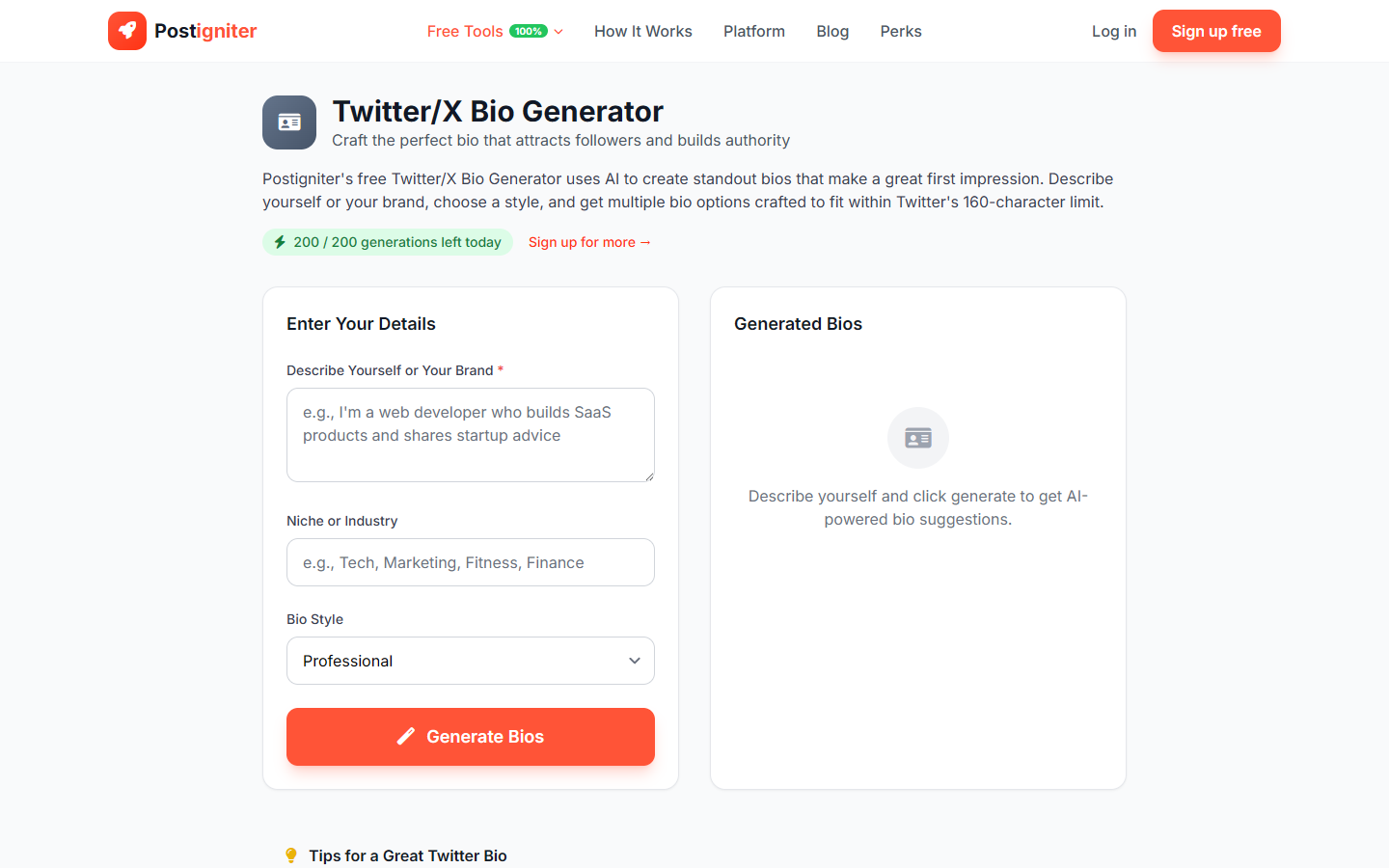
What It Does
The Twitter Bio Generator writes concise, profile-optimized bios for X (formerly Twitter). Twitter's 160-character bio limit demands precision — the tool distills your identity, expertise, and value into a bio that earns follows and communicates credibility at a glance.
How to Use It
- Describe yourself or your brand — Write a few sentences about who you are, what you do, and what you talk about on X. This is your input — the tool condenses it into a bio.
- Enter your niche (optional) — Add your content category or area of expertise (e.g., "growth marketing," "climate tech," "personal productivity"). This sharpens the bio's positioning.
- Choose a bio style — Select the tone that fits your X presence:
- Professional — Credential-forward and authoritative
- Witty — Personality-driven with humor or wordplay
- Minimal — Stripped to the essentials with no filler
- Authority — Positions you as a recognized expert or leader
- Click Generate Bios.
Understanding the Results
You'll receive multiple bio options, each formatted to fit within 160 characters. Bios include a core identity statement, a credibility signal or value proposition, and optionally a personality touch depending on your chosen style.
Tips for Best Results
- Include one concrete achievement or credential. "Helped 50+ SaaS companies grow to $1M ARR" lands stronger than "marketing consultant."
- The Witty style works best if your X content is already conversational. Match your bio tone to your posting voice.
- Add what you tweet about. Bios that signal content type ("I tweet about…" or "Sharing daily lessons on…") convert browsers to followers more effectively.
- Update your bio as your positioning evolves. Re-run the tool every 6–12 months as your niche or role changes.