
What It Does
The TikTok Caption Generator writes short, punchy captions optimized for the platform. TikTok captions are limited to 2,200 characters but most high-performing captions are much shorter — the tool generates captions calibrated for TikTok's style: direct, curious-gap-inducing, and CTA-driven.
How to Use It
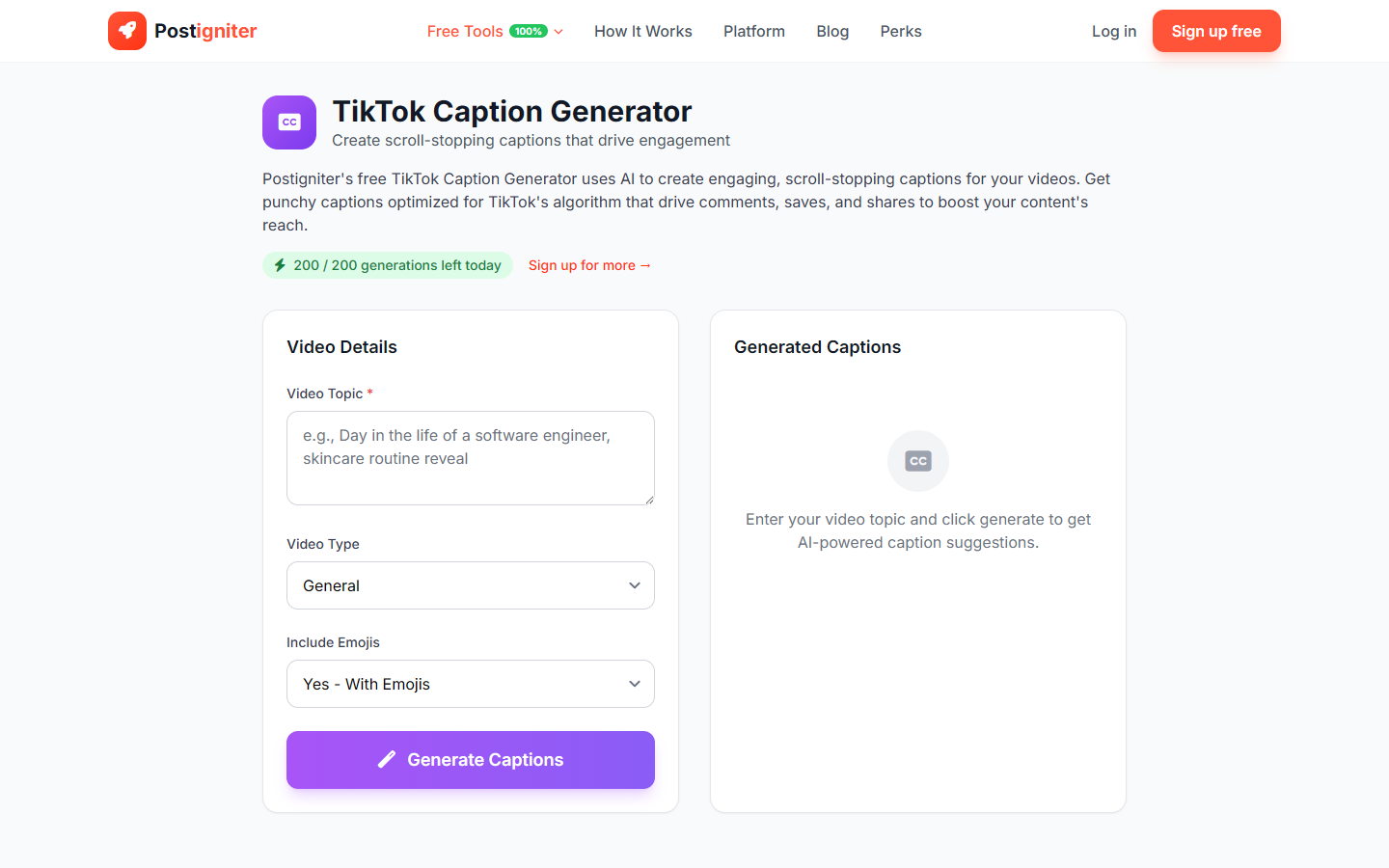
- Enter your topic — Describe what your video is about (e.g., "I tried eating only $25 of groceries for a week," "quick 10-minute abs workout," "rating tourist trap restaurants in my city").
- Choose your video type — Select the format that best describes your video:
- General — Broad content with no specific format constraints
- Tutorial — Step-by-step instructional content
- Comedy — Humor-driven or skits
- Trend — Following a trending audio, challenge, or format
- Storytime — Personal narrative or experience-sharing
- Review — Product, place, or experience review
- Include emojis — Choose Yes or No based on your caption style.
- Click Generate Captions.
Understanding the Results
You'll receive several caption variations for your video. Each is formatted with a hook opening, relevant context, and a comment-driving question or CTA at the end — a proven structure for TikTok engagement.
Tips for Best Results
- Keep it conversational. TikTok captions that read like a real person wrote them in 30 seconds outperform polished marketing copy.
- End with a question. Captions ending with "what do you think?" or "have you tried this?" consistently drive more comments.
- Match your caption energy to your video energy. A high-energy tutorial needs a punchy caption; a reflective storytime needs a softer one.
- Test multiple variations. Different opening hooks attract different viewers — run A/B experiments with your posting schedule.