
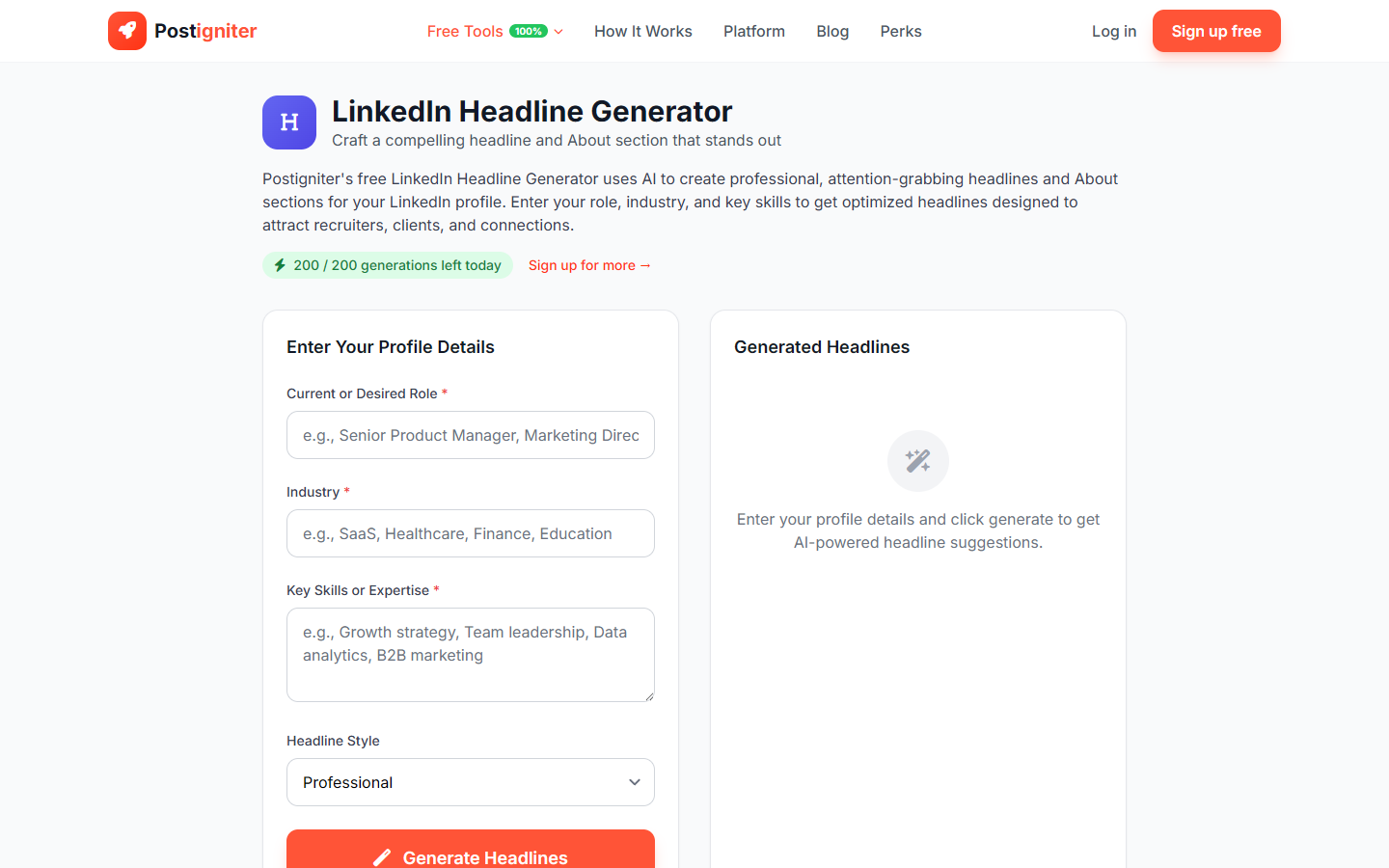
What It Does
The LinkedIn Headline Generator creates compelling profile headlines for your LinkedIn account. Your headline is the most visible text on your profile — it appears in search results, connection requests, and comment sections. The tool generates headline options plus an optional summary snippet to help you stand out in a crowded professional space.
How to Use It
- Enter your role — Enter your current or target job title (e.g., "Product Manager," "Freelance Copywriter," "Software Engineer," "Marketing Director").
- Enter your industry — Specify the sector or domain (e.g., "fintech," "healthcare SaaS," "fashion e-commerce," "climate tech").
- Enter your key skills — List the most important skills, tools, or outcomes you want your profile to emphasize (e.g., "growth marketing, SEO, content strategy, 0-to-1 product launches").
- Choose a style — Select the positioning approach:
- Professional — Title + value proposition + key skill
- Creative — More expressive and personality-forward
- Results-Driven — Leads with measurable outcomes or impact
- Mission-Driven — Positions you around your professional purpose
- Click Generate Headlines.
Understanding the Results
You'll receive multiple headline options and a supporting summary snippet. Headlines are formatted within LinkedIn's 220-character limit and written to rank in LinkedIn's internal search while reading naturally to human visitors.
Tips for Best Results
- Include keywords recruiters or clients actually search for. "Growth Marketer | SEO & Content | B2B SaaS" is searchable; "Helping brands grow" is not.
- Results-Driven style works best for sales, marketing, and operations roles where impact is quantifiable.
- Add specific numbers to the headlines after generating ("scaled content to 500k monthly visits" beats "scaled content significantly").
- Update your headline when your goals change. A job-seeker's headline differs from an inbound-focused consultant's.