
What It Does
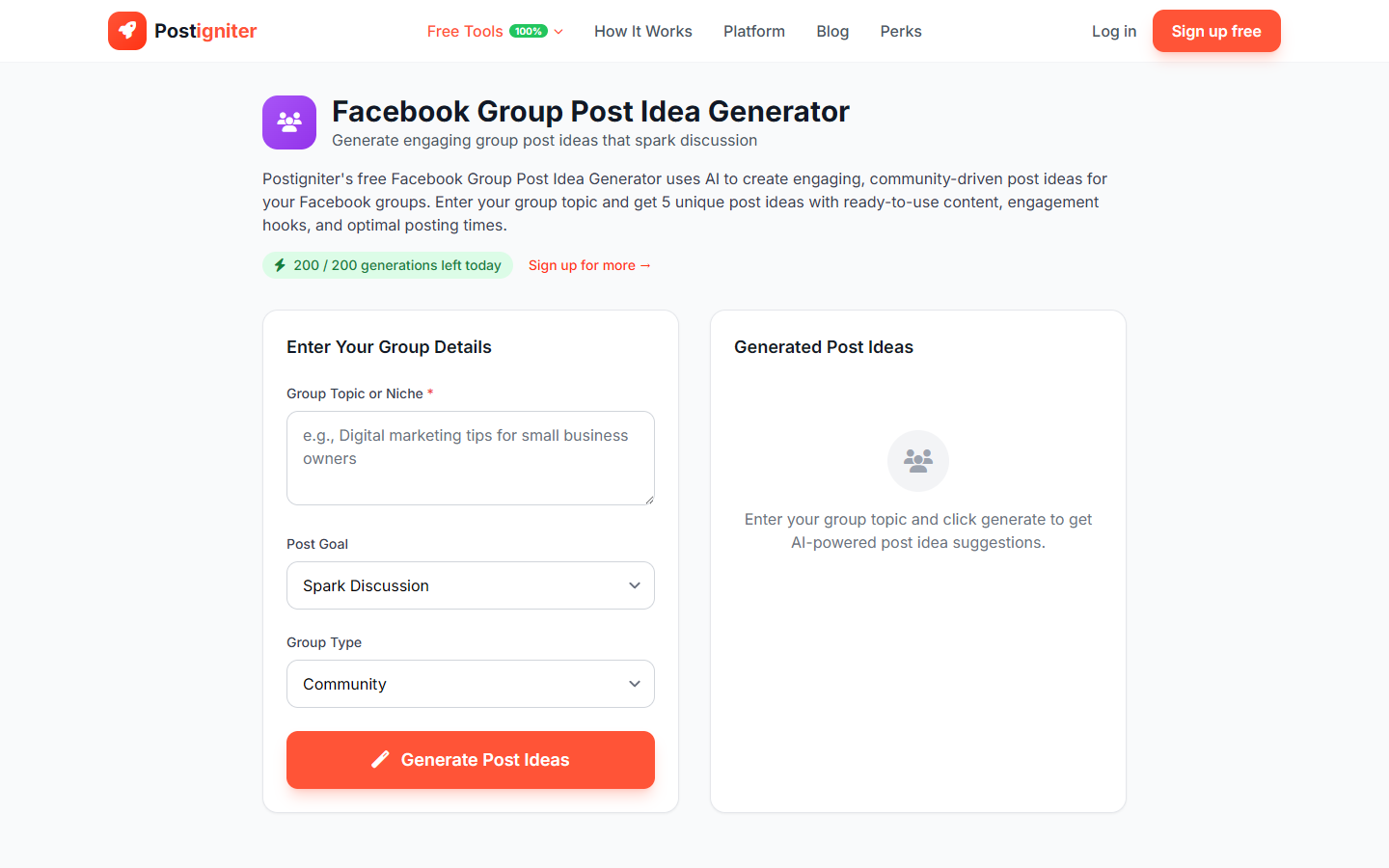
The Facebook Group Post Idea Generator creates post ideas designed specifically for Facebook Groups. Group content has different dynamics than page content — it needs to feel like it belongs to a community, not a brand broadcast. The tool generates ideas calibrated to the type of group and what kind of interaction you want to spark.
How to Use It
- Enter your group topic — Describe what your Facebook Group is about (e.g., "home gardening," "remote work for digital nomads," "first-time entrepreneurs," "anxiety support for parents").
- Choose a post goal — Select what you want each post idea to achieve:
- Discussion — Open-ended questions and debate starters
- Engagement — Reactions, polls, and interactive formats
- Value — Sharing tips, resources, or knowledge the group finds genuinely useful
- Community — Posts that build connection and belonging among members
- Choose group type — Select the community context:
- Community — Interest-based group around a shared hobby or lifestyle
- Professional — Industry or career-focused group
- Hobby — Enthusiast group around a specific activity
- Business — Customer, partner, or brand community
- Support — Emotional support or peer-help focused group
- Click Generate Ideas.
Understanding the Results
Each idea includes a post concept, a suggested opening question or prompt, and a note on the format (poll, text post, photo challenge, etc.). You'll receive multiple ideas per generation, enough to plan a full week of group content.
Tips for Best Results
- Post daily in active groups. Groups require consistent activity to stay visible in members' feeds — use generated ideas to maintain a posting cadence.
- Discussion and Community goals drive retention best. Value posts attract new members; Discussion and Community posts keep them.
- Pin your best-performing post ideas. If a discussion post gets exceptional engagement, pin it so new members see it first.
- Personalize each idea with your group's specific language. The AI gives you the structure; your group's unique culture makes it land.