
What It Does
The Instagram Bio Generator creates polished, concise bios for personal profiles and brand accounts. Instagram gives you 150 characters for your bio — the AI makes every character count, communicating who you are, what you do, and why people should follow you.
How to Use It
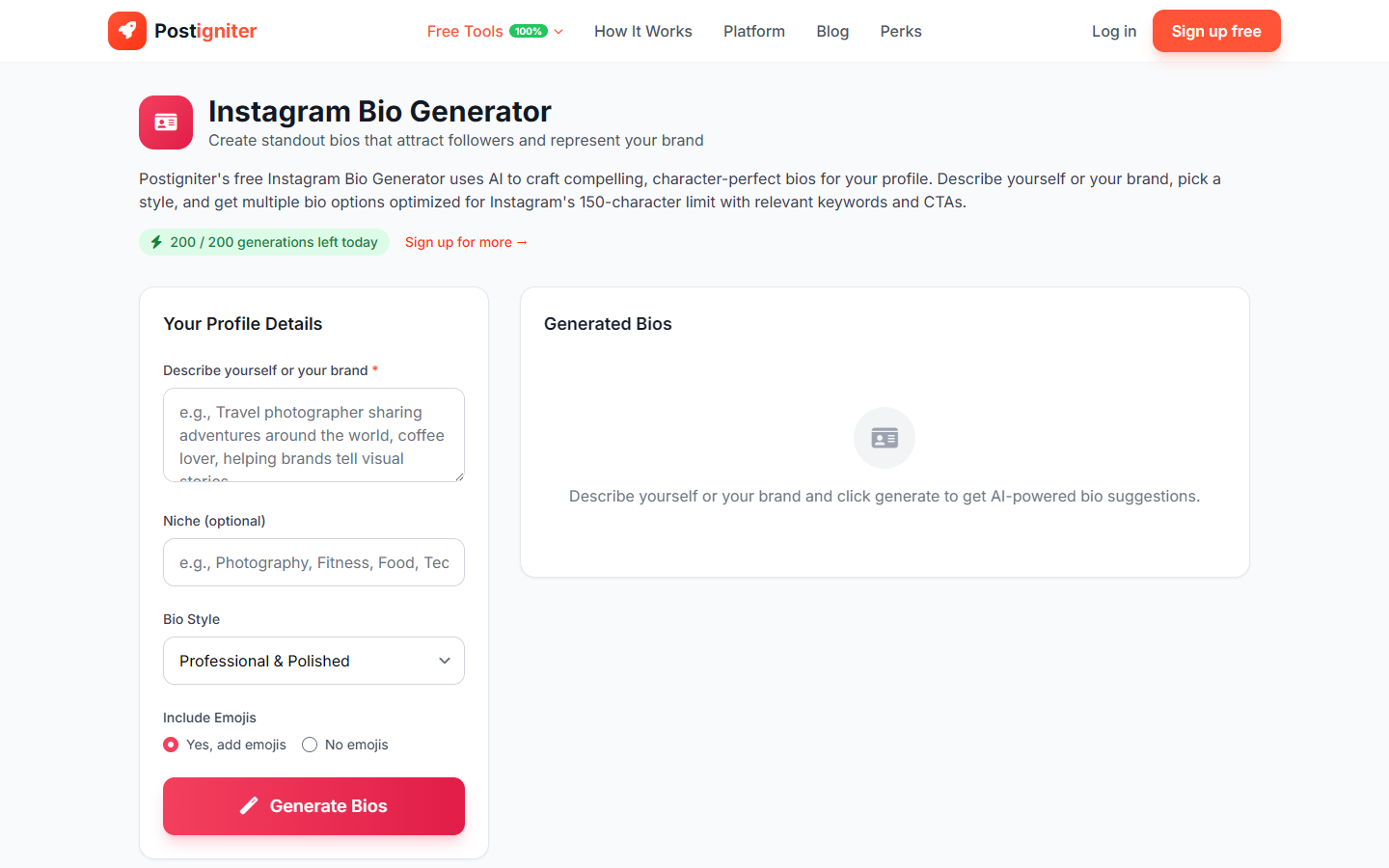
- Describe yourself or your brand — Write a few sentences about who you are, what you create, or what your brand does. Don't worry about length — this is just your input, not the output.
- Enter your niche (optional) — Add your content category or industry (e.g., "travel photography," "e-commerce consulting," "mental health advocacy").
- Choose a bio style — Select the tone and format:
- Professional — Authoritative, credential-forward
- Creative — Expressive, personality-driven
- Minimal — Clean and punchy, stripped to essentials
- Brand — Business-focused, benefit-oriented
- Include emojis — Choose Yes or No based on your profile aesthetic.
- Click Generate Bios.
Understanding the Results
You'll receive multiple bio variations, each formatted to fit within Instagram's 150-character limit. Bios typically include: who you are, what value you offer, and a light call-to-action or niche signal.
Tips for Best Results
- Include your value proposition in the description. "I help first-time homebuyers navigate the mortgage process without stress" generates a better bio than "real estate agent."
- Mention specific achievements if relevant (e.g., "10k+ students taught," "featured in Forbes") — the AI incorporates them naturally.
- Try all four styles. A Minimal bio and a Brand bio for the same input are often very different — see which resonates with your audience.
- Add your link-in-bio CTA manually. Customize the generated bio's CTA line with your actual Linktree or landing page description.