
What It Does
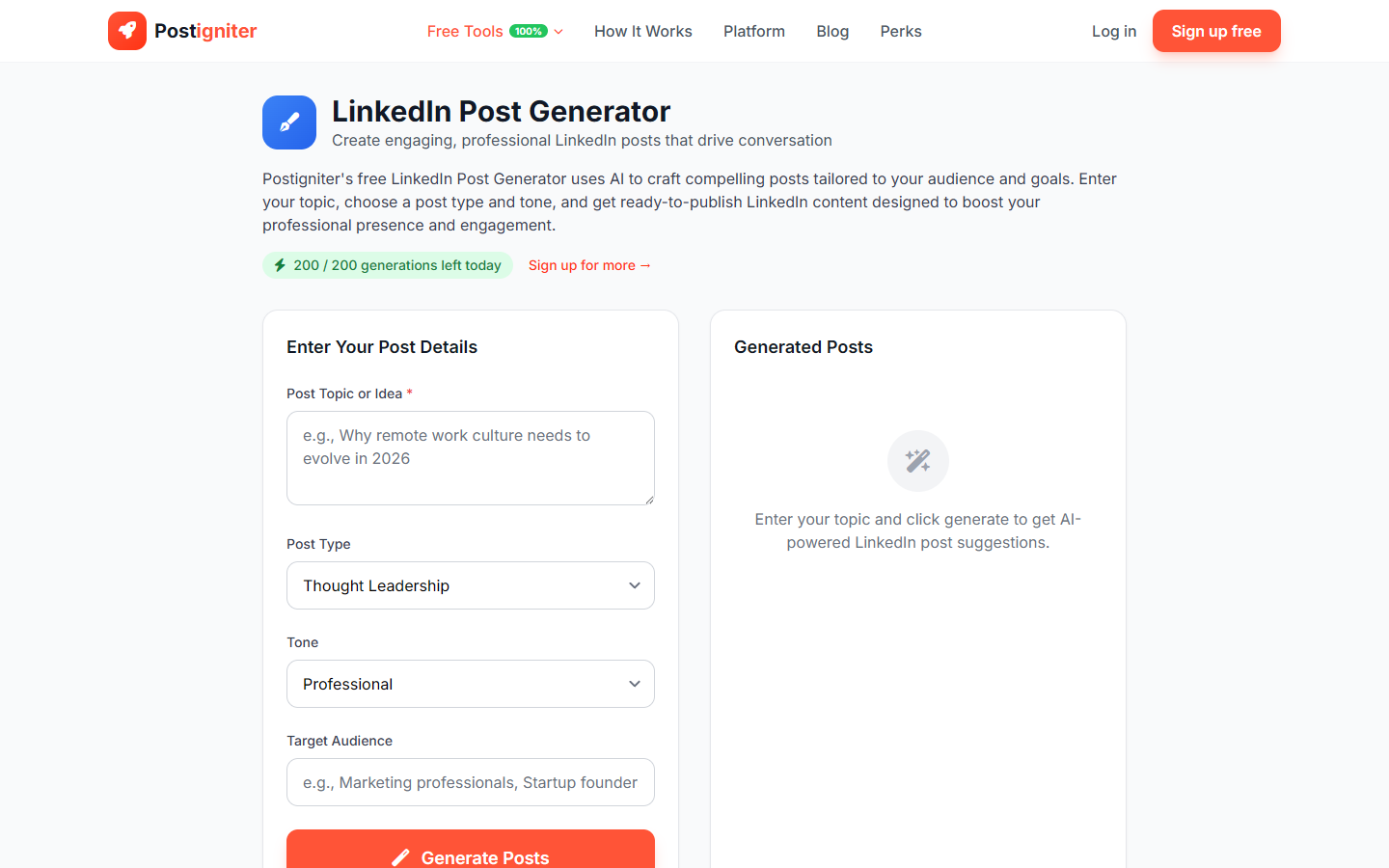
The LinkedIn Post Generator creates full-length LinkedIn posts optimized for the platform's unique algorithm and professional audience. LinkedIn rewards posts that generate comments and dwell time — this tool writes posts structured to do both, across a variety of content formats suited to professional content.
How to Use It
- Enter your topic — Describe what you want to post about (e.g., "the mistake I made in my first management role," "why I turned down a 50% salary increase," "3 things every developer should learn before their first job").
- Choose a post type — Select the format:
- Thought Leadership — Shares a unique perspective or contrarian take on industry topics
- Personal Story — First-person narrative with a professional lesson
- How-To — Practical, actionable guidance on a specific skill or process
- Hot Take — Bold opinion designed to spark discussion
- Celebration — Milestone acknowledgment (promotion, launch, company win)
- Choose a tone — Select the writing register:
- Professional — Polished and credible
- Conversational — Accessible and approachable
- Inspirational — Uplifting and motivating
- Authoritative — Expert-positioned with depth
- Enter target audience (optional) — Specify who you're writing for to calibrate examples and vocabulary.
- Click Generate Posts.
Understanding the Results
Posts follow LinkedIn's proven structure: a hook (first 2–3 lines before "See more"), a substantive body, and a discussion-driving question at the end. White space and short paragraphs are used throughout to improve mobile readability.
Tips for Best Results
- Personal Story posts typically have the highest reach on LinkedIn — authenticity outperforms polish.
- The hook appears before "See more." Make it count — it determines whether someone expands your post.
- End with a specific question, not a generic "What do you think?" Ask something your audience has a genuine opinion on.
- Post Tuesday–Thursday between 7–9am or 12–2pm for peak professional audience visibility.