
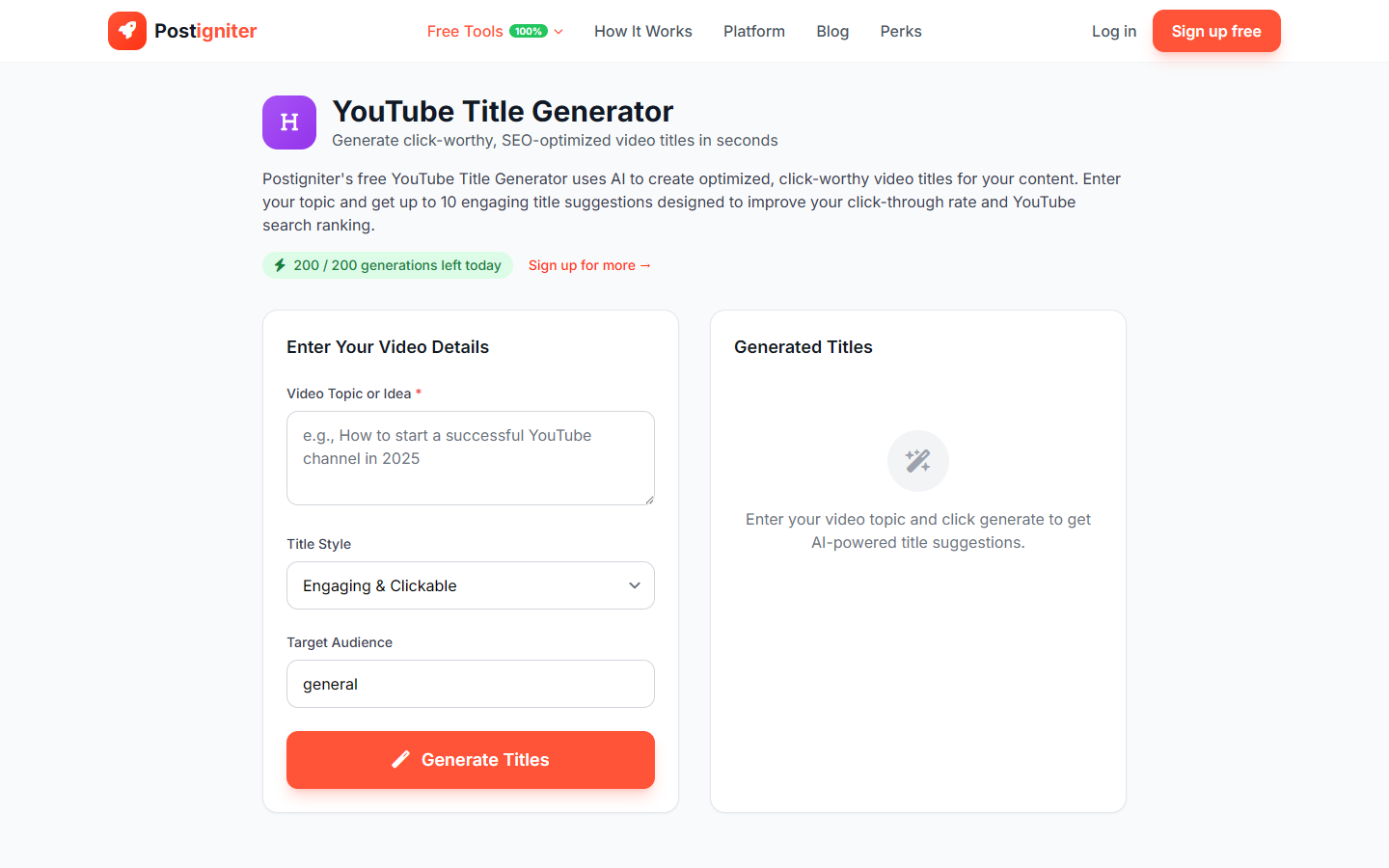
What It Does
The YouTube Title Generator uses AI to create 10 compelling video title options from your topic, style preference, and target audience. It's built for YouTubers who want titles that attract clicks while staying optimized for YouTube search.
How to Use It
- Enter your video topic — Describe what your video is about. Be specific: "how to grow tomatoes in containers" works better than "gardening."
- Choose a title style — Pick from six options:
- Engaging — Broad appeal, designed to drive clicks
- Educational — Clear and informative ("How to…", "What is…")
- Entertaining — Fun and personality-driven
- Controversial — Opinion-led for high-debate topics
- How-To — Step-by-step format
- Listicle — Numbered list format ("7 Ways to…")
- Set your target audience — Enter who you're making this video for (e.g., "beginner photographers" or "small business owners"). Defaults to "general" if left blank.
- Click Generate Titles.
Understanding the Results
You'll receive 10 title suggestions tailored to your style and audience. Each title can be copied individually with one click. You can also save the generation to your history (requires a free account).
If a title isn't quite right, adjust your topic description or switch style and click Generate again — each run produces a fresh set.
Tips for Best Results
- Be specific with your topic. "Best budget gaming laptops under $500 for college students" gives better titles than "laptops."
- Match style to your channel tone. If your channel is casual and funny, choose Entertaining rather than Educational.
- Name your actual audience. "Parents of toddlers" outperforms "general" — the AI will tailor phrasing, urgency, and emotional hooks.
- Test multiple styles. Run the same topic with different styles to compare options before committing.