
What It Does
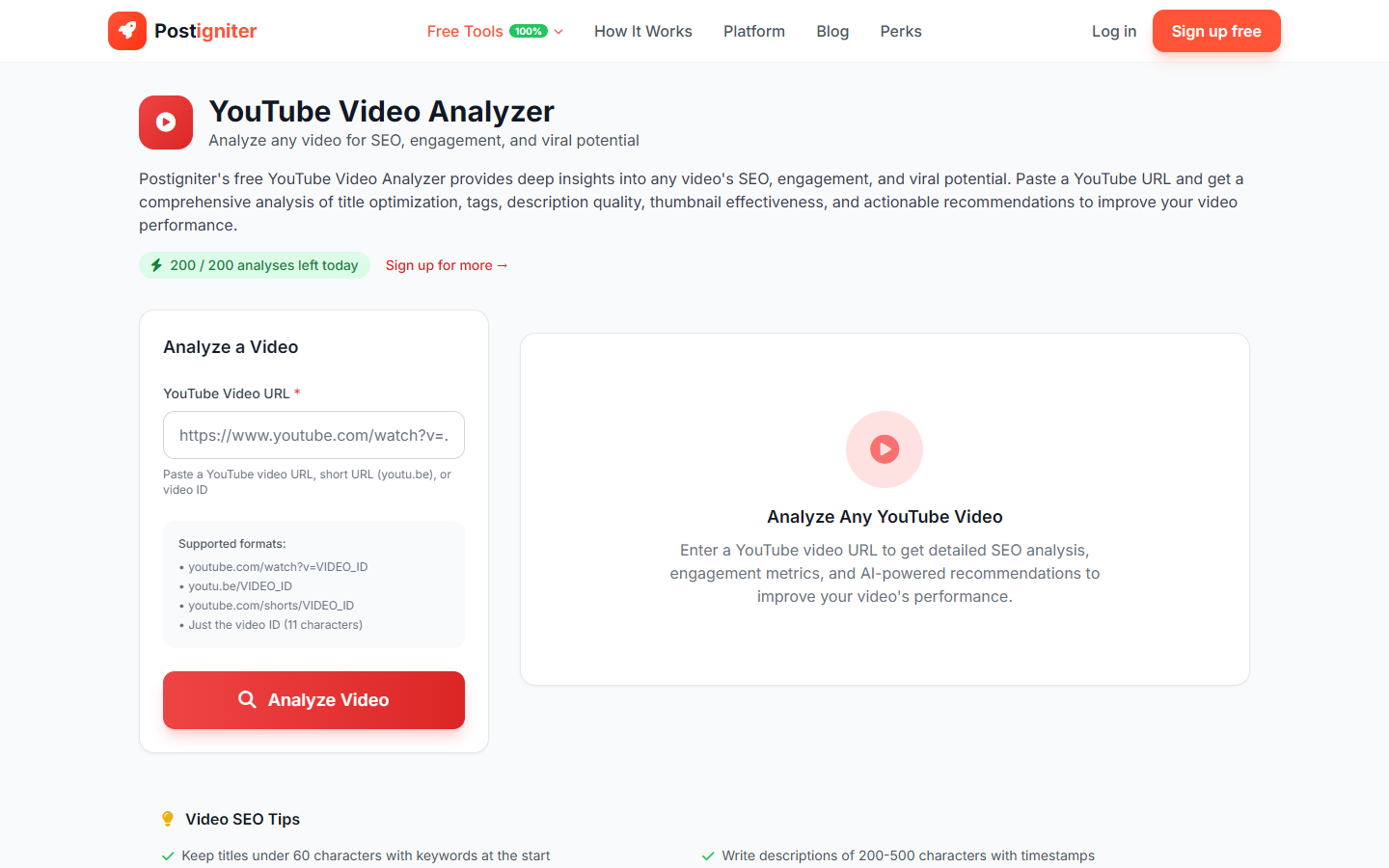
The YouTube Video Analyzer examines a single YouTube video in depth — evaluating its title, description, tags, thumbnail signals, engagement metrics, and SEO optimization. It returns an actionable breakdown of what's working and where improvements can boost views and watch time.
Use it to audit your own videos, study top-performing competitor videos, or validate a video's optimization before publishing.
How to Use It
- Enter the video URL or ID — Supported formats:
- Full URL:
https://www.youtube.com/watch?v=VIDEO_ID - Shortened:
https://youtu.be/VIDEO_ID - Video ID alone:
dQw4w9WgXcQ
- Full URL:
- Click Analyze Video.
Understanding the Results
The analysis covers:
- Video stats — View count, like count, comment count, publish date, duration
- Title analysis — Length check, keyword placement, emotional trigger assessment, click-worthiness score
- Description quality — Keyword density, CTA presence, link usage, timestamps
- Tag analysis — Tag count, relevance, coverage of short and long-tail terms
- Engagement rate — Likes-to-views and comments-to-views ratios, benchmarked against similar videos
- Optimization score — An overall score with specific recommendations for improvement
- AI recommendations — Specific, actionable suggestions for each underperforming area
Tips for Best Results
- Analyze videos in your niche that rank on the first page to reverse-engineer what YouTube's algorithm is rewarding.
- Re-analyze your own older videos — even small description or title tweaks on established videos can revive traffic.
- Pay attention to the tag analysis. Missing long-tail tags is one of the most common and easiest-to-fix SEO gaps.
- Compare two similar videos — analyze one that performs well and one that underperforms to identify the specific differences.