
What It Does
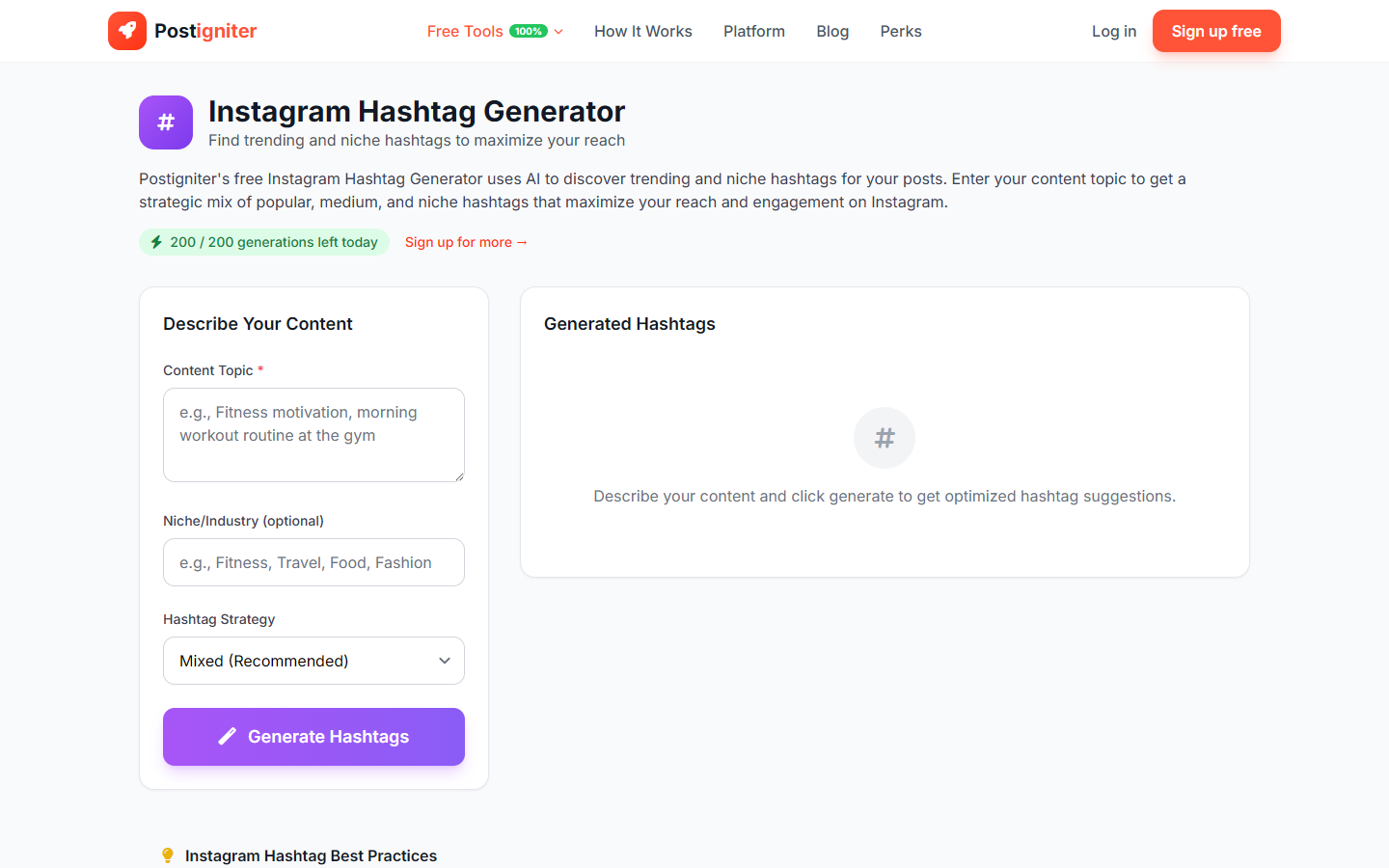
The Instagram Hashtag Generator produces a curated set of hashtags for your posts, balancing reach and relevance. It covers high-volume, mid-tier, and niche hashtags so your content reaches both broad audiences and highly targeted communities.
How to Use It
- Enter your topic — Describe the content of your post (e.g., "home office setup guide," "plant-based meal prep," "street photography in Tokyo").
- Enter your niche (optional) — Add your broader content niche or industry (e.g., "productivity," "veganism," "travel photography"). This helps the AI generate more niche-specific hashtags.
- Choose a hashtag strategy — Select the mix that suits your goal:
- Mixed — A balanced combination of high-volume and niche hashtags (recommended for most posts)
- Trending — Focuses on currently popular hashtags for maximum immediate exposure
- Niche — Targets smaller, highly engaged communities for more relevant reach
- Branded — Incorporates brand-friendly hashtags for consistent brand identity
- Click Generate Hashtags.
Understanding the Results
You'll receive a set of hashtags grouped by reach level. Instagram recommends using 3–5 well-chosen hashtags per post, though up to 30 are allowed. The generated set gives you options across all reach tiers so you can choose what's right for your strategy.
Tips for Best Results
- Use a mix of hashtag sizes. A post using only #photography (a billion-post tag) gets buried instantly. Pair it with niche tags like #filmphotographyclub.
- Include your niche for more accurate results. The niche field is optional but significantly improves tag relevance.
- Refresh your hashtag sets monthly. Trends shift and some hashtags get shadowbanned — regenerate periodically to stay effective.
- Save your best-performing sets. Track which hashtag combinations drive the most reach in your Instagram Insights.