
What It Does
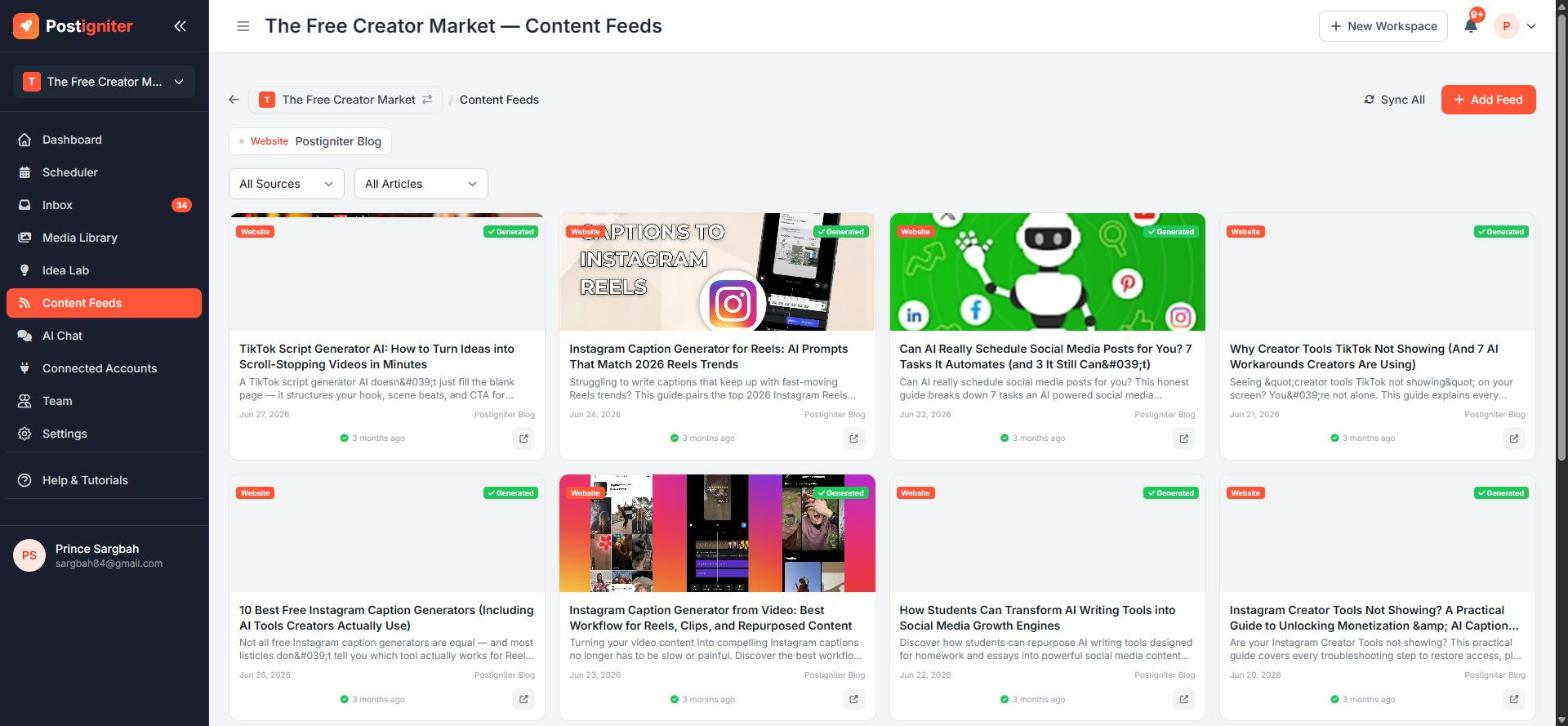
Content Feeds connect RSS feeds to your workspace. There are two kinds:
- Your Website — your own blog or newsletter. When you publish a new article, Postigniter can write social posts promoting it for each of your platforms.
- External Source — industry blogs and news sites in your niche. Their articles inspire fresh post ideas in your Idea Lab, marked Industry Inspired.
Open it from Content Feeds in the sidebar.
Adding a Feed
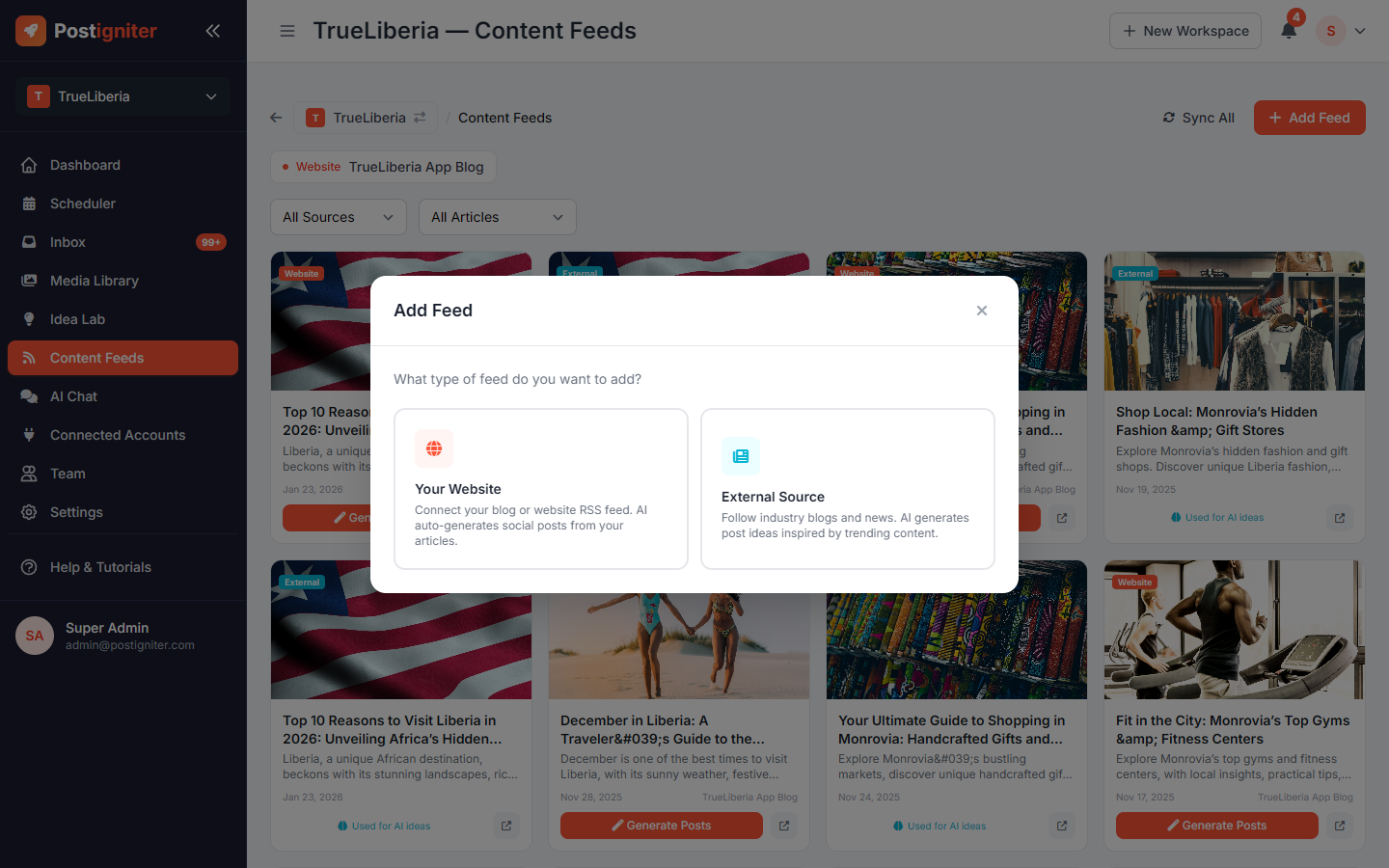
- Click Add Feed.
- Choose Your Website or External Source.
- For your website, pick your blogging platform: WordPress, Ghost, Substack, Medium, Hashnode, Blogger, Wix, Squarespace, Webflow, Beehiiv or Other. Then enter your site or feed URL. Postigniter verifies the feed before saving it.
- Choose what happens when a new article appears:
- Save as drafts — posts wait in your Drafts for you to finish
- Schedule for review — posts are scheduled, and you review them first (requires AI automation Level 2 or higher)
- Auto-publish — posts go out automatically (requires Level 3 Full Autopilot)
- For an external source, pick from curated feeds for your niche or paste any RSS URL.
Managing Feeds and Articles
- The pills at the top list your feeds. From each one you can pause or resume it, sync it now, or remove it.
- Sync All checks every feed for new articles.
- Every article appears in the grid below. Filter by source (Website or External) and status (pending or generated).
- On your own articles, click Generate Posts to create social posts from that article on demand.
- External articles show Used for AI ideas once they've inspired ideas in your Idea Lab.
Tips for Best Results
- Start with drafts. Switch to auto-publish once you're happy with the quality of the generated posts.
- Add 2–3 trusted external sources. Too many sources dilute your Idea Lab.
- If a feed keeps failing, Postigniter pauses it after several failed attempts. Check that the feed URL still works, then resume it.