TikTok Creator Tools Not Showing? 7 Fixes Plus Smarter AI Alternatives
Postigniter Team
July 21, 2026
If creator tools not showing on TikTok is the frustration that sent you here, you are not alone. Thousands of creators report the same blank screen — the Creator Tools or TikTok Studio menu is simply gone, greyed out, or missing features that were there yesterday. Before you assume your account is banned or broken, know this: most cases have a straightforward fix. And for the features TikTok still refuses to unlock for your account, there are smarter AI-powered alternatives that honestly outperform TikTok's native tools anyway. This guide walks through both.

Why TikTok Creator Tools Go Missing (The Short Version)
TikTok's Creator Tools — which include analytics, Q&A, auto-captions, promoted content settings, and TikTok Studio — are not available to every account by default. Access depends on your account type, your follower count, your region, and even your app version. TikTok rolls out features in waves, often testing in the US, UK, and Australia before expanding globally. So a creator in Brazil or India may be waiting months for a feature a US creator already takes for granted.
The other common culprit is account type. A Personal Account has a stripped-down menu. A Creator Account unlocks more. A Business Account unlocks a different set — but actually loses access to some creator-specific features like the Creator Marketplace. Switching between these without understanding the trade-offs is one of the most common mistakes creators make.
Fix 1: Switch to a Creator Account (Not Business)
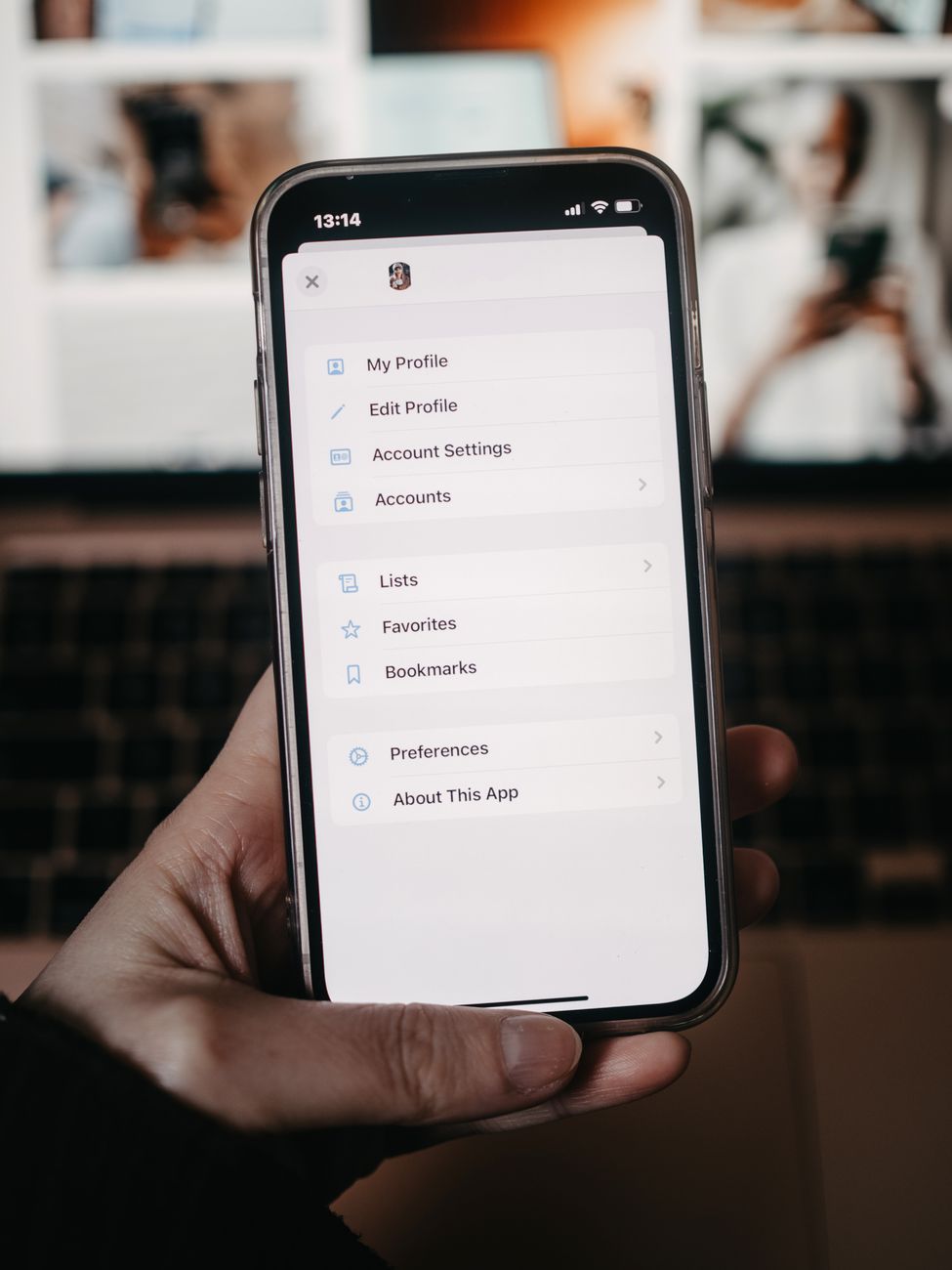
Go to Profile → Settings and Privacy → Account → Switch to Creator Account. This single step unlocks the full Creator Tools menu for most users. The mistake many people make is switching to a Business Account instead, thinking it sounds more professional. Business accounts do get access to Business Suite analytics and ads — but they lose access to Creator tools like the Creativity Program Beta, Creator Marketplace, and certain monetization features.
Creator accounts also get access to TikTok's commercial sound library, which is essential if you want to use trending audio without copyright issues. If you are monetizing through brand deals or the Creativity Program, Creator Account is the correct choice. Business accounts are best reserved for brands running paid ads, not individual creators building an audience.
- Personal Account: Minimal tools, no analytics dashboard, no monetization.
- Creator Account: Full Creator Tools, analytics, Creativity Program, Creator Marketplace.
- Business Account: Ad tools, Business Suite, but limited creator-specific features.
Fix 2: Update the TikTok App to the Latest Version
This sounds obvious, but it is the fix that works for roughly 20–30% of users reporting missing tools. TikTok pushes feature rollouts through app updates. If your app is two or three versions behind, the menu simply will not render the new options. Open your device's app store, search TikTok, and hit Update if it is available.
On Android, there is an additional wrinkle: some Android manufacturers (particularly Huawei devices without Google Play) use a cached APK that never auto-updates. If you are on one of these devices, you may need to manually download the latest APK from TikTok's official site. After updating, force-close the app and reopen it — do not just background it. A fresh launch re-fetches your account permissions from TikTok's servers.
Fix 3: Check Your Region and VPN Settings
TikTok's feature rollout is heavily region-gated. According to TikTok's official Newsroom, features like the Creativity Program Beta launched in the US first and expanded slowly. If your account was created in a restricted region, certain tools may be permanently unavailable regardless of your current location.
Here is the trade-off most guides skip: using a VPN to fake your region can sometimes trigger a feature to appear, but it also risks flagging your account for suspicious activity. TikTok cross-references your SIM card country, IP address, and account registration region. Mismatches get flagged. A safer path is to contact TikTok support directly and request a region review — it takes longer, but it does not risk your account standing.
Fix 4: Meet the Follower and Activity Thresholds
Some Creator Tools have hard follower minimums. The Creativity Program Beta, for example, requires 10,000 followers and at least 100,000 video views in the last 30 days. The Creator Marketplace requires 100,000 followers. Even basic analytics features can be throttled for accounts under 1,000 followers on some app versions.
If you are below these thresholds, the tools will not show — and no amount of troubleshooting will change that. The actionable move here is to focus on content quality and posting consistency first. Use external tools to fill the gap while you grow. That is exactly where AI alternatives become genuinely useful, not just a workaround.
Fix 5: Clear Cache and Re-login
A corrupted local cache is a surprisingly common cause of missing menus. Go to Profile → Settings and Privacy → Free Up Space and clear the cache. Then log out completely and log back in. This forces the app to re-sync your account data and permissions from TikTok's servers. Many users find their Creator Tools reappear after this step alone.
On iOS, you can also try deleting and reinstalling the app entirely. Your account data is stored server-side, so you will not lose anything. On Android, clearing the app's data (not just cache) through your device's App Manager achieves the same result. Do not skip the re-login step — just clearing cache without logging out often does not fully refresh the permission state.
Fix 6: Check for Account Violations or Restrictions
TikTok silently restricts Creator Tools access for accounts that have received policy violations. You might not get a notification — the tools just disappear. Check Settings → Privacy → Account Status to see if any restrictions are active. Common triggers include posting content flagged for misinformation, using copyrighted audio incorrectly, or receiving multiple spam reports.
If you find a restriction, TikTok's appeals process is your only path. File an appeal through the in-app support tool and be specific about why the flagged content did not violate policy. Generic appeals ("I didn't do anything wrong") rarely succeed. Reference the specific community guideline you are accused of violating and explain your content's context clearly. According to TikTok's official support documentation, most restriction appeals are reviewed within 30 days.
Fix 7: Use TikTok Studio on Desktop Instead
Many creators do not realize that TikTok Studio (studio.tiktok.com) is a separate web platform with a more complete feature set than the mobile app. If your mobile app is missing analytics or posting tools, try the desktop Studio. It often shows data and options that the mobile app hides — particularly detailed video performance breakdowns, audience demographics, and the content schedule calendar.
TikTok Studio is also more stable for longer editing sessions and bulk uploads. The mobile app's Creator Tools menu is essentially a simplified version. If you are serious about growth, the desktop Studio should be your primary workspace for analytics and planning, with the mobile app reserved for on-the-go posting.

When TikTok's Native Tools Still Fall Short: AI Alternatives That Actually Work
Even when all seven fixes above work perfectly, TikTok's native Creator Tools have real limitations. The analytics are surface-level. There is no AI script generator. The caption tools are basic. For creators who want to move faster and produce higher-quality content, external AI tools close the gap — and in many cases, they go far beyond what TikTok offers natively.
AI Script Generation for TikTok
TikTok has no built-in script writer. Scripting is one of the highest-leverage activities a creator can do — a well-structured hook in the first two seconds can double your watch time. Postigniter's Post Hook Generator creates high-retention opening lines tailored to your niche, so you stop staring at a blank page and start filming faster. Pair it with the AI Post Generator to build full TikTok scripts in minutes.
Timing Your Posts Without Native Analytics
TikTok's analytics only show your audience's active hours once you hit a certain follower count. Before that milestone, you are guessing. Postigniter's Best Time to Post for TikTok gives you data-backed posting windows based on platform-wide engagement patterns — no follower minimum required. Posting at peak times can meaningfully lift your early-stage reach when the algorithm is still deciding whether to push your content.
Caption and Content Tools That Replace TikTok's Basic Options
TikTok's auto-caption tool is purely functional — it transcribes, it does not optimize. For captions that actually drive engagement and include strategic keywords, the Keyword Caption Generator on Postigniter builds captions around terms your target audience is already searching. You can also use the Engagement Rate Calculator to benchmark your TikTok performance against industry averages — a metric TikTok's native dashboard does not surface directly.
According to research published by Sprout Social, TikTok posts with optimized captions and strategic hashtags see up to 30% higher engagement rates than those without. That gap is exactly where AI caption tools earn their keep.
Scheduling and Managing Content Across Platforms
One of the biggest limitations of TikTok's Creator Tools is that they only work for TikTok. If you are cross-posting to Instagram Reels, YouTube Shorts, or LinkedIn, you need a separate workflow for each platform. Postigniter connects all your social accounts in one dashboard, letting you schedule and post across platforms without jumping between five different apps. It is the kind of workflow upgrade that saves hours per week — time you can put back into actually creating.
The Bottom Line
Creator tools not showing on TikTok is almost always fixable — account type mismatches, outdated apps, and cached data account for the vast majority of cases. Work through the seven fixes above in order, starting with the account type switch, which resolves the issue for most users within minutes.
But here is the honest take: even a fully functional TikTok Creator Tools dashboard leaves significant gaps for serious creators. No script generator, limited timing data, basic captions, and zero cross-platform management. AI tools purpose-built for creators fill every one of those gaps. Get started with Postigniter's free AI tools today and stop letting platform limitations slow down your growth.
Tags
Postigniter Team
The Postigniter team shares practical tips and strategies to help creators grow their online presence.