Free AI Content Video Generators: 8 Tools for Faceless Shorts and Social Clips
Postigniter Team
October 17, 2026
The demand for short-form video has exploded — and most creators can't afford to hire editors, voiceover artists, and motion designers for every post. That's exactly why the free AI content video generator market has grown so fast. These tools promise to turn a text prompt, a blog post, or a rough idea into a polished vertical clip ready for TikTok, Instagram Reels, or YouTube Shorts — no camera, no crew, no expensive software. But not all free tiers are created equal. Some slap on watermarks that make your content look amateur. Others cap you at 30 seconds or lock the best features behind a paywall. This guide cuts through the noise with a transparent, side-by-side look at eight tools, covering watermarks, duration limits, resolution, account requirements, and platform support — so you can pick the right one before you waste an afternoon.

What to Look for in a Free AI Video Generator
Before diving into the list, it helps to know the four criteria that actually matter for short-form social content. First, watermark policy — a watermark in the corner of a Reel signals "I used a free tool," which erodes brand trust fast. Second, duration limits — most free tiers cap videos at 30–60 seconds, which is fine for Shorts but limiting for YouTube content. Third, export resolution — anything below 1080p will look soft on a modern phone screen, and 720p is the absolute floor. Fourth, vertical format support — if a tool only exports 16:9, you're manually cropping for every platform.
Beyond those basics, look for built-in script generation, AI voiceover, auto-captions, and stock footage libraries. The tools that bundle all four save you the most time. Also check whether a free account requires a credit card — some do, and it's worth knowing upfront.
The 8 Best Free AI Content Video Generators Compared
1. Canva AI Video (Magic Media)
Canva's free plan now includes Magic Media, its AI video generation feature. You type a prompt and it generates short clips — typically 4–8 seconds per generation — which you then stitch together inside Canva's timeline editor. The free tier gives you 50 "Magic Studio" credits per month, shared across all AI features. Exports go up to 1080p, vertical 9:16 format is natively supported, and there is no watermark on free exports. That's a genuine advantage over most competitors.
The catch: individual clip length is short, so building a 60-second Reel requires multiple generations and manual assembly. It's better suited for creators who already have a structure in mind and just need visual B-roll. No credit card is required to sign up. Platform support covers Instagram, TikTok, and YouTube Shorts via preset templates.
- Watermark: None
- Duration limit: No hard cap on final video; individual AI clips are 4–8 seconds
- Resolution: Up to 1080p
- Vertical export: Yes (9:16 native)
- Account required: Yes, free (no credit card)
2. Pictory AI
Pictory is built specifically for turning long-form text — blog posts, scripts, articles — into short highlight videos. Paste in a URL or a script, and it automatically selects relevant stock footage, adds AI voiceover, and generates captions. The free trial gives you three video projects, each up to 10 minutes long, exported at 1080p. Watermarks are present on free exports, which is the biggest drawback. Still, for testing the workflow before committing to a paid plan, three full projects is generous.
Pictory's auto-caption accuracy is notably strong — it handles most English accents well and lets you edit the transcript directly. It supports 9:16 vertical export, which makes it genuinely useful for Reels and Shorts. No credit card is needed for the trial. If you're converting written content to video at scale, Pictory's text-matching logic is among the best in this price range.
- Watermark: Yes (on free exports)
- Duration limit: Up to 10 minutes per project (3 projects free)
- Resolution: 1080p
- Vertical export: Yes
- Account required: Yes, free (no credit card)
3. CapCut (Web & App)

CapCut is the closest thing to a free, fully featured short-form video editor with AI built in. Its "Script to Video" feature takes a text prompt, generates a script, sources stock clips, adds voiceover, and drops in auto-captions — all in one flow. The free tier has no watermark, no duration cap on most features, and exports at 1080p in 9:16. It's the tool most TikTok creators already use, which means the template library is enormous and updated constantly.
The trade-off is data privacy. CapCut is owned by ByteDance, the same company behind TikTok, and has faced scrutiny over data handling in several countries. If that's a concern for your brand, factor it in. For pure output quality on the free tier, though, nothing else on this list competes at the same price point of zero. CapCut's web version is particularly powerful for creators who prefer not to work on mobile.
- Watermark: None
- Duration limit: Up to 15 minutes per video
- Resolution: Up to 1080p (4K on some exports)
- Vertical export: Yes (9:16 native)
- Account required: Yes, free
4. InVideo AI
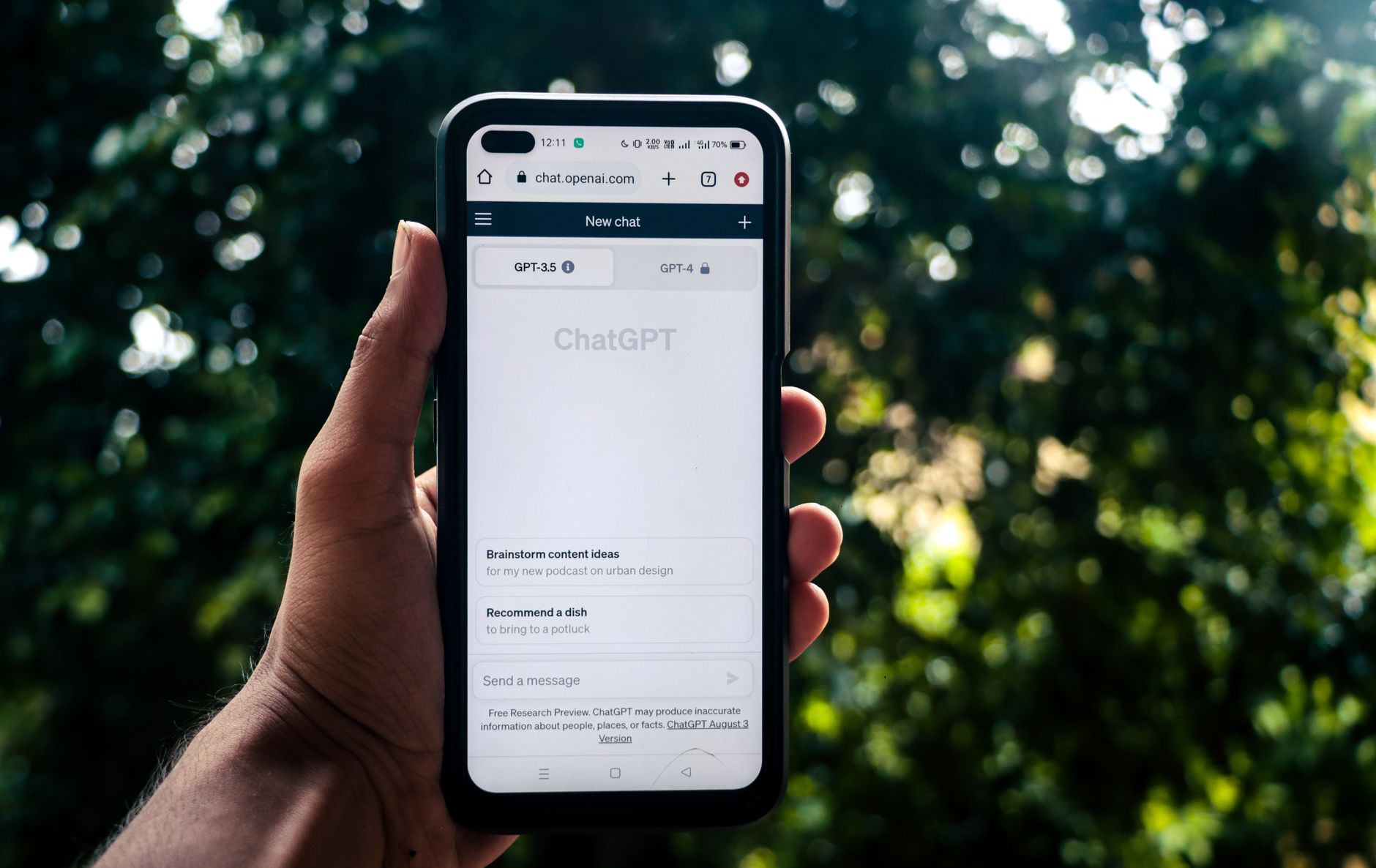
InVideo AI has arguably the smoothest prompt-to-video experience on this list. Type something like "Make a 45-second TikTok about the benefits of cold showers," and it generates a script, selects stock footage, adds a voiceover, and captions — all without you touching a timeline. The free plan gives you 10 minutes of video generation per week, exports at 1080p, and supports 9:16 vertical format. The watermark appears on free exports, but it's small and positioned at the bottom corner.
Where InVideo shines is iteration speed. You can type follow-up commands like "Make the intro faster" or "Change the voiceover to a female voice" and the AI updates the video in seconds. For creators who want to test multiple angles of a concept quickly, that feedback loop is genuinely useful. The iStock library integration means footage quality is high. Paid plans start at $20/month if you need watermark removal and more weekly minutes.
- Watermark: Yes (small, bottom corner)
- Duration limit: 10 minutes of generation per week
- Resolution: 1080p
- Vertical export: Yes
- Account required: Yes, free (no credit card)
5. Runway ML (Gen-3 Alpha)
Runway is the tool serious creators mention when they talk about AI video quality. Its Gen-3 Alpha model produces remarkably cinematic clips from text prompts — motion is smooth, lighting is coherent, and the outputs look nothing like the jittery AI video of two years ago. The free tier gives you 125 credits (roughly 25 five-second clips) with no recurring replenishment. Exports are watermark-free, but resolution on the free plan is capped at 720p.
Runway is not a full short-form video workflow tool — it generates raw clips, not finished videos with voiceover and captions. Think of it as the B-roll engine you'd use inside another editor. For faceless content creators who want visually stunning footage they can't find in stock libraries, it's invaluable. Once your credits run out, you'll need to pay ($15/month for 625 credits). Runway's official site has a detailed breakdown of credit costs per resolution and duration.
- Watermark: None
- Duration limit: 5–10 seconds per clip; 125 credits total (free)
- Resolution: 720p (free); 1080p on paid
- Vertical export: Yes (aspect ratio selectable)
- Account required: Yes, free (no credit card)
6. Lumen5

Lumen5 pioneered the "paste a URL and get a video" format, and it still does it well. The free plan lets you create unlimited videos with a watermark, export at 720p, and access a limited stock media library. Vertical 9:16 format is supported. The AI pulls key sentences from your text, pairs them with relevant images or footage clips, and assembles a slideshow-style video — great for LinkedIn and Facebook, less ideal for TikTok where motion and energy matter more.
The biggest limitation is the 720p cap on the free tier, which looks noticeably soft on modern screens. If you're posting to LinkedIn or using video as a blog content supplement, that's acceptable. For Instagram Reels or TikTok, it's a harder sell. Lumen5 doesn't require a credit card to start. According to Social Media Examiner, text-to-video tools like Lumen5 work best when paired with a strong written content strategy — the AI is only as good as the source material you feed it.
- Watermark: Yes
- Duration limit: No hard cap per video
- Resolution: 720p (free)
- Vertical export: Yes
- Account required: Yes, free (no credit card)
7. Fliki
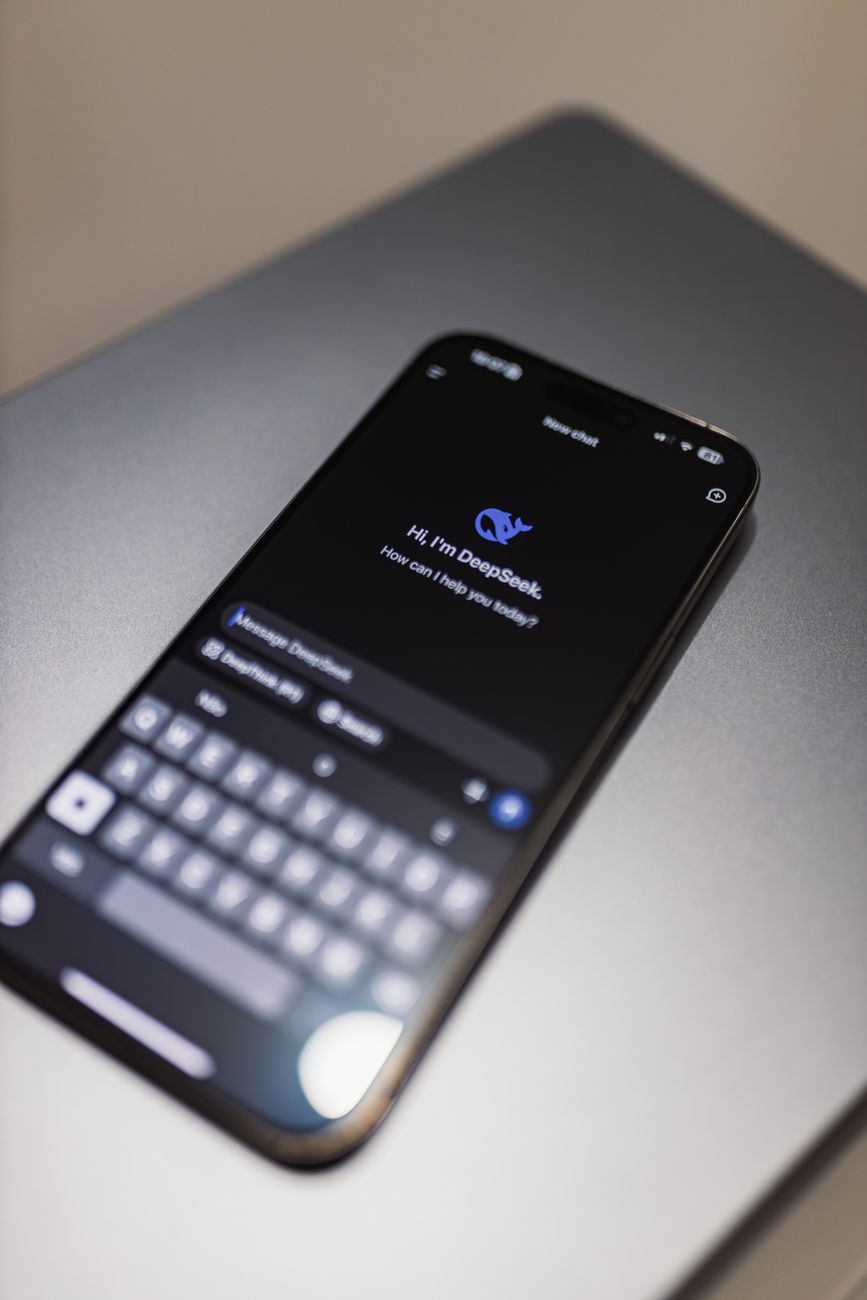
Fliki's strength is its voiceover library — over 2,000 AI voices across 75+ languages, including remarkably natural-sounding options. The free plan gives you 5 minutes of video per month, exports with a watermark, and caps resolution at 1080p. Vertical export is supported. For creators targeting non-English audiences or wanting a specific accent, Fliki's voice selection is unmatched at this price point.
The workflow is script-first: you write or paste a script, assign voices to different segments, and Fliki sources stock footage to match each line. It's more manual than InVideo but gives you more control over pacing and tone. The 5-minute monthly cap is tight — realistically, that's two or three 60-90 second clips. If you're just starting out and want to test multilingual content, it's a solid entry point before upgrading.
- Watermark: Yes
- Duration limit: 5 minutes per month
- Resolution: 1080p
- Vertical export: Yes
- Account required: Yes, free (no credit card)
8. Pika Labs
Pika is a newer player focused on animated and stylized AI video — think animated text-to-video rather than stock-footage-based clips. The free plan gives you a generous 150 credits per month (roughly 30 five-second clips), exports at 1080p, and has no watermark. Vertical 9:16 is supported. Pika excels at creating visually distinctive, eye-catching clips that stand out in a feed dominated by stock footage.
It's not a full workflow tool — like Runway, it generates raw clips that you'll assemble elsewhere. But the visual style is unique enough that it's worth combining with a caption tool. Pair Pika clips with a solid caption strategy — the Postigniter Image Caption Generator can help you write captions that match the energy of your visuals. No credit card is needed to start.
- Watermark: None
- Duration limit: 5–10 seconds per clip; 150 credits/month
- Resolution: 1080p
- Vertical export: Yes
- Account required: Yes, free (no credit card)
How to Stack These Tools for a Complete Faceless Video Workflow
No single free tool does everything perfectly. The most efficient creators combine two or three. A practical stack looks like this: use InVideo AI or CapCut to generate the initial script-to-video draft, pull in Pika or Runway clips for visually unique B-roll, and then finalize captions and pacing in CapCut's editor. That gives you watermark-free output, 1080p resolution, and footage that doesn't look like every other stock-video Reel.
Once your video is ready, timing matters as much as content quality. Posting a great video at the wrong hour can cut your reach in half. Check the best time to post on TikTok before you schedule, and use a tool like Postigniter to schedule across platforms from a single dashboard — so your AI-generated content actually reaches the audience it deserves.
Common Mistakes Creators Make With Free AI Video Tools
The most common mistake is accepting the first output. AI video generators are starting points, not finished products. The stock footage a tool selects is often generic — a shot of someone typing on a laptop when your script is about financial freedom. Always swap in more relevant clips, even if it takes five extra minutes.
Second mistake: ignoring captions. Research consistently shows that 85% of social video is watched without sound. If your AI tool's auto-captions are inaccurate or unstyled, fix them. Burned-in captions with high contrast and a readable font can double watch time on their own. Third: ignoring the watermark problem. A watermark doesn't just look unprofessional — it signals to platform algorithms that the content is low-effort, which can suppress distribution.
Which Free AI Video Generator Should You Choose?
For most creators, CapCut is the default answer — it's the most complete free tool, has no watermark, and produces 1080p vertical video. If data privacy is a concern, Canva's Magic Media is the next best watermark-free option. For text-heavy content strategies (blog repurposing, thought leadership), Pictory or InVideo AI handle the script-to-video pipeline better than any other tool here.
If you want cinematic, distinctive visuals that no stock library can match, combine Runway and Pika as your B-roll engines and assemble in CapCut. That stack costs nothing, exports clean 1080p vertical video, and produces content that genuinely looks different from the crowd. Get started with Postigniter's free AI content tools to generate captions, scripts, and post copy that complement your video strategy — and start scheduling smarter today.
Tags
Postigniter Team
The Postigniter team shares practical tips and strategies to help creators grow their online presence.