7 Free AI Content Generator Tools for Social Media in 2026
Postigniter Team
October 13, 2026
Finding a genuinely useful free AI content generator for social media is harder than it looks. Most "free" tools hide their best features behind a paywall after your first three outputs. This guide cuts through that noise — comparing seven tools that actually deliver usable content on their free plans, with specific limits, export options, and the exact social platforms each one serves best. Whether you're writing Instagram captions, TikTok scripts, YouTube titles, or LinkedIn posts, at least one of these tools belongs in your workflow right now.

What Makes a Free AI Social Media Tool Actually Worth Using?
Before diving into the list, it's worth setting a clear standard. A tool earns its place here only if its free plan lets you create complete, publishable content — not just a teaser sentence before a paywall prompt. It also needs to handle at least one specific social format well: captions, hooks, scripts, carousels, or post ideas.
Three factors separate genuinely useful free tools from the rest:
- Output quality on the free tier — Does the AI actually understand platform tone? A LinkedIn post sounds nothing like a TikTok hook.
- Free-plan limits — How many generations per day or month before you hit a wall?
- Export and copy options — Can you grab the text cleanly, or are you stuck screenshotting?
With that lens in place, here are the seven tools worth your time in 2026.
1. Postigniter Free AI Tools Suite

Best for: Instagram captions, keyword-driven posts, carousel content, and cross-platform scheduling — all in one place.
Postigniter is the only tool on this list built specifically for social media creators from the ground up. Its free AI tools include an Image Caption Generator, a Keyword Caption Generator, a Carousel Generator, and a Post Generator — each tuned to the specific format it serves. That platform-awareness is rare. Most generic AI writers treat a LinkedIn update and an Instagram caption as the same task; Postigniter doesn't.
The free plan gives you access to all these tools without requiring a credit card. You can generate captions from an uploaded image, build multi-slide carousel copy, and create platform-specific posts with keyword targeting baked in. Output copies cleanly with one click — no friction. For creators who also want to schedule posts, the platform connects directly to Instagram, TikTok, YouTube, LinkedIn, and more, so there's no copy-paste handoff to a separate scheduler.
The one honest trade-off: heavier users will eventually want the paid plan for unlimited generations and advanced scheduling. But for a solo creator or small brand testing AI content workflows, the free tier covers a surprising amount of ground. Explore all free tools here and see which ones fit your current content gaps.
- Free-plan limit: Generous daily generations across all tools
- Export: One-click copy; direct scheduling to connected platforms
- Best platforms: Instagram, TikTok, LinkedIn, YouTube, Facebook
2. ChatGPT (OpenAI) — Free Tier
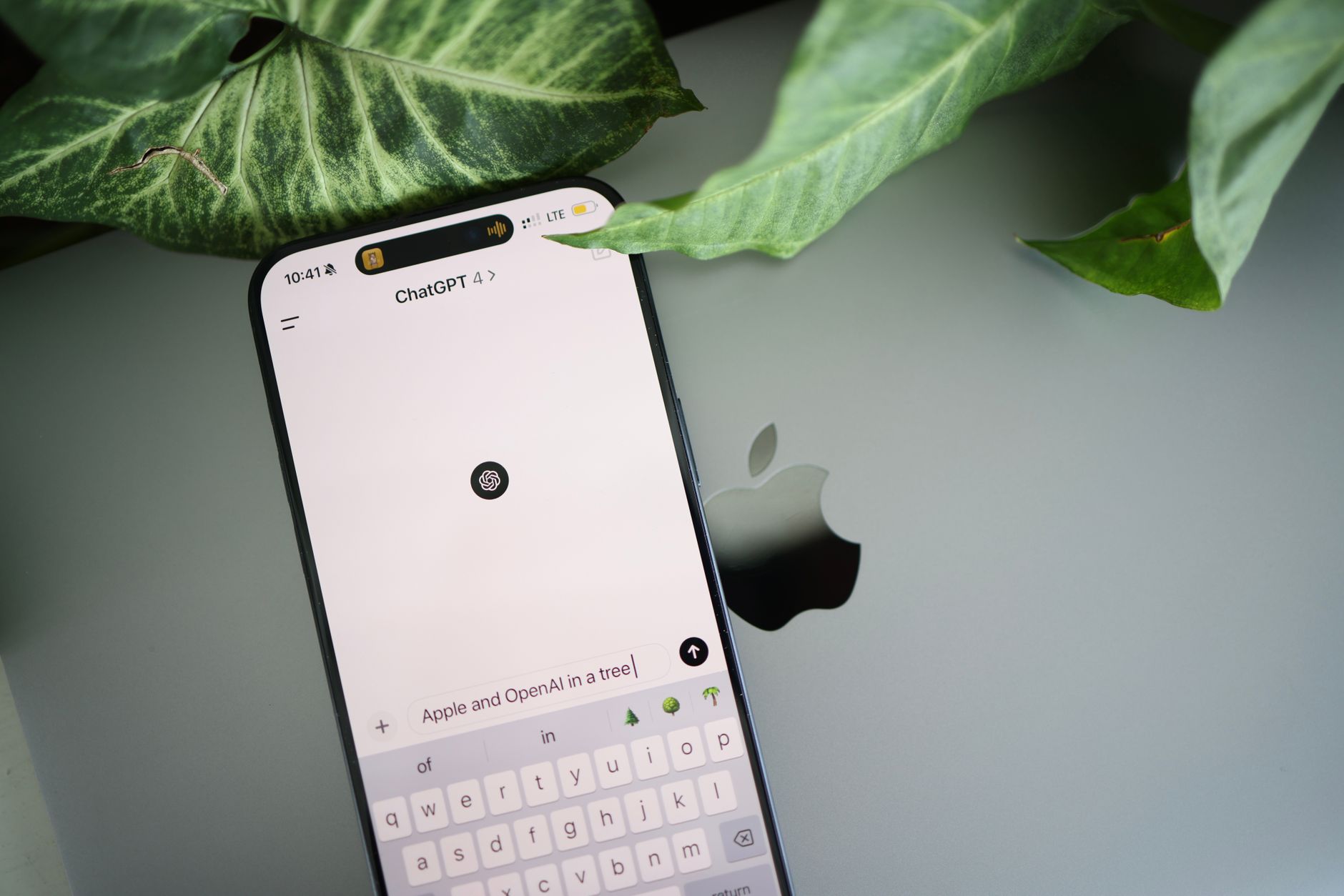
Best for: Custom prompts, bulk ideation, and platform-specific rewrites when you know how to prompt well.
ChatGPT's free tier (GPT-4o access with daily limits as of 2026) remains the most flexible free AI writing tool available. The ceiling on what it can produce is genuinely high — but only if you give it precise instructions. Vague prompts return vague content. Tell it "Write a 150-character Instagram caption for a sustainable skincare brand targeting women 25–34, with a soft CTA and two relevant emojis" and you'll get something publishable.
The real limitation is workflow friction. ChatGPT has no social-specific templates, no character-count enforcement, and no direct posting integration. Every output requires manual review for platform fit. It's a powerful raw engine — but you're the mechanic. According to OpenAI's official documentation, free users get access to GPT-4o with message limits that reset daily, which is enough for moderate content creation but can bottleneck high-volume workflows.
- Free-plan limit: Daily message cap on GPT-4o; unlimited on GPT-4o mini
- Export: Copy-paste only; no native scheduling
- Best platforms: Any — but requires platform-specific prompting
3. Canva Magic Write (Free Plan)
Best for: Creators who design and write in the same tool — especially Instagram carousels and LinkedIn graphics.
Canva's Magic Write sits inside the design editor, which is its biggest advantage. You can generate a caption or headline and immediately drop it onto a designed post without switching tabs. For visual content creators, that integration saves real time. The free plan includes 25 Magic Write uses per lifetime — not per month, per lifetime. That's the critical detail most reviews gloss over.
25 uses sounds limiting, but if you use them strategically — for hooks, headlines, and carousel titles rather than full captions — they stretch further than you'd expect. Canva's AI also understands visual context better than a blank-slate chatbot because you're working within a design frame. The output leans polished and brand-safe, which suits LinkedIn and Instagram better than raw TikTok-style hooks.
- Free-plan limit: 25 lifetime Magic Write uses
- Export: Direct download as PNG/PDF; no social scheduling on free plan
- Best platforms: Instagram, LinkedIn, Pinterest
4. Copy.ai (Free Plan)
Best for: Fast caption and hook generation with social-specific templates.
Copy.ai offers one of the more generous free plans in the AI copywriting space. As of 2026, free users get access to a solid template library that includes Instagram captions, TikTok hooks, LinkedIn posts, and YouTube descriptions. The 2,000 word monthly limit on the free tier is the main constraint — it goes fast if you're generating long-form scripts, but it's more than enough for short-form social copy.
The template structure is Copy.ai's strongest feature for social creators. Instead of starting from a blank prompt, you fill in a brief (product name, tone, audience, key message) and the tool structures the output for you. This reduces the prompt-engineering burden significantly compared to ChatGPT. The downside: outputs can feel formulaic after a while, especially for hooks. Mixing Copy.ai templates with manual editing tends to produce better results than using the raw output directly.
- Free-plan limit: 2,000 words/month
- Export: Copy-paste; no scheduling integration
- Best platforms: Instagram, TikTok, LinkedIn, YouTube
5. Writesonic (Free Plan)
Best for: YouTube descriptions, LinkedIn articles, and longer social content that needs SEO awareness.
Writesonic's free plan gives new users a credit-based allowance that resets monthly. The exact credit amount has shifted over time — check Writesonic's current pricing page for the latest figures, as they update frequently. What stays consistent is the tool's strength with longer-form content: YouTube video descriptions, LinkedIn newsletters, and Twitter/X threads all perform well here.
Where Writesonic earns its spot over generic alternatives is its brand voice feature, which is partially available on the free tier. You can paste in a few examples of your existing content and the tool will mirror your tone — a genuinely useful feature for creators who've already built a recognizable voice and don't want AI to flatten it. It's not perfect, but it's better than starting cold every time.
- Free-plan limit: Monthly credit allowance (varies; check site)
- Export: Copy-paste; no native social scheduling
- Best platforms: YouTube, LinkedIn, Twitter/X
6. Predis.ai (Free Plan)

Best for: Creators who want AI-generated captions and matching visuals in one output.
Predis.ai takes a different approach: it generates the caption, the hashtags, and a matching visual asset simultaneously. For Instagram and LinkedIn, where the image and text need to feel cohesive, this is a meaningful time-saver. The free plan allows 15 posts per month, which is tight but workable if you're curating rather than mass-producing.
The AI-generated visuals are template-based rather than fully generative (think Canva-style layouts, not Midjourney-style images), so they're polished but not highly original. Where Predis.ai really shines is competitor analysis — it can analyze a competitor's social feed and suggest content ideas based on what's performing well in your niche. That feature alone makes the free plan worth testing, even if you ultimately use a different tool for final output.
- Free-plan limit: 15 posts/month
- Export: Direct download of image + caption; limited scheduling on free plan
- Best platforms: Instagram, LinkedIn, Facebook
7. Flick AI Social Media Assistant (Free Trial)
Best for: Instagram-first creators who want hashtag research and caption generation in one workflow.
Flick is the most Instagram-specific tool on this list, and that focus shows in the output quality. Its AI assistant generates captions with a conversational tone that matches how real Instagram audiences actually engage — not the stiff, over-optimized copy that generic tools produce. The free trial gives you full access for a limited period, after which it moves to a paid plan. It's not a permanent free tier, so use the trial strategically.
The hashtag research tool is Flick's real differentiator. It surfaces hashtags by difficulty tier — showing you which tags are realistically reachable for your current follower count rather than just the most popular ones. According to Later's Instagram research, mid-tier hashtags (10K–500K posts) consistently outperform mega-hashtags for smaller accounts. Flick operationalizes that insight directly in the tool.
- Free-plan limit: Time-limited free trial (not a permanent free tier)
- Export: Copy-paste captions; hashtag sets exportable
- Best platforms: Instagram (primarily)
How to Build a Free AI Content Stack That Actually Works
No single free tool covers everything. The smartest approach is a stack — using two or three tools for different jobs rather than forcing one to do it all. Here's a practical combination that costs nothing:
- Postigniter for platform-specific captions, carousel copy, and scheduling — it handles the social-first formatting that generic tools miss.
- ChatGPT free tier for bulk ideation, angle brainstorming, and long-form script drafts when you need volume fast.
- Predis.ai or Canva Magic Write for visual posts where the image and caption need to match without extra design work.
Pair that content stack with platform-specific timing data. Posting great content at the wrong time is a waste. Check out the best time to post on Instagram and best time to post on TikTok to make sure your AI-generated content actually gets seen.
One common mistake: treating AI output as final copy. Every tool on this list produces a first draft, not a finished post. The creators who get the best results spend 2–3 minutes editing AI output for voice, specificity, and platform fit — rather than posting raw generations. That editing habit is what separates content that builds audiences from content that just fills a feed.
Final Verdict: Which Free AI Content Generator Should You Start With?
If you only try one tool from this list, make it Postigniter. It's the only option built specifically for social media content creation and scheduling, with free tools covering captions, carousels, keyword posts, and more — all without a credit card. The platform-aware outputs mean less editing time and more publishable content on the first pass.
For creators who need more volume or script-length content, layer in ChatGPT's free tier for raw ideation. Add Predis.ai if visual cohesion between image and caption matters to your brand. That three-tool stack covers Instagram, TikTok, YouTube, and LinkedIn without spending a dollar.
Ready to stop copy-pasting between tools and start publishing smarter? Get started with Postigniter for free and build your first AI-powered content workflow today.
Tags
Postigniter Team
The Postigniter team shares practical tips and strategies to help creators grow their online presence.