AI Social Media Scheduler vs Traditional Tools: What Actually Changes in Your Workflow?
Postigniter Team
July 13, 2026
The Scheduling Gap That's Costing Creators Real Engagement
Every creator who has used an AI social media scheduler for the first time describes the same moment: they realize how much invisible labor they were doing manually — and how much engagement they were leaving on the table. Traditional scheduling tools promised to save time. Most of them delivered a calendar. AI schedulers deliver a strategy. That difference sounds subtle. In practice, it rewires your entire weekly workflow.
This isn't a roundup of tools or a technical breakdown of machine learning models. It's a direct, side-by-side look at what your Monday morning actually looks like with each approach — and why the gap matters more as your content volume grows.

What Traditional Scheduling Tools Actually Do (And Where They Stop)
Buffer, Later, Hootsuite in its classic form — these tools solved a real problem. Before them, you had to be physically present to post at peak times. Scheduling let you batch-create content and queue it up. That was genuinely transformative in 2012.
But the model is fundamentally passive. You decide what to post, when to post it, and how to write the caption for each platform. The tool executes. It does not advise, adapt, or learn from what worked last Tuesday.
Here's what a typical traditional-tool workflow looks like for a solo creator managing Instagram, LinkedIn, and TikTok:
- Spend 2–3 hours writing platform-specific captions from scratch each week
- Manually look up "best times to post" guides (which are often generic averages, not your audience data)
- Copy-paste content across platforms, then manually reformat hashtags, length, and tone
- Check analytics in a separate tab after publishing — then manually decide whether to repost or retire a piece
- Repeat the entire cycle next week with no compounding intelligence
The hidden cost isn't the tool subscription. It's the 6–8 hours per week of cognitive overhead that never decreases, no matter how experienced you get. According to Sprout Social's research, social media managers spend an average of 32% of their working hours on content creation and scheduling tasks alone. That number barely budges with traditional tools.
How an AI Social Media Scheduler Changes the Decision Layer
The shift AI introduces isn't just speed — it's where the decisions get made. With a traditional tool, every decision lives in your head. With an AI scheduler, a layer of intelligent automation handles the low-level decisions so you can focus on creative strategy.
Let's break down the three workflow changes that matter most in practice.
1. Optimal Send-Time Prediction Based on Your Audience
Generic "best time to post" guides will tell you to post on Instagram at 9 AM on Tuesdays. That might be true for the median account. Your audience of night-shift nurses or European freelancers might peak at 11 PM on Thursdays. An AI scheduler analyzes your specific historical engagement data and predicts the send window that will maximize reach for your followers — not a statistical average.
This matters more than most creators realize. HubSpot's marketing data consistently shows that timing alone can account for a 20–30% swing in organic reach on algorithm-driven platforms. A post that would have gotten 400 views at the wrong time gets 520 at the right one — without changing a single word.
If you want a data-backed starting point before your AI tool has enough history to personalize, check Postigniter's platform-specific guides: best time to post on Instagram and best time to post on TikTok give you audience-segmented benchmarks you can actually use.
2. Auto-Variations by Platform — Not Just Copy-Paste
This is where traditional tools fail most visibly. A LinkedIn post and a TikTok caption are not the same content in different fonts. LinkedIn rewards professional narrative, longer paragraphs, and industry context. TikTok rewards a hook in the first two words, punchy sentences, and trending audio references. Instagram sits somewhere in between, leaning visual and emotional.
When you paste the same caption everywhere, you're not cross-posting — you're underperforming on every platform simultaneously.
An AI social media scheduler rewrites your core message into platform-native formats automatically. You write one brief or one raw idea. The AI generates a LinkedIn thought-leadership version, an Instagram caption with relevant hashtags, and a TikTok hook-first script — each calibrated to that platform's algorithm and audience behavior. Tools like Postigniter's post generator do exactly this, letting you input a topic and receive ready-to-publish variations across platforms in seconds.
The practical time saving: a creator who spent 45 minutes writing three platform versions manually now spends 8 minutes reviewing and tweaking AI drafts. That's not a small efficiency gain — over a year, it's hundreds of hours returned to actual creative work.
3. Performance-Based Rescheduling and Content Recycling
Traditional schedulers post your content and forget it. AI schedulers watch what happens next. If a post underperforms — low reach, low saves, low click-through — the system flags it. If a post overperforms, it can automatically suggest or schedule a reshare, a carousel repurpose, or a variation for a different platform.
This creates a compounding feedback loop that traditional tools simply cannot replicate. Your content strategy gets smarter every week, not because you manually reviewed 40 posts in a spreadsheet, but because the AI surfaced the signal and acted on it.
For creators who want to manually audit this process, Postigniter's engagement rate calculator gives you a fast, clear read on which posts are actually driving meaningful interaction versus inflated vanity metrics.
Side-by-Side: A Real Week With Each Approach
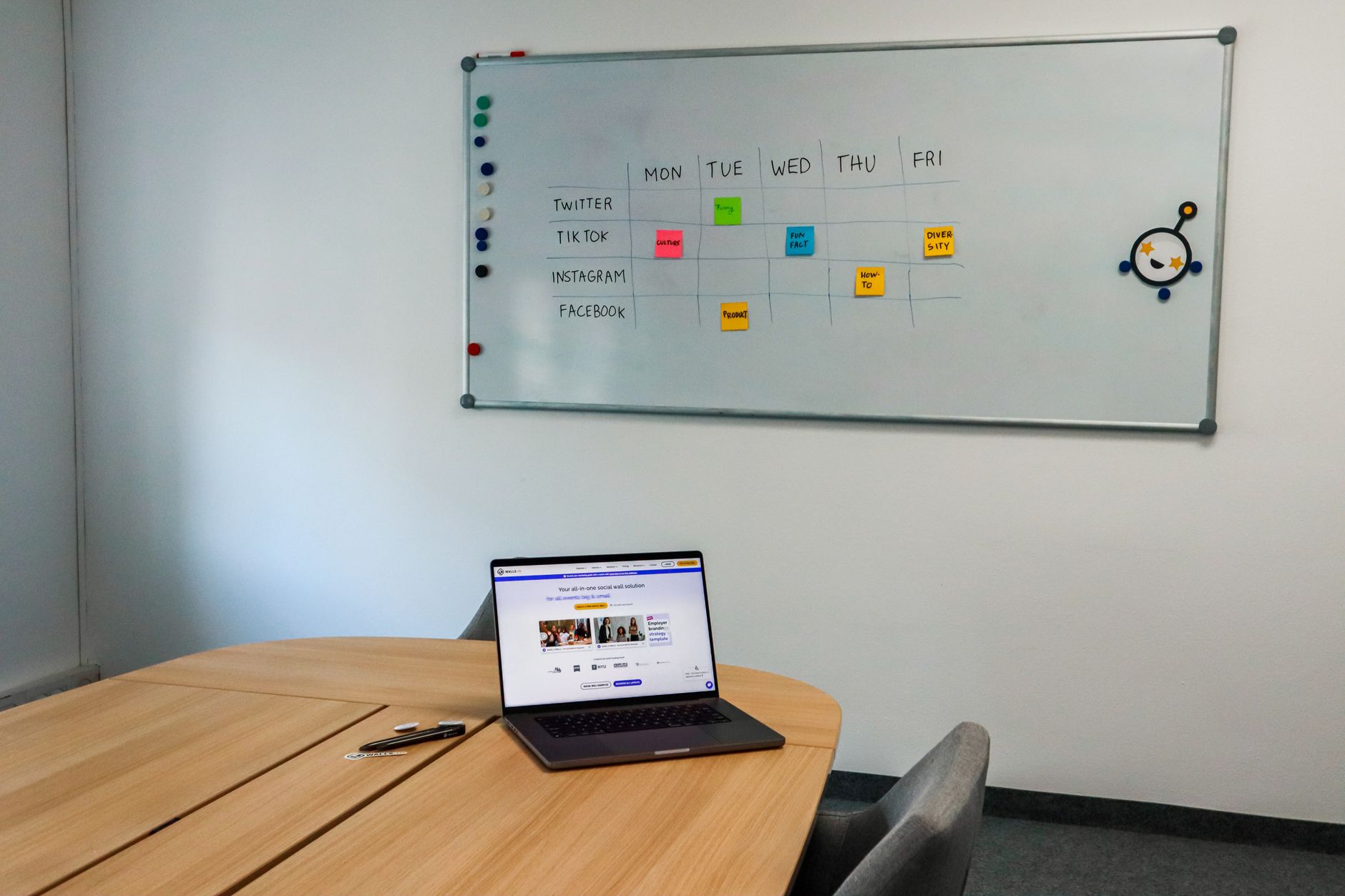
Let's make this concrete. Imagine a small team of two running a brand account across Instagram, LinkedIn, and TikTok, publishing five times per week per platform — 15 posts total.
With a traditional scheduler:
- Monday: 3 hours writing 15 platform-specific captions from scratch
- Tuesday: 1 hour manually selecting post times based on generic guides
- Wednesday–Friday: Monitoring comments, checking analytics in separate dashboards
- Friday: 1 hour deciding which posts to archive, boost, or repurpose — manually
- Total active management time: ~6–7 hours/week, every week, with no reduction over time
With an AI social media scheduler:
- Monday: 1 hour reviewing and editing AI-generated platform variations (not writing from zero)
- Tuesday: 20 minutes confirming AI-suggested send times, adjusting one or two based on context
- Wednesday–Friday: AI flags underperforming posts; team reviews alerts rather than scanning dashboards
- Friday: 20 minutes reviewing AI-suggested repurpose candidates; approve or dismiss
- Total active management time: ~2–2.5 hours/week, decreasing as the AI learns your preferences
That's roughly 4–5 hours per week reclaimed — per team member. At scale, that's the difference between a two-person team and a three-platform brand that actually has time to respond to comments, build community, and develop new content formats.
The Trade-Offs You Should Know Before Switching
AI schedulers are not a magic fix. There are real trade-offs, and pretending otherwise would be dishonest.
The learning curve is real. AI send-time prediction requires historical data. If your account is new or you're switching tools, the first 4–6 weeks of recommendations will be less accurate. You're essentially training the model on your audience. Plan for a calibration period.
AI-generated captions need editing. Platform-native variations are a strong starting point, not a finished product. The AI doesn't know about your brand's inside jokes, your recent product launch, or the specific tone your audience has responded to in DMs. A 5-minute review pass is non-negotiable. Skipping it is the #1 mistake new AI scheduler users make — and it shows in engagement.
Not every platform is equally supported. Most AI schedulers have stronger models for Instagram and LinkedIn than for newer platforms like Threads or emerging regional networks. Check what's actually supported before committing.
Cost scales differently. Traditional tools often charge per seat. AI schedulers sometimes charge per AI-generated asset or by usage tier. For a solo creator, the math usually favors AI. For an agency with 20 clients, do the per-post math carefully.

Which Features to Prioritize When Evaluating an AI Scheduler
Not all AI schedulers are built the same. Some bolt on a basic GPT integration and call it "AI." Others build the intelligence into the scheduling logic itself. Here's what to actually look for:
- Audience-specific timing: Does it use your data, or generic benchmarks? Ask directly.
- Platform-native content generation: Can it produce distinct versions per platform, not just reformatted copies?
- Performance feedback loop: Does it connect post-publish analytics back into future scheduling decisions?
- Content repurposing: Can it take a long-form piece and generate short-form variations? Postigniter's content repurposer tool handles this natively.
- Hook generation: Strong hooks are the single biggest driver of TikTok and Reels performance. Look for dedicated hook tools — Postigniter's post hook generator is built specifically for this.
According to Social Media Examiner's annual industry report, the top challenge for marketers in 2024 was creating enough content consistently — not distribution. That's the exact gap AI schedulers are designed to close.
Making the Switch: A Practical Starting Point
You don't need to overhaul everything at once. The lowest-risk way to test an AI scheduler is to run it in parallel with your existing tool for two weeks. Use the AI for one platform only — Instagram is usually the best starting point because the content volume is high and the feedback loop (likes, saves, reach) is fast.
After two weeks, compare three metrics: average reach per post, time spent on content creation, and engagement rate. If two of three improve, you have your answer.
Postigniter is free to get started and supports multi-platform scheduling with built-in AI content tools — no credit card required. Get started at Postigniter and run your own two-week test. The workflow difference will be obvious within days, not months.
If you want to explore the full suite of tools before committing, browse all of Postigniter's free AI content tools — from caption generators to carousel builders — and see which ones fit your current bottlenecks first.
The creator economy rewards consistency and speed. Traditional schedulers gave you a calendar. AI schedulers give you a co-pilot. The question isn't whether to make the switch — it's how quickly you can afford not to.
Tags
Postigniter Team
The Postigniter team shares practical tips and strategies to help creators grow their online presence.