Free AI Tools for Social Media: Build a Complete No-Cost Content Workflow in 2025
Postigniter Team
July 04, 2026
Every creator hits the same wall: you need daily content across five platforms, but hiring a team costs thousands and premium tools drain your budget fast. The good news? A carefully chosen stack of free AI tools for social media can handle ideation, writing, visuals, and scheduling — without spending a single dollar. This guide maps out a complete, battle-tested workflow using only free-tier tools, so you can publish consistently even if you're starting from zero.
One important caveat upfront: "free" doesn't mean "limitless." Every tool below has usage caps on its free tier. Knowing exactly where those limits sit — and how to work around them — is what separates creators who thrive on a no-cost stack from those who hit a wall on day three. Let's build this right.

Why a Free AI Tools for Social Media Stack Actually Works Now
Three years ago, "free AI" meant clunky, unreliable outputs. Today, the free tiers of leading AI platforms are genuinely powerful. ChatGPT's free tier runs GPT-4o with a daily message cap. Canva's free plan includes generative AI features. Grammarly's free version catches tone and clarity issues that matter on social. The gap between free and paid has narrowed dramatically.
The real trick is sequencing these tools into a repeatable daily workflow. Most creators use them in isolation — they brainstorm in ChatGPT, then forget to polish in Grammarly, then skip scheduling entirely. Chaining them together is where the compounding efficiency kicks in. The seven-step stack below does exactly that.
The 7-Step Free AI Social Media Tools Stack
1. Ideation Engine: ChatGPT (Free Tier)
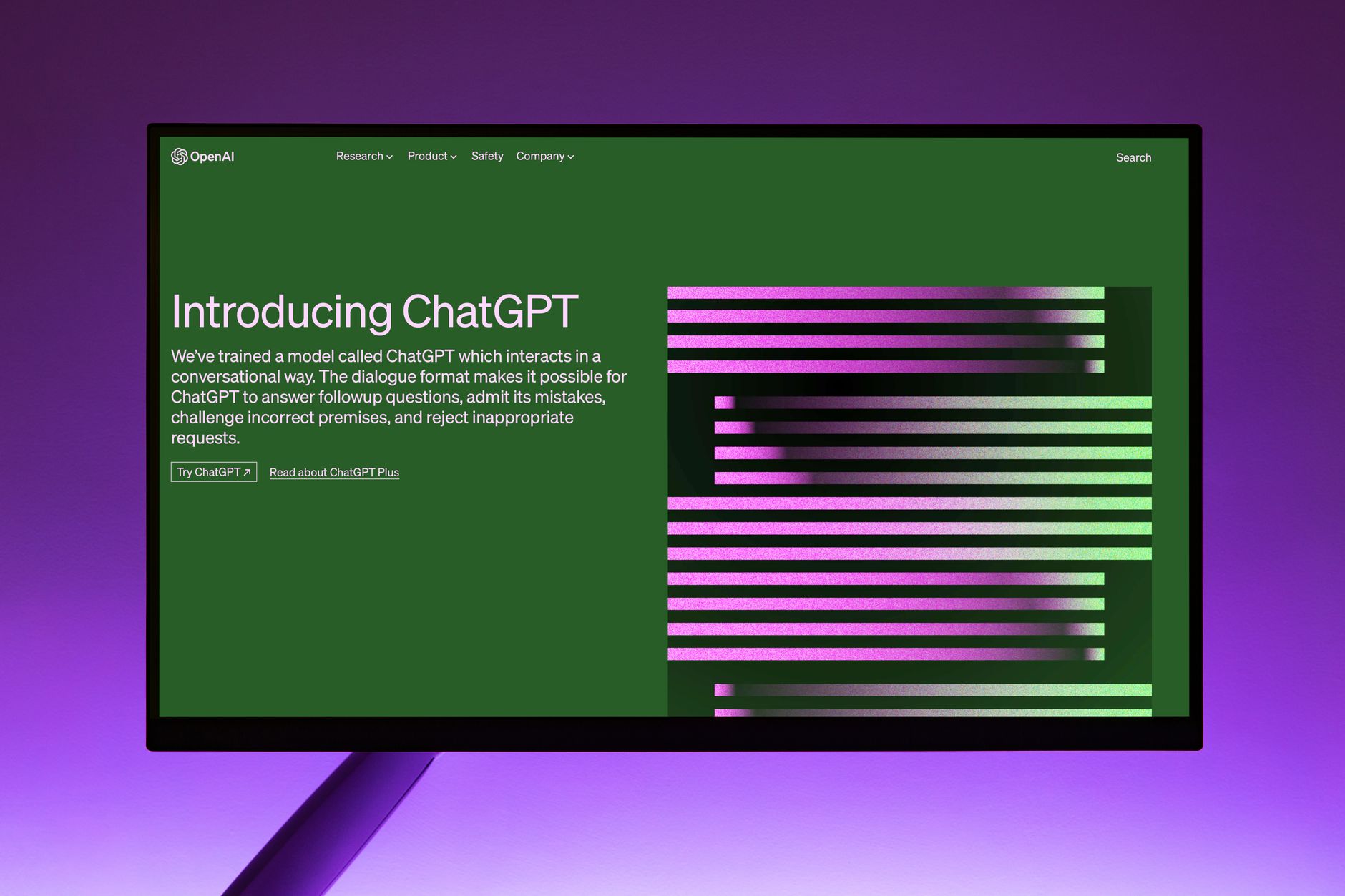
Every workflow starts with an idea. ChatGPT's free tier — currently powered by GPT-4o with a soft daily limit — is the strongest free ideation engine available. The key is prompting it like a strategist, not a search engine. Instead of asking "give me Instagram ideas," try: "I'm a fitness coach targeting women 30–45. Give me 10 Instagram Reel hooks around the theme of sustainable weight loss, formatted as curiosity gaps."
That level of specificity produces hooks you can actually use. Pair it with a content pillar framework — for instance, three pillars: educate, entertain, inspire — and ask ChatGPT to generate five ideas per pillar each Monday. That's 15 ideas in under two minutes, enough to fuel a full week of posts.
- Free limit: Roughly 40–80 messages per three hours on GPT-4o; falls back to GPT-3.5 when capped.
- Workaround: Batch all your ideation into one session at the start of the week so you never hit the cap mid-workflow.
- Common mistake: Accepting the first output. Always ask for a second variation — the second draft is almost always sharper.
2. Caption and Copy Writing: Postigniter's Free AI Post Generator
Once you have your ideas, you need platform-specific copy fast. This is where Postigniter's free AI Post Generator earns its place in the stack. Unlike generic AI writers, it's built specifically for social formats — Instagram captions, LinkedIn posts, TikTok scripts — so the output respects platform character limits and tone norms out of the box.
Feed it your ChatGPT-generated hook and a brief content description. It returns a full caption with a call-to-action, relevant emoji placement, and hashtag suggestions. For Instagram specifically, also run your draft through the Image Caption Generator to match your caption to your visual — a small step that measurably improves engagement.
- Best for: Instagram, TikTok, LinkedIn, Facebook, and X posts.
- Pro tip: Use the Post Hook Generator to test three different opening lines for the same post, then pick the one with the strongest pattern interrupt.
- Trade-off: AI-generated captions need a human voice pass. Read it aloud — if it sounds robotic, swap one sentence for something you'd actually say.
3. Visual Creation: Canva AI (Free Plan)
Canva's free plan includes Magic Write (AI text generation inside designs), AI-powered background removal, and the Magic Design feature that generates full layouts from a prompt. For social media creators, this covers static posts, Stories, carousel slides, and YouTube thumbnails — all in one place, all free.
The workflow: take your caption from step 2, paste the key message into Canva's Magic Write to generate a headline for your graphic, then use Magic Design to auto-populate a template. Resize with the free "Resize" workaround — duplicate the design and manually adjust dimensions — since one-click resize is a Pro feature. It takes 30 extra seconds but costs nothing.
- Free limit: 50 AI credits per month for Magic Write; background removal is unlimited.
- Best formats: 1080×1080 (Instagram feed), 1080×1920 (Stories/Reels cover), 1280×720 (YouTube thumbnail).
- Common mistake: Using Canva's default fonts, which make your content look template-generic. Upload one custom font (free on Canva) to instantly differentiate your brand.
4. Copy Polishing: Grammarly (Free Version)
Grammarly's free tier catches grammar errors, passive voice, and clarity issues — and on social media, clarity is conversion. A caption with a confusing sentence loses the reader before they hit "Follow." Run every caption and script through Grammarly before it goes live.
The free version doesn't include tone detection (that's Premium), but it does flag overly complex sentences, which is exactly what you want to avoid on social. Short, punchy, clear — Grammarly enforces this discipline for free. For TikTok scripts specifically, paste your script and aim for a readability score above 70 on the Grammarly sidebar.
- Free limit: Unlimited grammar and spelling checks; tone suggestions require Premium.
- Alternative: Hemingway Editor (free, web-based) grades readability by grade level — aim for Grade 6 or lower for maximum social media impact.
5. Hashtag and SEO Research: Postigniter's Keyword Caption Generator

Hashtags still drive discovery on Instagram and TikTok, and keyword optimization matters enormously on YouTube and LinkedIn. The Keyword Caption Generator on Postigniter bridges both — it generates keyword-rich captions tailored to your topic, surfacing the phrases your target audience is actually searching.
The practical move: enter your post topic and target platform, then pull the keyword suggestions into your caption. Don't stuff — pick three to five high-relevance hashtags for Instagram Reels (the algorithm now reads captions for context, not just hashtags) and weave the keywords naturally into your LinkedIn post body. Over-hashtagging is a real penalty risk on Instagram; Later's research consistently shows 3–5 targeted hashtags outperform 30 generic ones.
- Platform rules: Instagram: 3–5 niche hashtags. TikTok: 3–4 trending + niche mix. LinkedIn: 3 professional hashtags in the post body. YouTube: keywords in title, description, and first comment.
- Trade-off: Free keyword tools lack real-time search volume data. Cross-reference with Google Trends (free) to validate demand before committing to a content series.
6. Content Repurposing: Postigniter's Content Repurposer
Creating one piece of content per platform is the biggest time drain in any creator's workflow. The smarter approach: create one core piece — say, a 60-second TikTok script — and repurpose it into an Instagram caption, a LinkedIn post, a YouTube Shorts description, and a tweet. The Content Repurposer tool automates this transformation, adapting tone and format for each platform automatically.
This single step can multiply your output by 4–5x without multiplying your time. A creator who writes one script per day and repurposes it across five platforms effectively publishes five pieces of content daily — the volume needed to grow meaningfully on algorithm-driven platforms in 2025.
- Repurposing hierarchy: Start with your longest-form content (YouTube script or blog post), then cascade down to short-form (Reels, Shorts, TikTok), then micro-content (tweets, LinkedIn updates).
- Common mistake: Copy-pasting the same text across platforms. Each platform has a distinct voice and format expectation. The repurposer handles this — but always do a final read to confirm it sounds native to each platform.
7. Scheduling and Timing: Postigniter's AI Scheduler + Best Time to Post Data
Publishing great content at the wrong time is like hosting a party when everyone's asleep. Timing is a free, often ignored lever. Postigniter's scheduling tools pair with its Best Time to Post data to take the guesswork out of this entirely.
Check the platform-specific guides — for instance, the best time to post on Instagram or the best time to post on TikTok — to align your schedule with peak audience activity windows. Then queue your posts in Postigniter's scheduler so they go live automatically, even when you're offline. This closes the loop on a fully automated, fully free daily content workflow.
- Scheduling tip: Batch-schedule an entire week of content on Sunday. This protects your creative energy during the week for engagement and community management.
- Metric to track: After four weeks on a consistent schedule, compare your average reach per post to your baseline. Most creators see a 20–40% lift from timing optimization alone.
- Free limit: Check Postigniter's free tier details at Postigniter Perks to understand your scheduling volume allowance.
Putting the Free AI Tools for Social Media Stack Together: A Daily Routine
Here's what this workflow looks like as a repeatable daily routine — realistic for a solo creator spending 45–60 minutes on content per day:
- Monday (20 min): Use ChatGPT to generate 15 ideas across three content pillars. Save them in a simple Notion or Google Docs content calendar.
- Daily (10 min): Pick one idea, run it through Postigniter's Post Generator and Hook Generator. Polish with Grammarly or Hemingway.
- Daily (10 min): Build the visual in Canva using AI-assisted templates. Export in the correct dimensions for your target platform.
- Daily (5 min): Run the caption through the Keyword Caption Generator. Add 3–5 targeted hashtags.
- Daily (5 min): Repurpose the core content into two additional platform formats using the Content Repurposer.
- Daily (5 min): Schedule all posts in Postigniter, timed to peak windows from the Best Time to Post data.
That's five platform posts per day — 35 per week — in under an hour of actual work. No paid subscriptions required.
Common Mistakes That Break a Free Stack (and How to Avoid Them)
The biggest failure mode isn't the tools — it's the habits around them. Creators who abandon their free stack usually make one of three mistakes:
- Skipping the human edit: AI output is a first draft, not a final product. A five-second read-aloud catches robotic phrasing every time.
- Ignoring analytics: Free tools don't always surface performance data. Use each platform's native analytics (all free) weekly to identify which content types are working. Double down on those.
- Tool-hopping: Switching tools every two weeks because something new launched is a productivity killer. Commit to this stack for 60 days before evaluating alternatives.
Consistency with a good free stack will always outperform inconsistency with a premium one. The workflow above is proven — now it's your turn to run it.
Ready to get started? Explore the full suite of free AI social media tools at Postigniter Tools and launch your no-cost content workflow today. Already using some of these? Read more creator guides on the Postigniter blog to level up every step of your process.
Tags
Postigniter Team
The Postigniter team shares practical tips and strategies to help creators grow their online presence.