The Complete Free AI Social Media Management Tools Stack for Solo Creators and Small Businesses
Postigniter Team
August 22, 2026
Why Most Free Tool Lists Fail Solo Creators (And What to Do Instead)
If you've searched for free AI social media management tools, you've probably landed on a listicle that names fifteen apps and calls it a day. That's not a strategy — it's a shopping cart with no checkout. Solo creators and small business owners don't need more tools; they need a working system that fits together without a $500/month budget or a full-time marketing team behind it.
This guide takes a different approach. Instead of listing tools, it builds a complete, layered stack — covering content creation, caption writing, scheduling, design, and short-form video — and shows you exactly how each layer connects to the next. Every tool here has a genuinely usable free tier. Most of the workflow costs nothing.
The stack is built around four core jobs: create, design, schedule, and distribute. Get those four right, and you can run a consistent social presence in under two hours a week.

Layer 1 — Content Creation: ChatGPT + Postigniter AI Tools
Content creation is where most small teams burn the most time. The fix is a two-step AI drafting process: use ChatGPT's free tier to generate raw ideas and long-form copy, then refine the output for each platform using purpose-built social tools.
Here's the practical workflow. Open ChatGPT and prompt it with your topic, audience, and the platform you're writing for. A prompt like "Write 5 Instagram caption ideas for a sustainable skincare brand targeting women 25–40, conversational tone, under 150 words each" takes thirty seconds and gives you a usable first draft. The key mistake people make is stopping there — raw ChatGPT output rarely matches platform-specific best practices for hooks, hashtags, or character limits.
That's where Postigniter's Image Caption Generator earns its place. Upload your visual, and the AI generates captions tuned specifically for Instagram's algorithm — hook-first structure, natural hashtag placement, and the right emotional tone. It takes a generic ChatGPT draft and turns it into something that actually performs. For keyword-driven content on LinkedIn or Pinterest, the Keyword Caption Generator lets you anchor captions around a specific search term without making them feel robotic.
One trade-off worth knowing: ChatGPT's free tier (GPT-4o as of mid-2025) has usage limits during peak hours. If you hit a cap, switch to Google Gemini's free tier as a fallback — it handles long-form drafts well and integrates with Google Docs, which is useful for batch-writing a week of content in one session.
Batch Writing: The 90-Minute Weekly Session
Don't create content daily. Instead, block 90 minutes once a week and produce everything in one session. The sequence: brainstorm 10 topic ideas in ChatGPT (5 minutes), draft captions for each in bulk (20 minutes), run them through Postigniter's tools for platform tuning (15 minutes), and save finished copy to a shared Google Doc or Notion page. That's your content queue for the week, done.
This batch approach eliminates the daily decision fatigue that kills consistency for solo operators. According to Sprout Social's research, brands that post consistently — even at lower frequency — outperform sporadic high-volume accounts on engagement metrics. Consistency beats volume every time.
Layer 2 — Design: Canva Free Tier (and When to Upgrade)
Canva's free plan is genuinely powerful for social media. You get access to over 250,000 templates, a brand kit (one set of colors and fonts), and direct export to every major format. For a solo creator or small business, that's enough.
The smart move is to build three master templates — one for feed posts, one for Stories/Reels covers, and one for carousel slides — and reuse them every week. Swap out the image and text, keep the layout. This creates visual brand consistency without hiring a designer, and it cuts your weekly design time to under 20 minutes.
Canva's AI features on the free tier include Magic Write (basic AI text generation) and Background Remover (limited uses). These are useful but not essential — the real value is the template library and the export speed. For carousels specifically, Postigniter's Carousel Generator can draft the slide copy before you even open Canva, saving another layer of back-and-forth.
When should you pay for Canva Pro ($15/month)? Only when you're managing more than one brand, need unlimited Brand Kits, or want the Magic Resize feature to auto-format one design across all platform dimensions. For a single creator or one small business, the free tier holds up for at least the first six months.
Adobe Express: The Underrated Alternative
Adobe Express (free tier) is worth keeping in your stack as a secondary design tool. Its AI-powered text effects and the Generative Fill feature — which lets you extend or replace image backgrounds using AI — are more advanced than Canva's free equivalents. Use Canva for templated, repeatable content and Adobe Express for one-off hero images or promotional graphics that need a more polished look.
Layer 3 — Scheduling: How to Build a Free AI Social Media Scheduler
This is where the stack either holds together or falls apart. A content queue is useless if you're manually copy-pasting posts at 9am every morning. You need an AI social media scheduler that handles publishing automatically.
Buffer's free plan allows three social channels and ten scheduled posts per channel — enough for a solo creator running Instagram, LinkedIn, and TikTok. The interface is clean, the mobile app works well, and the AI Assistant (available on free) can rewrite captions for different platforms from a single draft. That last feature is underused: write once in Buffer's composer, hit "Repurpose," and get a LinkedIn version and a Twitter/X version in seconds.
The limitation is real, though. Ten posts per channel per month is tight if you're posting daily. At that point, you're looking at Later's free plan (14 posts per social set) or Postigniter, which is built specifically around AI-assisted creation and scheduling for creators who want both tools in one place. See how Postigniter compares on the Postigniter vs. Buffer page — the differences in AI features matter more than the post limits for most creator use cases.
Timing Your Posts Without Guessing
Scheduling at the wrong time wastes good content. Most free schedulers let you pick a time, but they don't tell you which time actually works for your audience. Use Postigniter's best-time data as a starting baseline:
- Instagram: Check the best time to post on Instagram — Tuesday and Wednesday mornings (7–9am local time) consistently outperform other slots for engagement.
- TikTok: Evening slots (7–9pm) and early morning (6–8am) drive the highest reach for most niches.
- LinkedIn: Tuesday through Thursday, 8–10am, when professionals are at their desks but not yet in meetings.
After four weeks of scheduled posts, review your native analytics on each platform. Adjust your schedule based on actual data, not assumptions. This is a small habit that compounds significantly over three to six months.
Layer 4 — Short-Form Video: CapCut + AI Scripting
Short-form video is no longer optional. TikTok alone surpassed 1.5 billion monthly active users in 2024, and Reels now account for over 50% of time spent on Instagram. If your stack doesn't include video, you're missing the highest-reach content format available to creators for free.
CapCut (free) is the strongest free video editor for short-form content. Its AI features include auto-captions, text-to-speech, background removal, and an AI script generator. The auto-caption feature alone saves 20–30 minutes per video — it transcribes your audio, syncs captions frame-by-frame, and lets you edit them in the timeline. Captions increase watch time by an average of 40%, according to internal data shared by Meta.
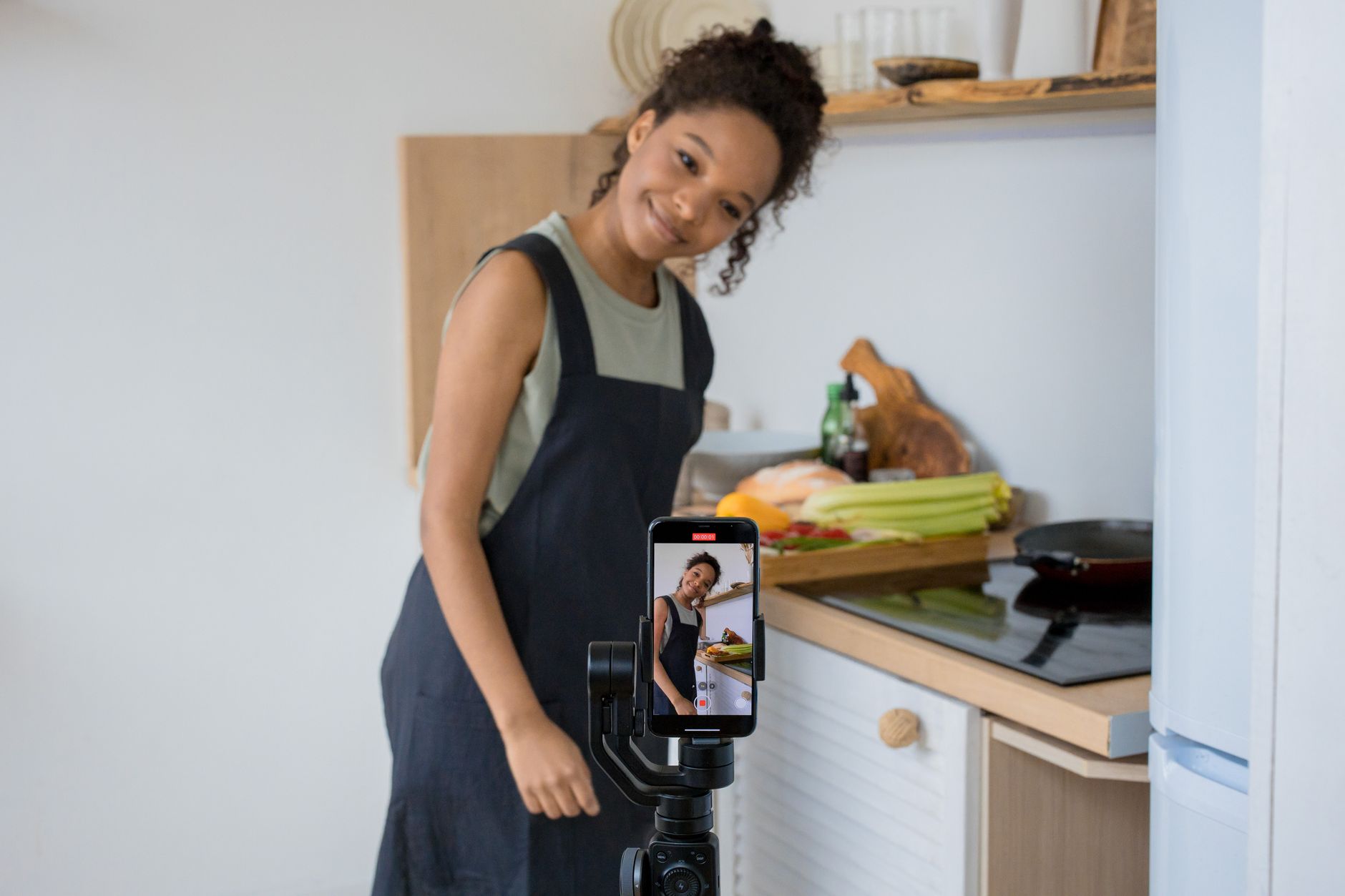
For scripting, combine ChatGPT with Postigniter's Post Generator to draft a TikTok or Reels script in the hook-body-CTA format. The hook (first 2 seconds) is everything in short-form video — it determines whether the algorithm pushes your content or buries it. A strong hook names a specific pain point or makes a counterintuitive claim. "You don't need a big following to go viral — here's what actually matters" outperforms "Today I'm going to share some tips" every time.
One common mistake: creators spend hours on production quality and thirty seconds on the hook. Flip that ratio. A mediocre video with a great hook outperforms a polished video with a weak one — consistently, across every niche.
The Repurposing Loop: One Video, Five Pieces of Content
Record one 60-second video and extract maximum value from it. Here's the exact sequence:
- Post the full video on TikTok and Instagram Reels.
- Pull a 15-second clip for Instagram Stories.
- Export the transcript (CapCut does this automatically) and turn it into a LinkedIn text post.
- Use three key points from the transcript as three separate Twitter/X posts.
- Turn the same three points into a carousel using Canva + Postigniter's Carousel Generator.
That's five pieces of content from one recording session. This is how solo creators maintain a daily posting schedule without burning out — not by creating more, but by distributing smarter.
Putting the Stack Together: A Real Weekly Workflow
Here's what the full stack looks like in practice for a solo creator or small business owner posting five times per week across three platforms (Instagram, LinkedIn, TikTok):
- Monday (90 min): Batch-write all captions using ChatGPT + Postigniter tools. Design three feed graphics in Canva using saved templates. Schedule everything in Buffer or Postigniter for the week.
- Wednesday (45 min): Record one short-form video. Edit in CapCut with auto-captions. Post to TikTok and Reels. Export transcript for LinkedIn and Twitter repurposing.
- Friday (20 min): Review analytics. Note which post format, topic, or time slot performed best. Adjust next week's plan accordingly.
Total time: under three hours per week. That's a full social media presence — consistent, multi-platform, AI-assisted — with zero paid tools if you stay within free tier limits.
The moment to upgrade is when you hit a specific bottleneck, not before. If you're hitting Buffer's ten-post limit, upgrade your scheduler. If you need more AI generation credits, move to a paid ChatGPT plan. Scale the spend only when the free tier is actively slowing you down.
Common Mistakes That Break Free Stacks
Most free stacks fail not because the tools are bad, but because of avoidable workflow errors. The three most common:
- Tool sprawl: Adding a new app every week without removing an old one. Aim for one tool per job (create, design, schedule, video). More tools means more logins, more friction, and less consistency.
- Skipping the caption ranking step: Publishing captions without testing them first. Postigniter's Caption Ranker scores your captions before you post — a two-minute check that meaningfully improves performance over time.
- Treating AI output as final: Every AI-generated caption or script needs a human edit pass. AI tools produce good first drafts; they rarely produce publish-ready copy. Add your voice, your specific details, and your brand's tone before hitting post.
The last point is the most important. AI is a speed multiplier, not a replacement for judgment. The creators who get the best results from free AI social media management tools are the ones who treat the AI as a junior copywriter — fast, helpful, but needing direction and review.
Start Building Your Stack Today
You don't need to implement all four layers on day one. Start with the layer that solves your biggest current pain point. If you're struggling to write captions consistently, start with ChatGPT and Postigniter's caption tools. If you're posting manually at random times, start with scheduling. Build one layer at a time, get it working, then add the next.
The full stack — creation, design, scheduling, video — is achievable for free. It takes about three hours to set up and under three hours per week to run. For solo creators and small businesses, that's a competitive advantage that most larger teams don't have: speed, flexibility, and zero bureaucracy.
Get started with Postigniter's free AI tools at postigniter.com/tools — no credit card required. Explore the full platform and see how it fits into your stack at How It Works. Your first week of scheduled content is closer than you think.
Tags
Postigniter Team
The Postigniter team shares practical tips and strategies to help creators grow their online presence.