AI Tools for Social Media Content Creation: Captions, Scripts, Titles & More (2025 Guide)
Postigniter Team
July 06, 2026
Every creator hits the same wall: a blank screen, a deadline, and zero inspiration. AI tools for social media content creation have changed that equation completely. Instead of staring at a draft for 45 minutes, you can generate a punchy Instagram caption, a click-worthy YouTube title, or a full TikTok script in under two minutes — if you know which tool to use and how to prompt it. This guide skips the generic "here are 20 AI tools" format. Instead, it organizes everything by output type, shows you real prompt formulas, and flags the trade-offs most roundups never mention.

The creator economy is growing fast. Statista reports over 5 billion active social media users globally in 2025. Standing out demands volume and quality — a combination that's nearly impossible without AI in your workflow. Let's break down exactly how to use these tools, output by output.
1. AI Tools for Social Media Content Creation: Instagram Captions

Instagram captions do more work than most creators realize. They drive saves, shares, and profile visits — all signals the algorithm rewards. A weak caption on a strong photo is a wasted post.
The tool to use: Postigniter's Image Caption Generator lets you upload a photo and receive platform-optimized captions instantly. For keyword-driven content — say, a fitness brand targeting "home workout tips" — the Keyword Caption Generator builds captions around your exact search terms, which matters for Instagram's in-app search ranking.
Prompt formula that works:
- Role: "You are a lifestyle brand copywriter for a sustainable fashion label."
- Context: "The photo shows a model wearing a linen dress on a sunny rooftop."
- Output spec: "Write 3 Instagram captions: one conversational (under 80 words), one story-driven (100–120 words), one question-based to drive comments."
- Tone: "Warm, aspirational, no corporate jargon."
This four-part formula — Role, Context, Output Spec, Tone — consistently outperforms single-sentence prompts. The AI has guardrails and delivers usable first drafts, not generic filler.
Common mistake: Accepting the first output without editing the hashtag block. AI tools often pad captions with irrelevant or oversaturated hashtags (think #love with 2 billion posts). Always swap those out for niche tags in the 50K–500K post range for better discovery.
2. YouTube Title Generators: The Click-Through Rate Multiplier
A YouTube title is a conversion asset, not a label. YouTube's Creator Academy consistently emphasizes that titles and thumbnails together determine whether a viewer clicks — and click-through rate (CTR) directly influences how broadly YouTube distributes your video.
The tool to use: Postigniter's Post Generator handles YouTube titles alongside other platform content, letting you generate multiple title variations in one session. Pair it with keyword research from a tool like Google Trends to confirm search volume before committing.
Prompt formula that works:
- "Generate 10 YouTube titles for a video about [topic]. Include: 2 curiosity-gap titles, 2 listicle titles, 2 how-to titles, 2 controversy/challenge titles, and 2 result-focused titles. Target audience: [describe]. Primary keyword: [keyword]."
Asking for variety by title type is the key move here. Most creators prompt for "catchy titles" and get ten variations of the same structure. Specifying formats forces the AI to stretch.
Real trade-off: AI-generated titles tend to be grammatically safe but emotionally flat. The curiosity-gap format ("Why 90% of Creators Get This Wrong") performs well but can feel clickbait-y if the video doesn't deliver. Always gut-check: does the title match what the viewer actually gets? Misleading titles spike bounce rates and tank watch time.
Once you have a winning title, check the best time to post on YouTube to maximize early momentum — early views signal relevance to the algorithm.
3. TikTok Script Generators: Hook, Body, CTA in 60 Seconds
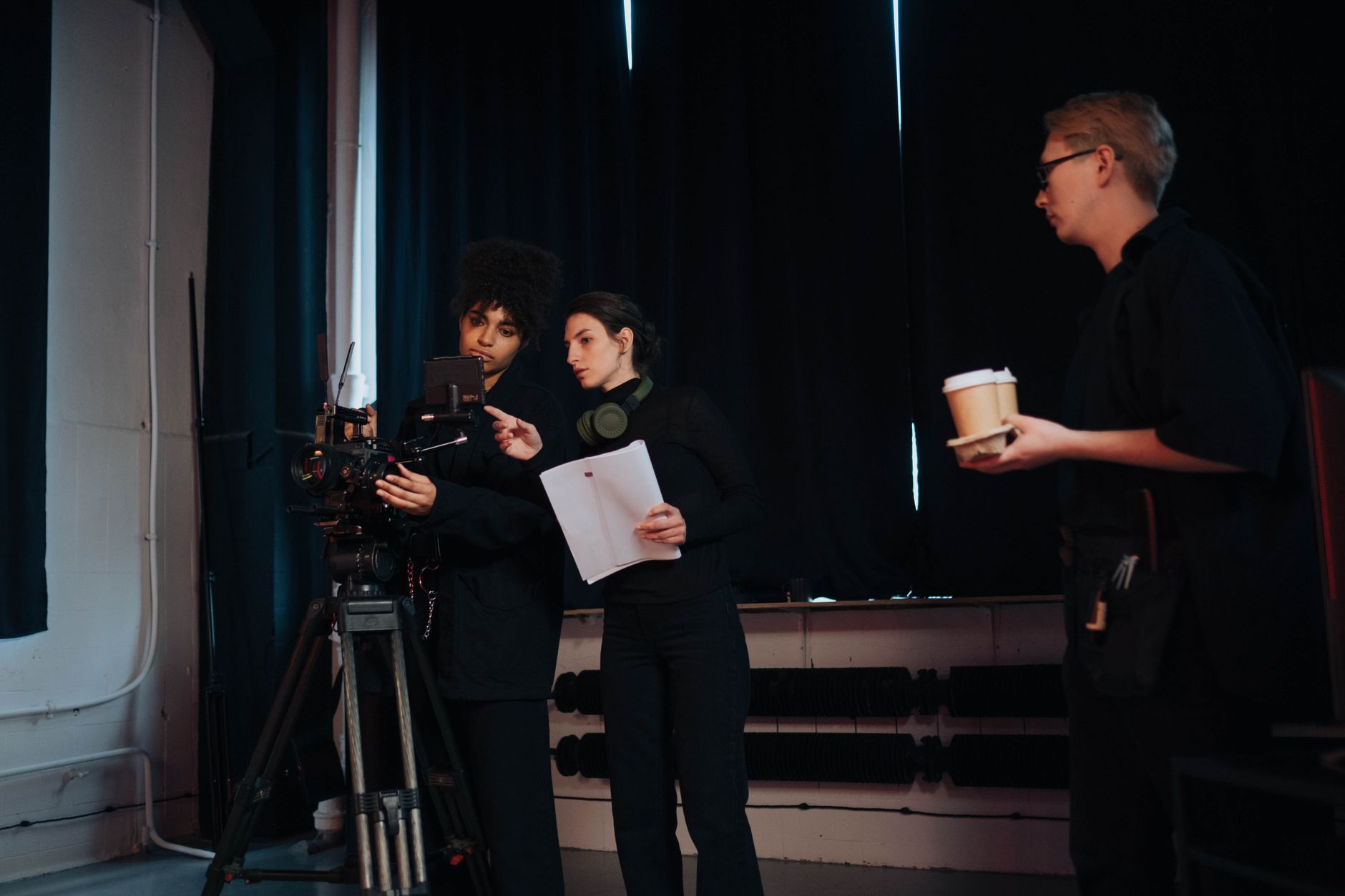
TikTok scripts have a ruthless structure. You have roughly 1.5 seconds to hook a viewer before they swipe. The body must deliver on the hook's promise. The CTA needs to feel natural, not tacked on. Miss any of these and your retention graph collapses — and TikTok's algorithm reads that collapse in real time.
The tool to use: Postigniter's Post Hook Generator is purpose-built for this. It generates opening lines engineered to stop the scroll — the hardest single sentence to write in short-form video.
Prompt formula for a full TikTok script:
- Hook (0–3 sec): "Write a hook for a TikTok about [topic] that uses a bold claim, surprising statistic, or direct challenge to the viewer."
- Body (3–45 sec): "Expand into 3–4 short, punchy points. Each point should be one sentence spoken aloud. No filler. No 'so basically.'"
- CTA (45–60 sec): "End with a soft CTA that asks a question or teases a follow-up video."
Breaking the prompt into three separate requests — rather than asking for the full script at once — gives you finer control over each section. You can regenerate just the hook ten times without touching the body.
Edge case to know: AI scripts often write for a reader, not a speaker. Before filming, read the script aloud. If a sentence takes more than one breath, it's too long for TikTok. Cut it.
Timing matters as much as the script itself. Use the TikTok best posting time guide to schedule your upload when your specific audience is most active.
4. AI-Powered Carousel Post Generators for Instagram and LinkedIn
Carousels are the highest-save format on Instagram and one of the highest-reach formats on LinkedIn. The reason is mechanical: each swipe is a new engagement signal, and platforms interpret swipes as interest. A 10-slide carousel can generate 10x the dwell time of a single image post.
The tool to use: Postigniter's Carousel Generator structures multi-slide content with a clear narrative arc — hook slide, value slides, CTA slide — so you're not manually writing each panel from scratch.
Prompt formula:
- "Create a 7-slide Instagram carousel about [topic]. Slide 1: bold hook question. Slides 2–6: one actionable tip per slide, max 20 words each. Slide 7: CTA with a soft sell or follow prompt."
The trade-off most creators miss: AI carousels tend to be informative but not opinionated. Carousels that take a clear stance — "Here's why [popular advice] is wrong" — consistently outperform neutral how-to carousels in saves and shares. After generating the structure, inject one contrarian or surprising point into the mix. That's the human edit that makes AI content feel original.
5. Caption Ranking and Optimization: Choosing the Best Version
Generating five caption options is easy. Knowing which one will actually perform is harder. Most creators pick based on gut feel — which is fine, but gut feel doesn't account for readability, emotional trigger, or keyword density.
The tool to use: Postigniter's Caption Ranker scores your generated captions against engagement predictors, so you're not guessing. Feed in your AI-generated options and let the ranker surface the strongest one.
What to look for in a high-performing caption:
- First line as a hook: Instagram truncates captions after two lines. Your opener must earn the "more" tap.
- One clear CTA: Ask for one thing — a comment, a save, a link click. Multiple CTAs dilute action.
- Specificity over generality: "I lost 12 lbs in 8 weeks using this exact meal plan" beats "I transformed my body with healthy eating" every time.
- Emoji placement: Use emojis as visual line breaks, not decoration. One emoji per thought, not five in a row.
Running your captions through a ranker before posting takes 30 seconds and removes the guesswork entirely. Over time, you'll also start to internalize what the ranker scores highly — and your first drafts will improve.
6. Content Repurposing: Turning One Piece of Content Into Five
The most underused AI workflow in content creation isn't generation — it's repurposing. A single long-form YouTube video contains enough material for a week of Instagram posts, three TikTok scripts, two LinkedIn carousels, and a Twitter thread. Doing that manually takes hours. With AI, it takes minutes.
The tool to use: Postigniter's Content Repurposer takes your existing content and reformats it for different platforms and lengths automatically.
A realistic workflow example:
- Record a 10-minute YouTube video on "How to grow on Instagram in 2025."
- Paste the transcript into the Content Repurposer.
- Select outputs: Instagram caption (3 variations), TikTok hook (5 options), LinkedIn carousel outline, Twitter/X thread.
- Edit for voice and accuracy — this step takes 10–15 minutes, not 2 hours.
- Schedule everything via Postigniter's scheduler for the week.
Where this breaks down: AI repurposing tools sometimes flatten the nuance of long-form content. A 10-minute video might make a subtle argument that gets reduced to a surface-level tip. Always read the repurposed output with the original in mind and restore any context the AI stripped out. The goal is efficiency, not abdication.
7. Short-Form Video Storyboards: Visualizing Before You Film
A storyboard isn't just for big-budget productions. For short-form video, a simple shot list — which angle, what text overlay, what B-roll — cuts filming time by 40–60% and eliminates the "I'll figure it out in editing" trap that wastes hours in post-production.
Prompt formula for an AI-generated storyboard:
- "Create a shot-by-shot storyboard for a 60-second TikTok/Reels video about [topic]. For each shot, include: shot number, visual description (what the camera sees), on-screen text overlay, spoken audio (one sentence max), and duration in seconds."
This prompt produces a structured table or list that you can print or keep open on your phone while filming. It's not a creative straitjacket — treat it as a checklist, not a script. Deviate when something better happens on camera.
The AI limitation to plan around: AI storyboards default to talking-head formats because that's what dominates training data. If your content style uses B-roll, text-only slides, or POV shots, explicitly state that in your prompt. "No talking-head shots. Use POV and B-roll only." Otherwise you'll get the same generic structure every time.
According to HubSpot's marketing research, short-form video delivers the highest ROI of any content format for the third consecutive year. A pre-planned storyboard is the difference between a video that looks polished and one that looks improvised — even when both are shot on a phone.
Putting It All Together: A Weekly AI Content Workflow
The real power of AI tools for social media content creation isn't any single tool — it's the system. Here's a realistic Monday-morning workflow for a solo creator posting across three platforms:
- Monday (30 min): Use the Post Generator to draft the week's YouTube title options and Instagram caption variations. Run captions through the Caption Ranker. Lock in the best options.
- Tuesday (20 min): Use the Post Hook Generator to write five TikTok hooks for the week's videos. Storyboard each video with the prompt formula above.
- Wednesday (15 min): Build one Instagram carousel using the Carousel Generator. Add your contrarian point. Schedule it for Thursday.
- Thursday–Friday: Film, edit, and upload. Use Postigniter's scheduler to queue everything at optimal times — cross-reference the best time to post data for each platform.
- Weekend: Repurpose the week's best-performing content using the Content Repurposer. Bank it for the following week.
This system keeps output high without burning out. Most creators who adopt it report cutting content creation time by 50–60% within the first two weeks — not because AI does everything, but because it eliminates the blank-page problem on every single asset.
Final Thoughts
The creators winning on social media right now aren't the ones with the biggest budgets or the most followers. They're the ones with the most efficient workflows. AI tools for social media content creation give every creator — solo or team — access to a production speed that wasn't possible two years ago.
The tools covered here aren't hypothetical. They're live, free, and built specifically for the outputs that drive platform growth: captions, titles, scripts, carousels, and storyboards. The prompt formulas work. The workflows are repeatable. What's left is execution.
Ready to start? Explore all of Postigniter's free AI content tools and build your first workflow today. Already using one of these tools? Join 12,000+ creators on Postigniter and get access to the full suite — no credit card required.
Tags
Postigniter Team
The Postigniter team shares practical tips and strategies to help creators grow their online presence.