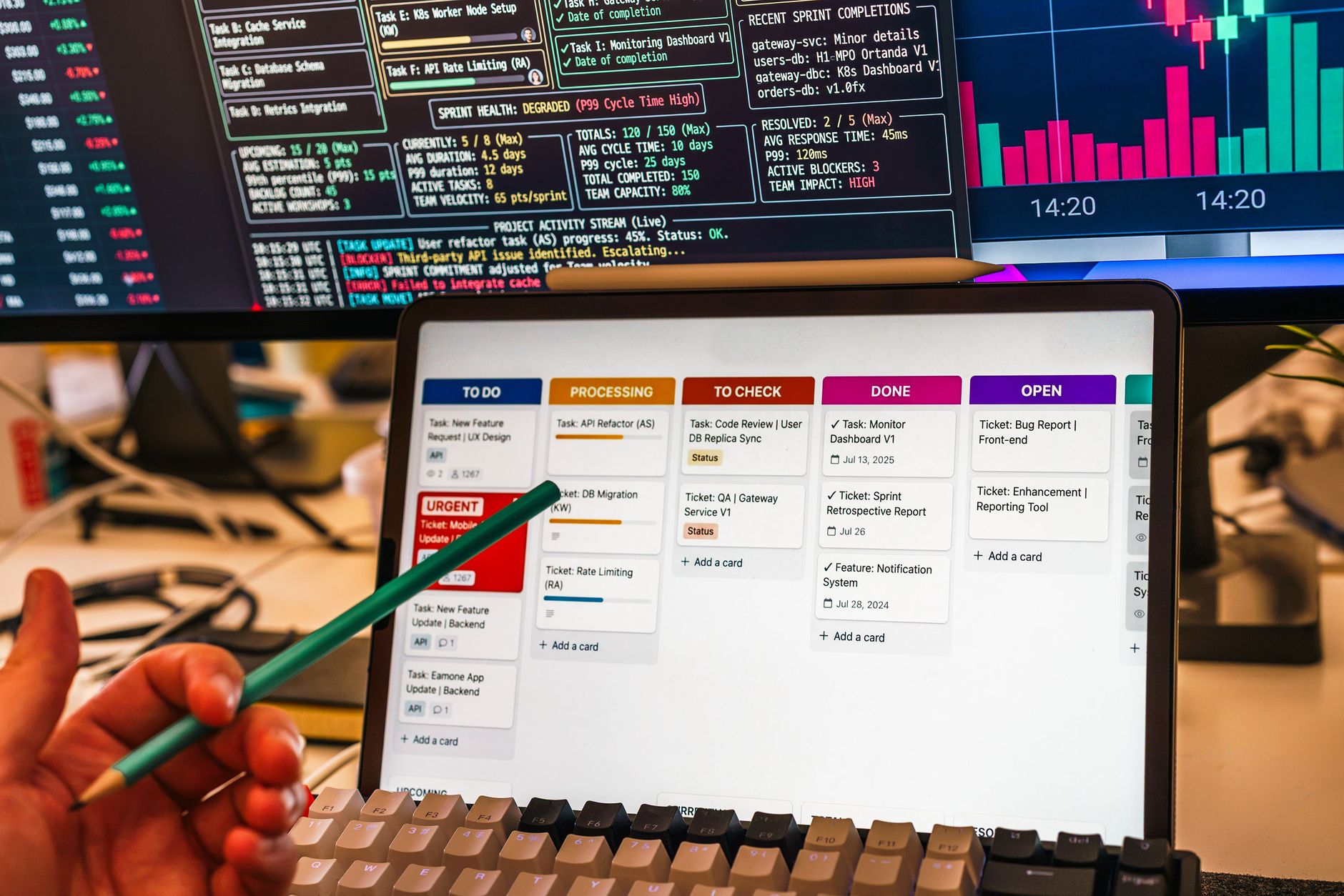
AI Social Media Management Tools: The Complete Workflow Guide (Writing to Analytics)
Postigniter Team
October 20, 2026
Why Most Creators Only Use 20% of What AI Social Media Management Tools Can Do
If you're using AI social media management tools only to write captions, you're leaving most of the value on the table. The real power isn't in any single feature — it's in how these tools connect every stage of your content workflow, from the spark of an idea all the way to a performance report that tells you what to do next. This guide breaks down that full workflow, stage by stage, and tells you exactly where AI accelerates your results and where a human eye is still non-negotiable.

Most creators treat AI as a drafting shortcut. Smart teams treat it as an operating system for their entire content pipeline. The difference in output — and in growth — is dramatic. Teams using integrated AI workflows report publishing 3–5× more content without proportional increases in headcount, according to data from the Sprout Social Index. That's not magic. It's workflow design.
Stage 1: Ideation — Turning Data Into Content Ideas
Blank-page paralysis kills more content calendars than any algorithm change. AI ideation tools solve this by pulling from trend data, keyword signals, and your own historical post performance to surface ideas that actually have traction potential — before you write a single word.
Here's what a concrete AI ideation session looks like in practice. You feed the tool your niche (say, personal finance for millennials), your top three performing posts from last month, and a list of trending hashtags. Within seconds, you get 20 angle variations — some evergreen, some tied to a news hook, some formatted as listicles, some as hot-takes. You pick three. That's your week.
The mistake most creators make at this stage is accepting AI suggestions verbatim. Treat them as raw material, not finished strategy. An AI doesn't know that your audience hates listicles, or that a competitor just published the exact same angle yesterday. Your contextual judgment filters the output into something genuinely useful.
- Use AI for volume: Generate 15–20 ideas in one session, then ruthlessly cut to your best 3–5.
- Layer in platform context: An idea that works for LinkedIn rarely translates directly to TikTok without a format shift.
- Check competitor gaps: Paste top-ranking competitor posts into your AI tool and ask it to identify angles they haven't covered.
Stage 2: Drafting and Repurposing — One Idea, Many Formats
This is where most people start — and where AI genuinely saves hours. A well-prompted AI drafting tool can turn a single core idea into a Twitter thread, an Instagram caption, a LinkedIn post, and a short-form video script in under five minutes. That's repurposing at scale, and it's one of the highest-leverage activities in modern content creation.

Postigniter's free AI content tools are built specifically for this multi-format workflow. The AI post generator lets you draft platform-native content fast, while the image caption generator handles the specific challenge of writing captions that complement a visual rather than just describe it. These aren't generic text boxes — they're tuned to the rhythms of each platform.
The repurposing logic matters as much as the drafting. Don't just copy-paste a LinkedIn post into Instagram. Instead, give the AI explicit format instructions: "Rewrite this as a 3-slide carousel with a hook on slide 1, the core insight on slide 2, and a CTA on slide 3." Specificity in your prompt is the difference between output you can use immediately and output that needs a full rewrite.
Where Human Review Is Essential in Drafting
AI drafts are fast. They are not always accurate. Fact-check any statistics the AI includes — language models hallucinate figures with alarming confidence. Check that the tone matches your brand voice, not just generic "professional" or "casual." And read the draft out loud: AI prose often sounds fine on screen but stilted when spoken, which matters enormously for video scripts.
A practical rule: never publish an AI draft without at least one human read-through. This isn't about distrust — it's about the fact that AI optimizes for plausibility, not accuracy or brand fit.
Stage 3: Scheduling — Timing Is a Strategy, Not an Afterthought
Publishing great content at the wrong time is like putting up a billboard in a tunnel. Timing directly affects reach, and AI scheduling tools now go well beyond "post at 9am on Tuesday." Modern AI social media schedulers analyze your audience's historical engagement patterns, factor in time zones, and adjust recommendations based on platform algorithm signals.
The data on optimal posting times is more nuanced than most guides admit. For Instagram, the best time to post on Instagram varies significantly by audience demographics and content type — a B2B creator and a lifestyle influencer with the same follower count will have very different peak windows. The same logic applies across platforms. Check the platform-specific best time to post guides to build your baseline, then let your AI scheduler refine it based on your actual audience data over time.
- Don't over-schedule: Posting 5× a day on LinkedIn will tank your engagement rate per post. Platform algorithms reward consistency over volume.
- Build content buffers: Use AI drafting sessions to create 2–3 weeks of content in one sitting, then let the scheduler distribute it. This decouples creation from publishing and removes the daily scramble.
- Respect platform-specific cadences: TikTok rewards daily posting; LinkedIn peaks at 3–5 posts per week; Instagram Stories and feed posts have different optimal frequencies.
One underrated feature of AI schedulers is queue rebalancing. If a post underperforms, a smart scheduler can automatically delay similar content and surface higher-performing formats instead. This feedback loop is where scheduling stops being a calendar tool and starts being a strategy tool.
Stage 4: Engagement and Sentiment Analysis — Reading the Room at Scale
Publishing is only half the job. What happens after you post — comments, DMs, shares, saves — is where community is built and where your next content ideas live. AI engagement tools can monitor comment sentiment in real time, flag negative feedback before it escalates, and even draft response suggestions that match your brand voice.
Sentiment analysis deserves more attention than it gets. Most creators look at likes and follower counts. But sentiment — the emotional tone of comments and mentions — is a leading indicator of brand health. A post that gets 500 comments sounds great until you discover 60% of them are negative. AI sentiment tools surface this signal instantly, rather than after you've spent a week doubling down on a direction your audience hates.
According to McKinsey research on personalization, brands that respond to customer sentiment signals quickly see measurably higher retention and engagement rates. For social media, that means monitoring tools aren't a luxury — they're a competitive necessity.
Automating Engagement Without Losing Authenticity
Here's the real tension: AI can draft comment replies, but robotic responses destroy community trust faster than silence. The right model is AI-assisted, human-approved. Use AI to generate three reply options for each comment type, then let a human pick and lightly edit the best one. This cuts response time from hours to minutes without making your audience feel like they're talking to a bot.
Never automate first replies to negative comments or complaints. These require human empathy and judgment. Automate the routine ("Thanks for sharing!"), humanize the critical.
Stage 5: Performance Reporting — Closing the Loop
A workflow without reporting is just activity. Reporting is what turns activity into strategy. AI analytics tools now go far beyond pulling reach and impression numbers — they identify which content formats drove the most saves, which CTAs converted to link clicks, which posting times outperformed your baseline, and which topics your audience engaged with most deeply.
The most valuable report isn't a vanity metrics dashboard. It's a content audit that tells you: "Posts in format X, published on days Y and Z, with topics in category W, consistently outperform your average by 40%." That's an actionable brief for your next AI ideation session. The workflow becomes self-reinforcing.
Set a weekly reporting cadence, not monthly. Social media moves fast enough that monthly data is often stale by the time you act on it. A 15-minute weekly review of your AI analytics dashboard — looking at engagement rate, reach, saves, and link clicks — is enough to make meaningful adjustments before the next week's content goes out.
- Track engagement rate, not just follower count. Follower count is a lagging vanity metric. Engagement rate tells you if your existing audience actually cares.
- Compare formats head-to-head: Carousels vs. single images, short captions vs. long-form — your AI analytics tool should make this comparison easy.
- Feed insights back into ideation: Your best-performing post from last month is your best brief for next month's content.
Building the Full AI Workflow: A Practical Framework
Here's how the complete workflow connects, end to end. Think of it as a flywheel: each stage feeds the next, and the whole system gets smarter over time as it accumulates your audience data.
- Ideate using AI trend analysis and your own top-performing content as inputs.
- Draft platform-native content with AI, then apply one human review pass for accuracy and brand voice.
- Repurpose each core idea into 3–5 formats before moving to the next idea.
- Schedule using AI-recommended timing windows, building a 2–3 week buffer.
- Monitor sentiment and engagement in real time, using AI drafts for routine replies and humans for complex ones.
- Report weekly, pulling AI-generated insights to identify what's working and brief the next ideation cycle.
Postigniter is built to support this kind of integrated workflow. From the free AI content tools that handle drafting and repurposing, to scheduling and platform management — the goal is to give creators a single place where the full workflow lives, rather than stitching together five different subscriptions. Get started for free and see how much of your manual workflow can be automated without sacrificing quality.
The Irreplaceable Human Layer
Every stage of this workflow has an AI component. None of them should be fully AI-autonomous — at least not yet. The creators who get the best results from AI tools are the ones who stay in the loop as editors, strategists, and brand guardians rather than handing the wheel over entirely.
AI is excellent at generating options, recognizing patterns, and executing at scale. It is poor at understanding cultural nuance, reading a room during a news cycle, or knowing when silence is the right brand response. Those judgment calls remain human work. The goal isn't to replace your creative instincts — it's to free them from the repetitive, time-consuming tasks that currently crowd them out.
The creators and teams winning on social right now aren't the ones with the biggest budgets or the most followers. They're the ones who've built the most efficient workflows. AI social media management tools are the infrastructure that makes those workflows possible. Discover how Postigniter fits into your stack and start building a content engine that compounds over time.
Tags
Postigniter Team
The Postigniter team shares practical tips and strategies to help creators grow their online presence.