Why Creator Tools TikTok Not Showing (And 7 AI Workarounds Creators Are Using)
Postigniter Team
June 21, 2026
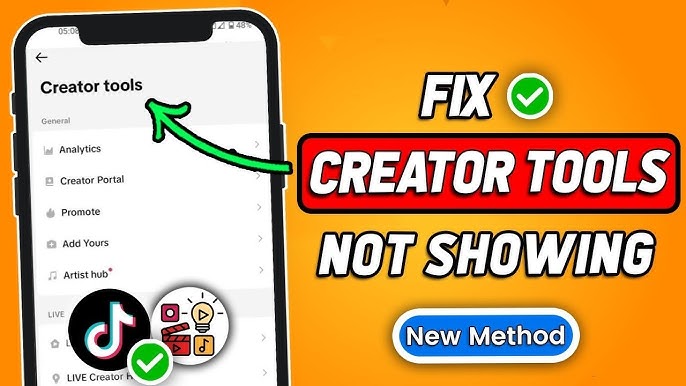
If you've searched creator tools TikTok not showing, you're far from alone. Thousands of creators hit this wall every week — they open TikTok, head to their settings, and the Creator Tools section is simply gone. Meanwhile, their content strategy grinds to a halt. This article explains exactly why this happens, walks through the account requirements TikTok now enforces, and — most importantly — gives you 7 powerful AI-based workarounds so you never lose momentum again.

What Are TikTok Creator Tools (And Why Do They Matter)?
TikTok's Creator Tools is a built-in dashboard that gives creators access to analytics, monetisation features, and audience insights. Specifically, it includes data like video performance, follower growth, and traffic sources. For serious creators, this data is non-negotiable.
However, TikTok does not offer these tools to every account. The platform gates them behind specific account types and eligibility thresholds. As a result, many creators suddenly lose access — or never had it in the first place — without a clear explanation from TikTok itself.
Furthermore, the rollout of TikTok's Creator Marketplace and updated monetisation policies in 2023–2024 reshuffled which features appear under which account types. This caused widespread confusion, especially for creators who had previously enjoyed full access.
Common Reasons Creator Tools TikTok Not Showing Up
There are several well-documented reasons why your Creator Tools tab may have disappeared or never appeared. Understanding the root cause is the first step to fixing it.
1. You're on a Personal Account
TikTok separates accounts into three types: Personal, Creator, and Business. Creator Tools are only available on Creator or Business accounts. Therefore, if you've never switched account types, you simply won't see the tab.
2. You Don't Meet the Follower Threshold
Certain Creator Tools features — like the Creator Fund or LIVE Gifts — require a minimum follower count. Specifically, TikTok's Creator Fund requires at least 10,000 followers and 100,000 video views in the last 30 days. Additionally, your account must be at least 30 days old. TikTok's official Creator Tools support page outlines these requirements in detail.
3. Your Region Isn't Supported
Not all Creator Tools features are available in every country. Moreover, TikTok frequently expands or restricts features by region without much fanfare. Consequently, creators in certain markets may see a stripped-down version of the Creator Tools menu — or none at all.
4. A Recent App Update Broke the Feature
TikTok pushes updates frequently, and sometimes those updates temporarily hide or break menu items. Additionally, cached data from an older version of the app can conflict with new UI layouts. Simply force-quitting the app, clearing the cache, and reinstalling often resolves this.
5. Your Account Was Flagged or Restricted
If TikTok has placed any restriction on your account — even a temporary one — Creator Tools may be hidden. Notably, this can happen after a community guidelines strike or an unusual spike in activity. In this case, contacting TikTok support directly is the most reliable path forward.
6. You Switched From Creator to Business Account
Ironically, switching to a Business account can remove some Creator-specific tools. For instance, Business accounts lose access to certain sounds and some monetisation features. Therefore, the switch isn't always an upgrade — it depends on your goals.
7. The "Creator Tools Instagram Not Showing" Crossover Problem
Many creators manage both TikTok and Instagram. Interestingly, the same confusion exists on Instagram, where Creator Studio features are gated behind Professional accounts. As a result, creators searching "creator tools Instagram not showing" are dealing with a near-identical issue. The good news: the AI workarounds below apply to both platforms.
How to Fix TikTok Creator Tools Not Showing: Quick Checklist
Before jumping to workarounds, run through this checklist. Often, the fix is simpler than you think.
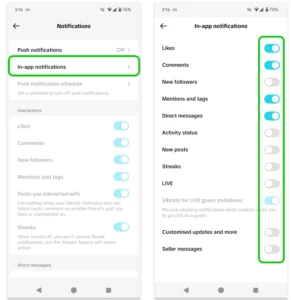
- Switch to a Creator or Business account: Go to Settings → Manage Account → Switch to Creator Account.
- Check your follower count: Ensure you meet the minimum thresholds for the specific tool you need.
- Update the app: Visit your app store and install the latest TikTok version.
- Clear the cache: Go to Settings → Free Up Space → Clear Cache.
- Check your region: Use TikTok's Newsroom to see which features are live in your country.
- Log out and back in: A simple session refresh sometimes restores missing menu items.
- Contact TikTok support: If none of the above works, raise a ticket through the in-app Help Centre.
However, even after following these steps, some creators still find themselves locked out. Furthermore, even when Creator Tools are available, they're often limited in depth. That's where AI tools become a genuine game-changer.
7 AI Workarounds When Creator Tools TikTok Not Showing
The following workarounds don't just patch the gap — many creators find them more powerful than TikTok's native tools. Additionally, most are completely free to use.
Workaround 1: Use an AI TikTok Script Generator
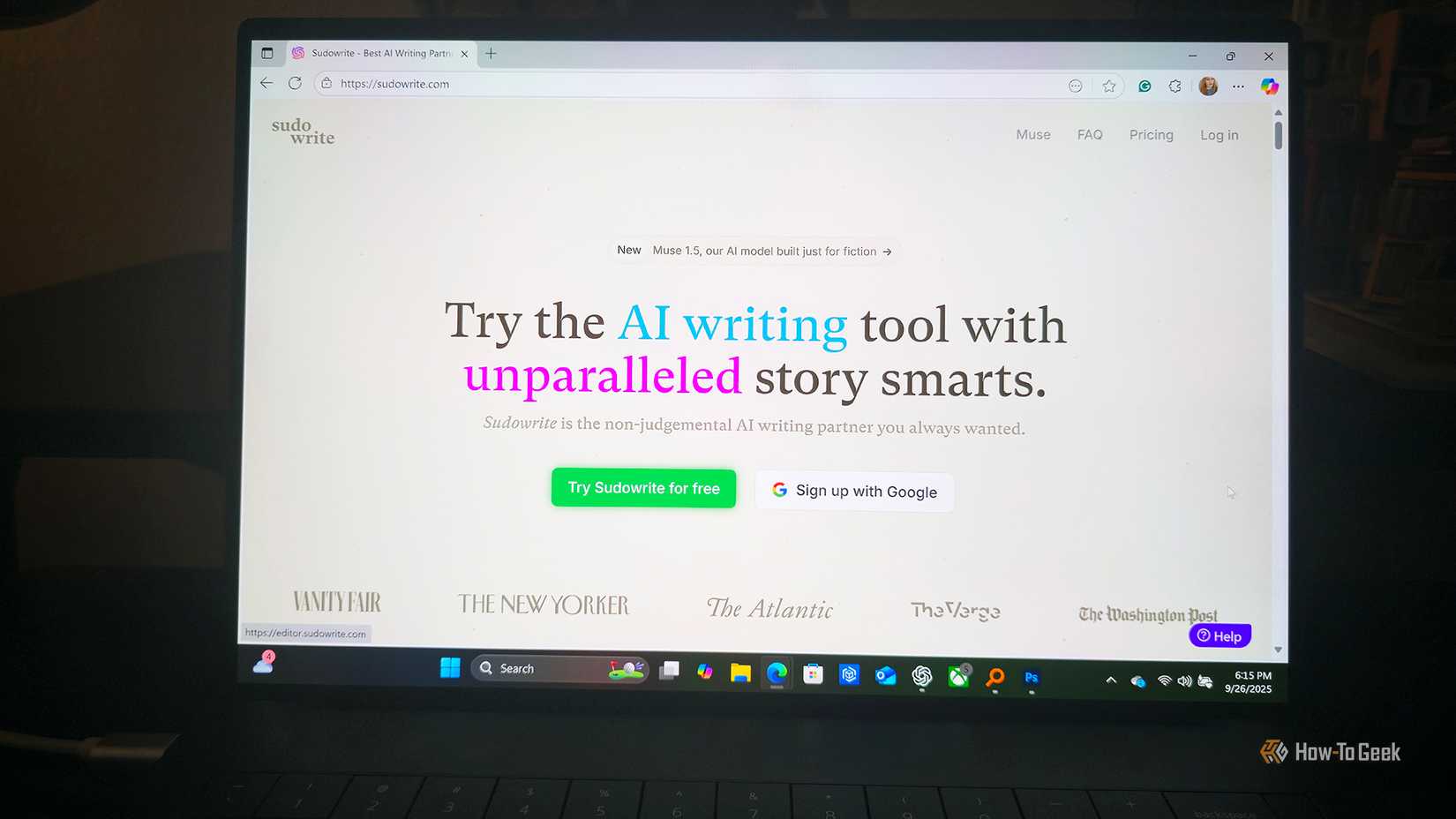
One of the most-used Creator Tools features is the Content Ideas prompt. However, an AI script generator goes much further. Postigniter's free TikTok script tools let you generate full video scripts, hooks, and captions in seconds — no follower threshold required.
Specifically, the Post Hook Generator is built for short-form video. It crafts scroll-stopping opening lines that dramatically improve watch time. Consequently, you get better organic reach even without native Creator Tool analytics guiding you.
Workaround 2: Generate Captions With AI
TikTok's Creator Tools include a basic caption suggestion feature. However, an AI caption generator produces far more varied and optimised options. Postigniter's Image Caption Generator and Keyword Caption Generator create platform-ready captions tuned for engagement.
Furthermore, captions play a direct role in TikTok's search algorithm. As a result, a well-crafted, keyword-rich caption can replace much of what you'd normally get from Creator Tool suggestions.
Workaround 3: Rank Your Content Before You Post
Without Creator Tools analytics, you lose the ability to predict which posts will perform. However, Postigniter's Caption Ranker fills this gap by scoring your captions for engagement potential before you publish. Additionally, it highlights weak spots so you can refine your copy in advance.
Workaround 4: Use AI-Powered Scheduling
Creator Tools includes a basic "best time to post" insight. Notably, Postigniter offers a dedicated, data-driven Best Time to Post on TikTok guide — completely free. Moreover, Postigniter's scheduling platform lets you queue content across multiple platforms at once, so you never miss a peak engagement window.
According to Sprout Social's research, posting at optimal times can increase reach by up to 20%. Therefore, replacing TikTok's native scheduling insight with a dedicated tool is a genuine upgrade.
Workaround 5: Track Engagement With a Free Calculator
TikTok's analytics dashboard is one of the most-missed Creator Tools features. However, you can monitor your own performance manually using Postigniter's Engagement Rate Calculator. Simply input your likes, comments, shares, and follower count to get a clear engagement rate score.
Additionally, tracking your engagement rate over time gives you a richer picture than TikTok's native dashboard — because you can compare it across platforms in one place.
Workaround 6: Repurpose Content Across Platforms With AI
One underrated Creator Tools feature is cross-posting guidance. However, Postigniter's Content Repurposer takes any piece of content and rewrites it for TikTok, Instagram, YouTube, LinkedIn, and more. Consequently, you multiply your output without multiplying your effort.
Furthermore, repurposing is one of the highest-ROI strategies for growing across platforms simultaneously. Specifically, a single TikTok script can become an Instagram Reel caption, a YouTube Short description, and a LinkedIn post in minutes.
Workaround 7: Generate Viral Post Ideas With AI
Creator Tools' Content Ideas feature is helpful — but limited. Alternatively, Postigniter's Post Generator produces full post ideas, formats, and copy for any niche. Moreover, it's powered by AI trained on viral content patterns, so your ideas are grounded in what actually works.
Additionally, you can use the Post Generator to batch-create a full week of TikTok content in one sitting. As a result, you're no longer dependent on TikTok's in-app tools to stay consistent and creative.
Why AI Tools Beat Native Creator Tools (Most of the Time)
It might feel counterintuitive, but losing access to Creator Tools can actually push you toward better solutions. Native platform tools are designed to keep you on the platform — not to help you grow as efficiently as possible. Meanwhile, third-party AI tools are built with creators' actual needs in mind.
Specifically, AI tools offer:
- Platform independence — they work whether your account is restricted or not.
- Deeper customisation — you control the tone, style, and keyword focus.
- Cross-platform power — one tool, multiple channels.
- Speed — generate a week of content in the time it takes to scroll TikTok for ideas.
- Free access — Postigniter's full suite of creator tools is free to use, with no follower threshold.
Furthermore, relying solely on a single platform's native tools is a fragile strategy. Algorithms change. Features disappear. Accounts get restricted. Consequently, building your workflow around robust, platform-agnostic AI tools is simply smarter long-term planning.
Conclusion: Don't Let Missing Creator Tools Slow You Down
The frustration of creator tools TikTok not showing is real — but it's also fixable. Whether the issue is your account type, your region, or a TikTok glitch, the steps above will help you diagnose and resolve it quickly. Moreover, the AI workarounds in this article mean you never have to wait on TikTok's native tools to create, schedule, and grow.
Postigniter gives you a full suite of free AI social media tools — from script generators to engagement calculators to smart scheduling. Additionally, it connects all your platforms in one place, so you're always in control of your content strategy. Get started for free today at Postigniter.com and join over 12,000 creators who've already made the switch.
Discover how Postigniter's AI tools can replace — and upgrade — every Creator Tool feature you've been missing. Explore all free creator tools here.
Tags
Postigniter Team
The Postigniter team shares practical tips and strategies to help creators grow their online presence.