Free Photo Editing Software: Best Picks 2026 for Content Creators
Lisa Terra
February 27, 2026
Free Photo Editing Software: Your Complete Guide to Top Tools in 2026
Creating stunning visuals doesn't require expensive subscriptions. Whether you're building your Instagram presence, crafting TikTok content, or developing YouTube thumbnails, image editing tools have evolved dramatically. In particular, 2026 brings AI-powered tools and intuitive platforms that make professional-quality editing accessible to everyone—from beginners to experienced content creators.
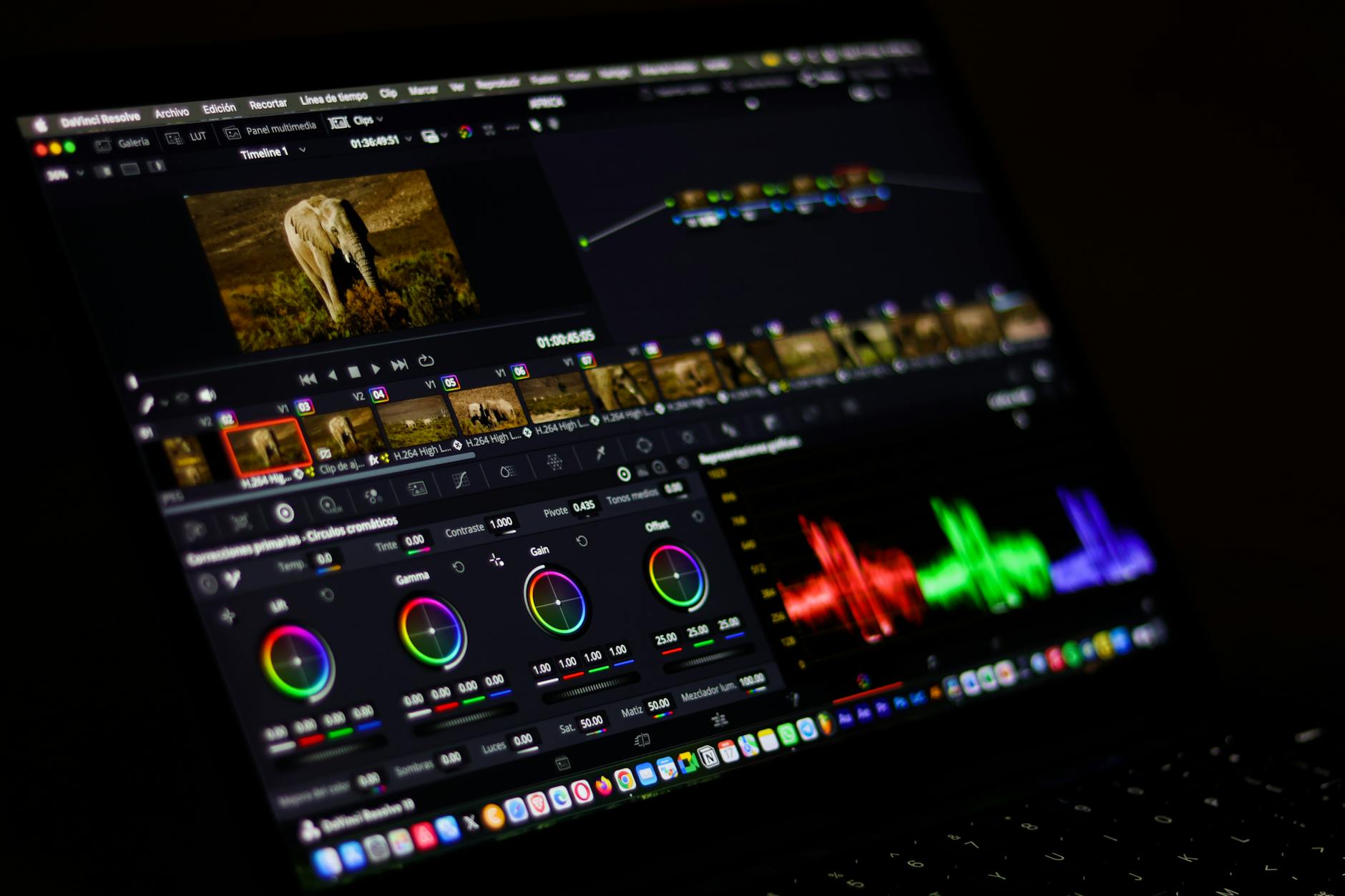
This guide explores the top free photo editing software available today. Furthermore, it helps you choose the perfect tool for your creative workflow.
Why Image Editing Tools Matter for Content Creators
Content creation demands efficiency and quality. The rise of AI content creation tools has democratized professional editing capabilities. You no longer need to invest thousands in software licenses to produce gallery-worthy images.
Additionally, photo manipulation programs now include AI-powered features like background removal and object elimination. These capabilities previously required premium software. For social media creators managing multiple platforms, these tools streamline your workflow while maintaining professional standards.
Best Free Photo Editing Software for PC Users
Desktop creators seeking powerful editing capabilities have excellent options. Therefore, let's explore the best free photo editing software for pc that delivers professional results without subscription costs.
GIMP: The Professional-Grade Free Alternative
For desktop creators seeking a free Photoshop alternative, GIMP remains the closest equivalent. This completely free, open-source editor delivers professional capabilities without subscription costs.
GIMP advantages include:
- Powerful image editing with zero cost
- Highly customizable interface
- Regular updates and community support
- Extensive plugin ecosystem
The learning curve is steeper than beginner-focused tools. However, GIMP rewards investment with unmatched customization and professional-grade features.
Photopea: Browser-Based Professional Editing
Photopea represents an innovative approach to digital photo enhancement software. This web-based editor provides professional capabilities directly in your browser. Consequently, it eliminates installation requirements.
Photopea appeals to creators who:
- Want professional features without Photoshop subscriptions
- Prefer browser-based workflows
- Need cross-device compatibility
- Value accessibility and immediate access
Best Free Photo Editing Apps for Mobile Creators
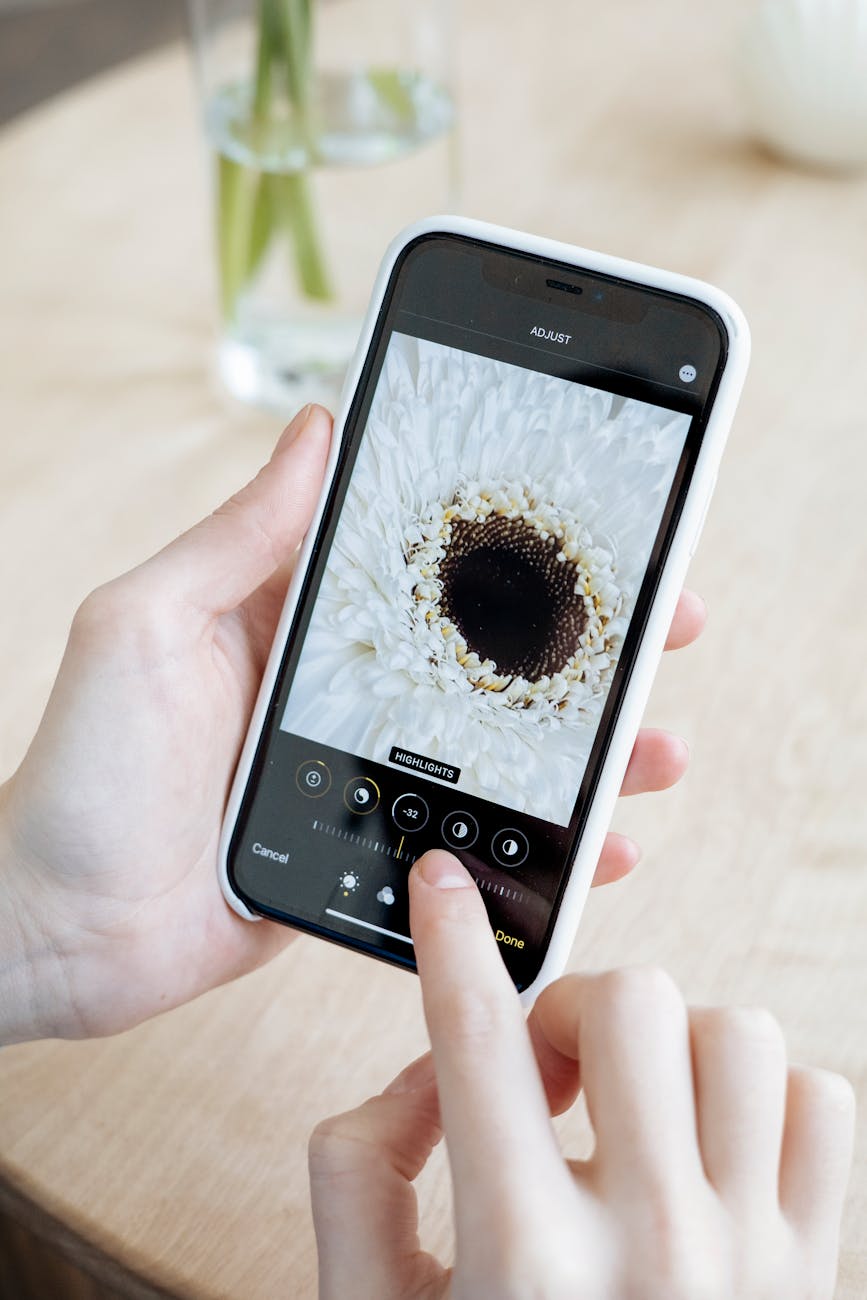
PhotoDirector: The All-in-One Mobile Editor
PhotoDirector consistently ranks as the top image editing tool for both iOS and Android. With a perfect 10/10 rating, this platform combines accessibility with professional-grade features.
Key advantages include:
- AI Removal and AI Enhancer tools
- Color correction and adjustment capabilities
- Portrait editing with beauty retouching features
- Extensive filters, effects, and overlays
- Built-in stock library with millions of royalty-free images
PhotoDirector excels for content creators who need quick, professional edits. Moreover, you never need to leave your smartphone.
Snapseed: Power Without Complexity
Snapseed stands out as the best mobile photo manipulation program for creators seeking advanced capabilities. This free app delivers pro-level tools in an accessible package.
What makes Snapseed exceptional:
- Selective adjustments and healing brush
- Film-style filters for artistic enhancement
- Advanced tools like curves and detailed color adjustments
- Layered edits and custom "Looks."
- Completely free with zero premium paywalls
Snapseed bridges the gap between beginner-friendly interfaces and professional editing depth. Although the streamlined design remains approachable for newcomers, experienced photographers appreciate its advanced toolset.
YouCam Perfect: AI-Powered Beauty and Object Editing
For creators focused on portrait content and visual enhancement, YouCam Perfect delivers specialized AI tools. This free editor earned a perfect 10/10 rating for its focused feature set.
YouCam Perfect excels with:
- AI object removal capabilities
- Background changer and sky replacement
- Face retouch and body editing tools
- Wide variety of effects, animations, and collage options
This platform particularly suits Instagram and TikTok creators. Additionally, it prioritizes portrait quality and background customization.
HitPaw FotorPea: Cross-Platform AI Editing
HitPaw FotorPea represents the new generation of AI content creation tools. With a 9.5/10 rating, this AI photo editor works seamlessly across Android, iOS, Windows, and Mac.
Standout features include:
- AI photo editing with advanced adjustment tools
- Flawless AI background removal
- AI-powered photo enhancement models
- Object removal with precision
The cross-platform compatibility makes HitPaw FotorPea ideal for creators. Furthermore, it manages content across devices effectively.
Pixlr: Lightweight and Filter-Focused
Pixlr offers a web-based approach to photo editing. This platform requires no installation and delivers quick access from any browser.
Best features for quick edits:
- Basic editing tools and photo effects
- Collage templates for easy creation
- Auto Fix for color adjustment
- Color Splash effect for selective coloring
- AI background removal
Pixlr works perfectly for casual editors. Therefore, it suits those who want immediate results without software installation.
Free Editing Software for Beginners
Canva: Design and Photo Editing Combined
Canva merges photo editing with design capabilities. As a result, it becomes invaluable for social media creators. The free plan provides surprisingly comprehensive editing tools.
Why Canva excels for beginners:
- Drag-and-drop simplicity requiring zero technical knowledge
- Quick filters, crop, resize, and text overlay functions
- Pre-built templates optimized for Instagram, Pinterest, and other platforms
- Free plan with optional Pro upgrade at $12.99/month
Canva perfectly suits content creators managing multiple social platforms. In particular, it helps them work simultaneously across platforms.
Luminar Neo: AI-Powered Beginner Success
Luminar Neo represents the best AI-powered beginner software. It combines intuitive design with advanced capabilities. The color-coded interface guides users logically through editing tasks.
Key beginner benefits:
- Superb AI-powered tools for automatic enhancement
- Clean, intuitive interface with real-time feedback
- Sky replacement and portrait enhancement with minimal clicks
- RAW support for advanced editing
Emerging Trends in Digital Photo Enhancement
The AI video editing and AI content creation landscape continues expanding into photo editing. Modern image editing tools increasingly feature:
- One-click AI enhancement that analyzes and improves images automatically
- Intelligent object removal using neural networks
- Sky and background replacement powered by AI
- Portrait retouching that preserves natural appearance
- Content-aware editing that understands image composition
These advancements mean creators can achieve professional results in seconds rather than minutes. Therefore, photo manipulation programs continue to democratize professional editing.
Choosing Your Perfect Photo Editing Solution
Selection depends on your specific needs. However, here are the best options for different use cases:
For Mobile-First Creators: PhotoDirector or Snapseed delivers professional results on smartphones. Furthermore, they require no desktop setup.
For Social Media Optimization: Canva combines editing with design templates. Additionally, these templates are specifically built for Instagram, TikTok, and YouTube.
For Advanced Features: GIMP or Photope provides professional-grade capabilities. Therefore, they match expensive alternatives without the cost.
For AI-Powered Efficiency: HitPaw FotorPea or YouCam Perfect automate enhancement and background editing. As a result, they save significant time.
For Quick Edits: Pixlr's web-based approach requires no installation. Moreover, it delivers immediate results.
Maximizing Your Photo Editing Workflow
Regardless of which tool you choose, implement these strategies to get started effectively:
- Master one tool deeply rather than switching between multiple platforms
- Create presets or custom filters for consistent brand aesthetics
- Utilize built-in stock libraries to enhance compositions
- Experiment with AI features to discover automated enhancement possibilities
- Export in appropriate formats for your target platform
Additionally, take time to explore advanced features as your skills develop. Most importantly, practice regularly to build muscle memory with your chosen tools.
Conclusion
Image editing tools in 2026 eliminate the excuse for mediocre visuals. Whether you prioritize mobile convenience, desktop power, or AI automation, exceptional tools exist at zero cost. The platforms discussed—from PhotoDirector's comprehensive mobile suite to GIMP's professional desktop capabilities—prove that quality editing no longer requires expensive subscriptions.
Start with the tool matching your workflow today. Then, experiment with AI features and discover how your content quality transforms. Most importantly, your audience will notice the difference, so check out these tools and begin creating professional-quality content immediately.
Related Articles
Tags
Lisa Terra
Content creator and social media strategist sharing tips to help you grow your online presence.