
8 Free AI Social Media Tools That Actually Help You Create Posts Faster
Prince Sargbah
July 16, 2026
Most creators hit the same wall: ideas exist, but turning them into polished, platform-ready posts takes hours. The good news? AI social media tools free of charge have matured far beyond basic spell-checkers. Today's best free options handle captions, hooks, scripts, carousels, and scheduling — all without asking for a credit card. This guide cuts through the noise and lists eight tools that deliver real, measurable speed gains, with honest trade-offs for each one.

Why Free AI Tools Are Finally Good Enough to Use Seriously
Two years ago, free AI writing tools produced generic, robotic output that needed heavy editing. That gap has closed. Underlying models like GPT-4o and Claude 3 power many free tiers today, which means the quality ceiling has risen sharply. The real differentiator now is specialization — a tool built specifically for Instagram captions will outperform a general chatbot on that task, even if both are free.
The mistake most creators make is treating free tools as temporary until they can afford something better. For the majority of solo creators and small teams, a well-chosen stack of free tools covers 80–90% of content needs. The key is knowing which tool to reach for on which task — and that's exactly what this list addresses.
1. Postigniter Post Generator — Best for Multi-Platform Copy in One Click

The Postigniter Post Generator is purpose-built for social media. You drop in a topic or URL, pick your platform (Instagram, LinkedIn, TikTok, X), and it returns ready-to-publish copy in seconds. Unlike a general AI chatbot, it applies platform-specific tone rules automatically — short and punchy for TikTok, professional and insight-led for LinkedIn.
The practical advantage: no prompt engineering required. You don't need to write a paragraph of instructions telling the AI to "write in a casual tone for Instagram with three hashtags." The tool handles that context by default. For creators juggling three or more platforms, this alone saves 20–30 minutes per content batch.
Trade-off: If your niche is highly technical (think medical devices or derivatives trading), you'll still need to fact-check outputs and inject domain-specific detail. No free tool replaces subject-matter expertise.
2. Postigniter Post Hook Generator — Stop Losing People in the First Three Seconds

A weak opening kills reach before the algorithm even tries. The Post Hook Generator solves this by producing multiple high-retention opening lines for any topic. It draws on proven hook frameworks — curiosity gaps, contrarian statements, bold statistics, and story openers — and lets you pick the one that fits your voice.
Here's a concrete example. Enter "5 ways to grow on LinkedIn" and you might get: "Most LinkedIn advice is wrong — here's what actually moved my follower count from 400 to 12,000." That's a hook with a specific number, a contrarian angle, and a personal proof point. Crafting that manually takes iteration; the tool surfaces it in under ten seconds.
- Best for: Reels, TikToks, LinkedIn posts, and any format where the first line determines watch time or read-through rate.
- Common mistake: Using the first hook the tool generates without testing alternatives. Always generate at least three and A/B test when volume allows.
3. Postigniter Image Caption Generator — Turn Visuals Into Words That Convert

Staring at a great photo and blanking on the caption is a real problem. The Image Caption Generator reads your uploaded image and returns captions matched to the visual content. It's not just describing the photo — it's framing it for engagement, pulling out the emotional angle or the story hook the image implies.
For product creators and photographers, this is especially powerful. Upload a flat-lay of your product, choose a tone (playful, aspirational, informative), and get three caption variants with hashtag suggestions. The whole process takes under a minute versus the 10–15 minutes many creators spend agonizing over a single caption.
Trade-off: The tool works best with clear, well-lit images. Abstract or low-contrast photos sometimes produce generic output. When that happens, add a one-line description of the image context before generating — it sharpens the result significantly.
4. Postigniter Carousel Generator — Build Scroll-Stopping Slide Decks Fast

Carousels consistently outperform single-image posts on LinkedIn and Instagram, with some studies reporting 3x higher reach compared to static images. The bottleneck isn't the design — it's writing slide-by-slide copy that flows logically and keeps people swiping. The Carousel Generator handles that structure automatically.
Enter a topic and the number of slides, and it maps out a narrative arc: hook slide, problem slide, solution slides, and a CTA closer. Each slide gets a headline and supporting copy sized for readability. You paste the text into Canva or your design tool of choice and ship.
- Best use case: Educational content, step-by-step tutorials, myth-busting lists, and case study breakdowns.
- Pro tip: Ask for 8–10 slides even if you only need 6. Cut the weakest slides after generation rather than trying to expand a short draft.
5. Postigniter Content Repurposer — One Piece of Content, Five Platforms
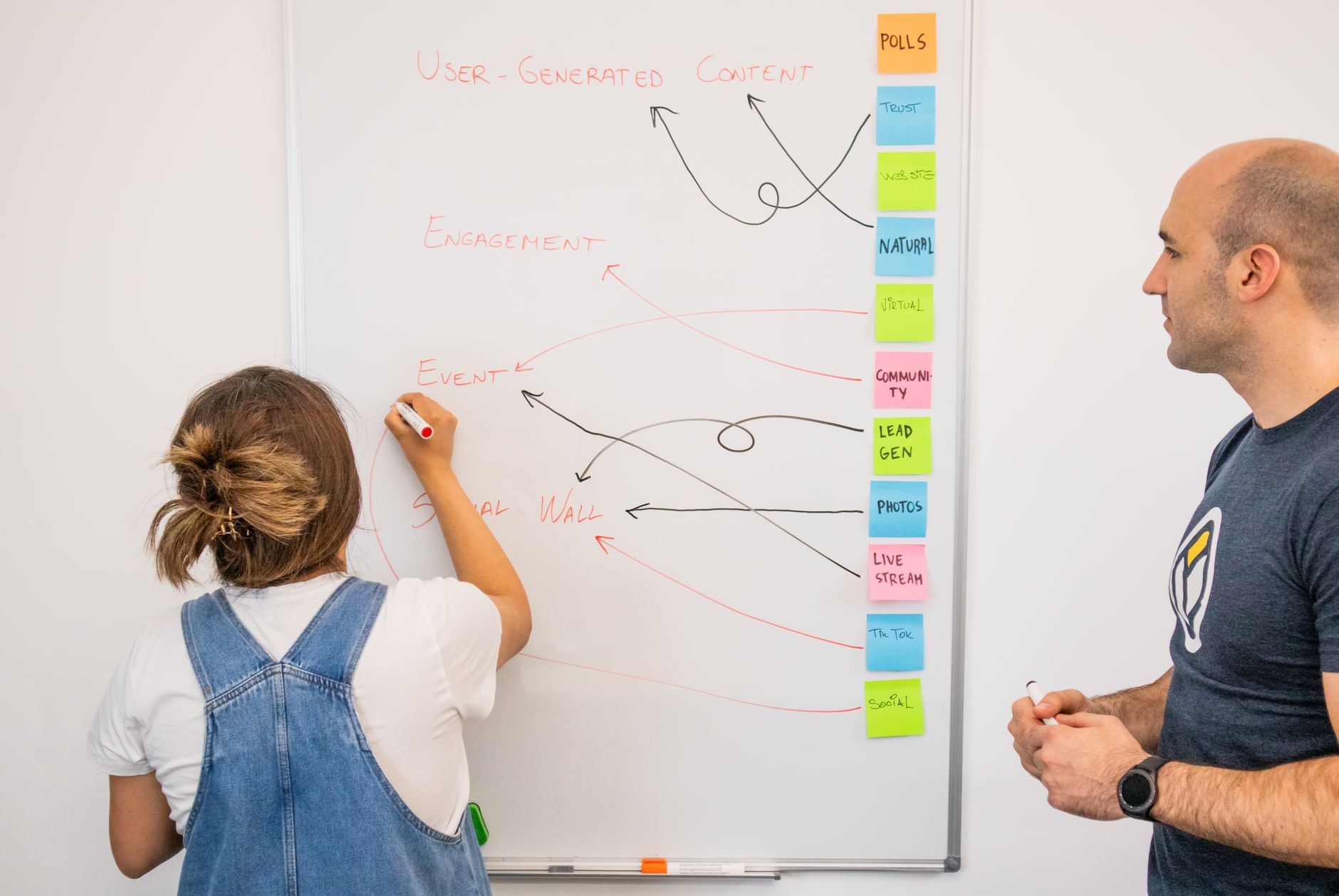
Creating original content for every platform is unsustainable. The smarter move is to create once and repurpose intelligently. The Content Repurposer takes a blog post, YouTube transcript, or long-form article and reformats it into platform-native versions: a Twitter/X thread, a LinkedIn post, an Instagram caption, and a short TikTok script.
What makes this different from copy-pasting is the platform adaptation. A LinkedIn version leads with a professional insight and uses full sentences. The TikTok version opens with a hook and uses punchy, spoken-word phrasing. These aren't the same text reformatted — they're genuinely rewritten for each context.
According to HubSpot's marketing research, repurposing content can increase your content output by up to 60% without a proportional increase in production time. That's the efficiency argument in one number.
6. Postigniter Caption Ranker — Know Which Caption Wins Before You Post

Writing two captions and not knowing which to use is a common creator problem. The Caption Ranker scores your options against engagement signals — clarity, emotional pull, CTA strength, and platform fit — and tells you which one is likely to perform better and why.
This is particularly useful when you're writing for a client or brand where gut instinct isn't enough to justify a creative choice. The ranker gives you a data-backed rationale. It won't replace audience testing, but it's a strong filter before you publish.
Trade-off: The ranker scores based on general engagement patterns. Niche communities sometimes respond to unconventional copy that scores lower on generic metrics. Use it as a guide, not a verdict.
7. Canva Magic Write (Free Tier) — Fast Visual-Copy Integration
Canva's free tier includes Magic Write, an AI text generator embedded directly inside the design canvas. The key advantage isn't the writing quality — it's the zero context-switching. You design your post and generate your copy in the same window, which eliminates the copy-paste loop between a writing tool and a design tool.
For creators who already live in Canva, this is the fastest path from blank canvas to finished post. The free tier limits Magic Write to 50 uses per month, which is enough for most individual creators. Teams will hit that ceiling faster.
You can read more about Canva's AI features directly on the Canva Magic Studio page.
8. Buffer's Free Plan — Scheduling Without the Spreadsheet
Writing great content and posting it at the wrong time wastes effort. Buffer's free plan lets you connect up to three social channels and queue up to 10 posts per channel — enough for a consistent weekly schedule on two or three platforms. It's not a content creator, but it's the logistics layer that makes your content stack work.
Pair Buffer's scheduling with timing data from Postigniter's Best Time to Post guides — platform-specific breakdowns for Instagram, TikTok, LinkedIn, and more — and you're posting the right content at the right time without guesswork.
Buffer's own posting frequency research shows that consistency matters more than volume for most platforms. Three well-timed posts per week outperform seven poorly-timed ones. The free plan is built for exactly that cadence.
How to Build a Free AI Tool Stack That Actually Works
The biggest mistake creators make with free tools is using them in isolation. A stack approach multiplies the value of each tool. Here's a practical workflow:
- Ideate: Use the Post Generator to draft platform-specific copy for your topic.
- Strengthen: Run your opening line through the Hook Generator to sharpen retention.
- Compare: Use the Caption Ranker to pick the strongest version before publishing.
- Expand: Feed your best post into the Content Repurposer to create five platform variants.
- Schedule: Queue everything in Buffer, timed against platform-specific peak hours.
This workflow takes a single idea and turns it into a week of content across multiple platforms — in roughly 30–45 minutes. That's the real promise of free AI tools used systematically rather than sporadically.
Ready to see what's possible? Explore all of Postigniter's free AI content tools and start building your stack today. If you're new to the platform, the How It Works page walks you through setup in under five minutes. Get started — no credit card required.
Tags
Prince Sargbah
Content creator and social media strategist sharing tips to help you grow your online presence.