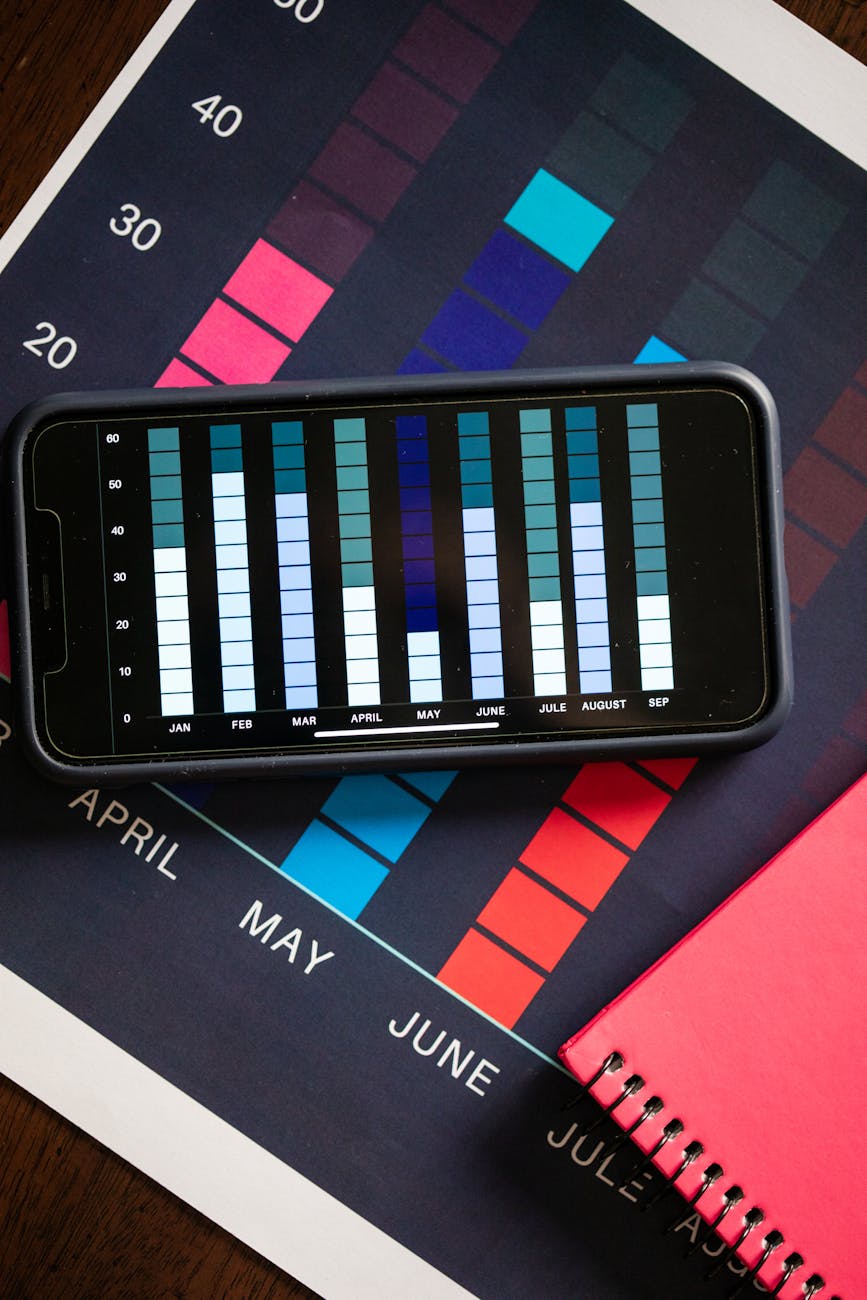
YouTube Channel Growth Chart Template for May 2026 Creators
Postigniter Team
May 20, 2026
YouTube Channel Growth Chart Template for May 2026 Creators
Most creators track their YouTube growth with random screenshots and gut feelings. In 2026, that is a recipe for slow, unpredictable results. If you want to beat the latest YouTube algorithm change and grow faster than competitors, you need a simple, visual growth chart that turns messy analytics into clear weekly decisions.
This guide gives you a professional, ready-to-use YouTube channel growth chart template built for May 2026 creators. You’ll see exactly what to track, how to interpret the data, and how to turn your chart into a practical execution plan.
Why Every 2026 Creator Needs a YouTube Channel Growth Chart
YouTube channel growth in 2026 is driven by data-backed iteration, not posting more at random. According to recent creator guides from platforms like OutlierKit and Backlinko, the channels that scale are the ones that:
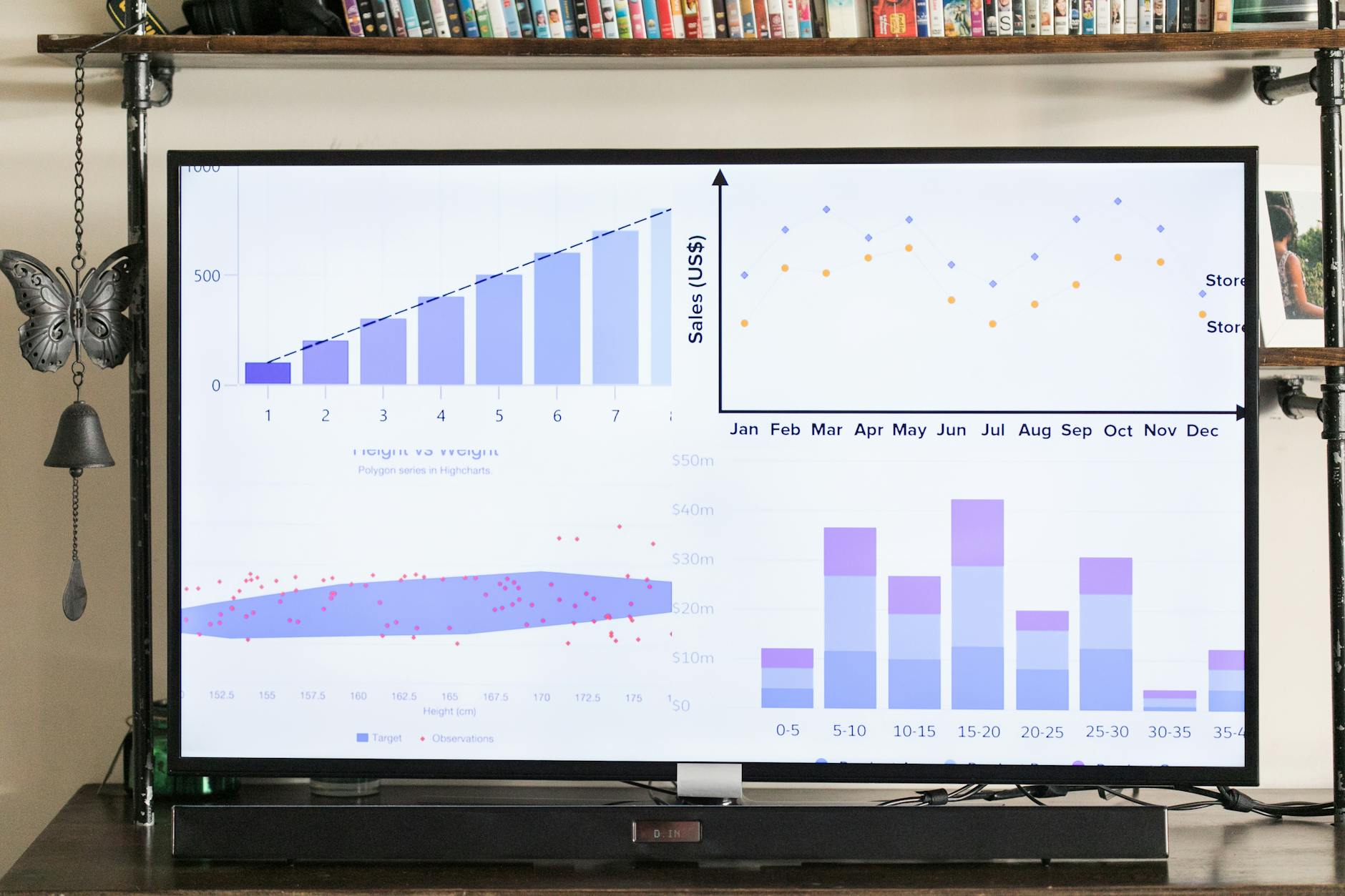
- Monitor audience retention graphs and fix early drop-off points
- Optimize titles and thumbnails for higher click-through rate (CTR)
- Run consistent publishing schedules and treat each video as a test
The problem is that YouTube Studio shows you everything, but doesn’t tell you what matters week to week. A growth chart template compresses the chaos into a few rows and columns you can review in 10 minutes.
Instead of asking Reddit threads about the latest YouTube algorithm change or relying on anecdotal youtube algorithm reddit posts, you can see in your own numbers how YouTube reacts to your content.
Core Metrics to Include in Your YouTube Channel Growth Chart
Your growth chart should be simple enough to update weekly but rich enough to show real patterns. For 2026, focus on these metrics that align with how the youtube algorithm works today:

1. Publishing & Output Metrics
- Week / Date Range – e.g., “May 5–11”.
- Videos Published (Long-form) – count of standard uploads.
- Shorts Published – number of YouTube Shorts.
- Live Streams – if applicable.
These numbers help you correlate volume and consistency with growth. Most 2026 playbooks recommend 1–2 long-form videos per week plus several Shorts for healthy early-stage growth.
2. Discovery & CTR Metrics
- Impressions – how often YouTube showed your thumbnails.
- Average CTR (%) – click-through rate across your new videos.
- Top-Performing Thumbnail – note the video title and CTR.
CTR remains one of the strongest signals behind youtube channel growth. Many growth experts recommend aiming for 4–10% CTR, with 6%+ as a solid target for most niches. Track this weekly so you can test new thumbnail and title styles.
3. Watch-Time & Retention Metrics
- Total Watch Time (Hours) – especially critical until you hit monetization.
- Average View Duration – the average number of minutes viewers watch.
- Average Percentage Viewed – overall retention across videos.
- Retention at 30 Seconds & 50% – especially for new uploads.
Backlinko’s analysis suggests that videos with stronger retention patterns can drive up to 2x subscriber growth. Use your growth chart to highlight videos where retention at the midpoint is above 50%, then double down on their formats.
4. Audience & Subscriber Growth Metrics
- Total Subscribers – at the end of the week.
- New Subscribers This Week – net growth.
- Returning Viewers – helps gauge loyalty and binge behavior.
- Unique Viewers – how many new people you reached.
These metrics tell you whether your content is building a brand or just generating one-off views. Ideally, you want both unique viewers (reach) and returning viewers (loyalty) trending upward over a 4–8 week window.
5. Traffic Sources & YouTube SEO
- YouTube Search % – portion of views coming from search.
- Suggested Videos % – recommendations beside and after videos.
- Browse Features % – homepage and subscription feed.
- External % – other websites, email, social media video marketing.
For creators leaning into video content marketing, especially businesses and agencies, this section is crucial. A strong search percentage indicates that your YouTube SEO is working, while suggested and browse growth shows that the algorithm trusts your content.
Your May 2026 YouTube Channel Growth Chart Template (Structure)
Use this structure as a weekly spreadsheet or Notion table. Each row represents one week:
- Week # / Dates
- Videos Published (L)
- Shorts Published (S)
- Total Views
- Total Watch Time (hrs)
- Avg View Duration
- Avg CTR (%)
- Subs Start
- Subs End
- New Subs
- Search %
- Suggested %
- Browse %
- Returning Viewers
- Unique Viewers
- Best Video (Title)
- Why It Worked (1 line)
- Main Experiment This Week
- Key Learnings
At the bottom of each month (e.g., end of May 2026), add a “Monthly Summary” row where you:
- Sum total views, watch time, and new subscribers
- Note the top 3 videos by watch time, not just views
- Write a 3–5 bullet narrative: what you tested, what worked, what failed
How YouTube Algorithm Changes in 2026 Affect Your Chart
Recent updates to how the YouTube algorithm works emphasize viewer satisfaction metrics over simple click metrics. In practice, this means:
- Watch time and average view duration matter more than ever.
- Sessions where viewers keep watching YouTube after your video are rewarded.
- YouTube is better at understanding topic clusters and creator expertise.
Your growth chart should therefore focus on patterns that align with these shifts:
- Are your best weeks driven by one viral video, or multiple solid performers?
- Do videos in certain topics (your “pillars”) consistently bring higher retention?
- Are your suggested traffic percentages improving as you build topical depth?
Review this chart weekly to make small adjustments (titles, thumbnails, intros) and monthly to make big strategic calls (content pillars, video length, posting cadence).
Integrating Video Marketing Strategy Into Your Growth Chart
If you’re a business, course creator, or agency, your YouTube channel is part of a broader video marketing system. Think of your channel as a persistent organic engine that supports your social media video marketing, email funnels, and even paid campaigns.
Here’s how to connect your growth chart to your wider video content marketing efforts:
Track Business Outcomes Alongside YouTube Metrics
- Add columns for email subscribers from YouTube (lead magnet signups).
- Track sales or bookings attributed to YouTube (using UTM links).
- Note which videos drive the most traffic to your website or landing pages.
If you work with or as a video marketing company offering video marketing services, this chart becomes a client-facing report. You can show not only views and subscribers but also leads and revenue influenced by YouTube content.
Align Content Pillars With Your Offer
Your YouTube channel should have 3–4 core content pillars that align directly with your products or services. For example:
- A hair care brand might use YouTube tutorials and science-backed explainers instead of short-term “hair growth hacks” to build trust and authority.
- A B2B SaaS brand might use product walkthroughs, case studies, and industry breakdowns to support long-term search visibility.
In your chart, tag each video with its pillar (e.g., “Tutorial,” “Case Study,” “Storytime”). Over time, you’ll see which pillars drive the most watch time, subscribers, and conversions.
Using Tools to Feed Better Data Into Your Growth Chart
A growth chart is only as good as the inputs you give it. Strong titles, descriptions, and keyword choices will help you get more impressions and higher search visibility, making your data more meaningful.
Optimize Titles for Clicks and Clarity
Powerful titles are a huge lever for YouTube channel growth. Before publishing, use tools like the YouTube Title Generator to brainstorm multiple options that combine keyword relevance with curiosity. Add a simple column to your chart where you note which title pattern you used (e.g., “How to…,” “X Mistakes,” “Before/After”). Over several weeks, you’ll see which title frameworks reliably earn higher CTR.
Refine Descriptions and Keywords for YouTube SEO
Your descriptions and tags affect how your videos rank in search and appear as suggested content. A tool like the YouTube Description Generator can help you create structured, keyword-rich descriptions that still read naturally. Combine that with targeted keywords from the YouTube Keyword Generator to sharpen your SEO strategy for each upload.
In your chart, add a simple checkmark column for “SEO Optimized” so you can compare performance between optimized and non-optimized videos. Over time, you’ll see a clear difference in how the algorithm treats fully optimized content.
Weekly Workflow: How to Use Your Growth Chart in 30 Minutes
Here’s a simple workflow you can run every week in May 2026 and beyond:
Step 1: Collect Data (10 Minutes)
- Open YouTube Studio → Analytics → “Advanced Mode”.
- Filter by the last 7 days and copy key numbers into your chart.
- Open your top 3 new videos → check retention, CTR, and traffic sources.
Step 2: Identify 1–2 Insights (10 Minutes)
- Which video drove the most watch time this week?
- Which thumbnail/title combo delivered above-average CTR?
- Did any video show 20–30% higher retention than others?
Write short notes in the “Why It Worked” and “Key Learnings” fields for each week. The goal isn’t to be perfect; it’s to build a habit of reflecting on your numbers.
Step 3: Decide One Experiment for Next Week (10 Minutes)
- Test a new hook pattern in your intros to improve early retention.
- Run a different thumbnail style (e.g., zoomed-in face + 3-word text).
- Target a new keyword cluster discovered from search terms.
Document your experiment in the “Main Experiment This Week” column. If you repeat this 4 times in a month, you’ll have a structured testing system instead of random guesses.
Try These Free Tools to Supercharge Your Growth Chart
- YouTube Title Generator – Quickly generate high-performing, click-worthy titles tailored to your topic and audience.
- YouTube Description Generator – Create SEO-optimized descriptions that improve search visibility and viewer engagement.
- YouTube Keyword Generator – Discover relevant YouTube keywords to target in your titles, descriptions, and tags.
Common Mistakes Creators Make With Growth Charts
1. Tracking Too Many Metrics
More data is not always better. If your chart takes over 30 minutes to update, you will stop using it. Start with the essentials: views, watch time, CTR, retention, new subscribers, and main traffic sources. Add more only when you actually use them to make decisions.
2. Chasing Vanity Metrics
Big view spikes feel great, but if they don’t drive watch time and subscribers among your target audience, they can hurt your long-term growth. Use your chart to prioritize videos with strong retention and high returning viewer numbers, even if they have fewer views than trend-chasing uploads.
3. Ignoring Content Fit
It’s easy to get distracted by trending topics (even outside your niche, like “hair growth” or other viral terms) just to boost views. Instead, use your growth chart to double down on topics that both perform well and align with your long-term positioning and offers.
Conclusion: Turn Your YouTube Analytics Into a Weekly Growth Engine
In 2026, YouTube channel growth belongs to creators who treat their analytics like a lab, not a scoreboard. A simple, consistent growth chart template lets you see beyond individual video performance and understand how your channel is evolving over time.
Use the structure in this guide, update it weekly, and pair it with intelligent tools for titles, descriptions, and keywords. Within a few months, you’ll have your own proprietary playbook for how to grow on YouTube—based not on generic advice, but on your actual audience and data.
Tags
Postigniter Team
The Postigniter team shares practical tips and strategies to help creators grow their online presence.