The 2026 Creator Tools Stack for TikTok, Instagram & YouTube (Powered by AI)
Postigniter Team
July 03, 2026
If you're still relying on native platform dashboards alone to run your content operation, you're leaving serious reach on the table. The best creator tools in 2026 aren't the ones baked into TikTok Studio or YouTube Analytics — they're the AI-powered third-party tools that do the heavy lifting before you ever hit publish. This guide maps the native tools on each major platform against smarter AI alternatives, and shows you exactly how to stack them so your content works harder across every channel.
One honest caveat upfront: native tools are free and convenient. But convenience has a ceiling. Once you're posting across TikTok, Instagram, and YouTube simultaneously, you need a centralized hub — not three separate dashboards with three different content calendars and zero shared intelligence. That's the gap this stack is designed to close.
1. TikTok Studio vs. AI Script Generation: The Best Creator Tools for Short-Form Video

What TikTok Studio gives you: a built-in analytics dashboard, a basic caption editor, trend discovery via the Creative Center, and a post scheduler locked to a 10-day window. It's solid for a single-platform creator who lives on TikTok and nowhere else.
Where it breaks down: TikTok Studio generates zero content for you. You still have to write your own hooks, scripts, and captions — and on a platform where the first three seconds determine whether someone scrolls past, that's a brutal bottleneck. TikTok's own research confirms that videos with a strong verbal hook in the opening line see up to 65% higher completion rates.
An AI script generator solves this directly. Instead of staring at a blank page, you input your topic and target audience, and the tool outputs a punchy hook, a three-act structure, and a call-to-action — all calibrated for TikTok's sub-60-second format. Postigniter's Post Hook Generator is built specifically for this: it produces scroll-stopping opening lines you can drop straight into your script without rewriting from scratch.
- Native TikTok Studio strength: Trend audio discovery, real-time video performance data
- AI tool advantage: Script drafts, hook variations, caption copy — all generated in seconds
- Best practice: Use TikTok Studio for post-publish analysis; use AI tools for pre-publish creation
2. Instagram's Native Tools vs. AI Caption Generators: A Head-to-Head
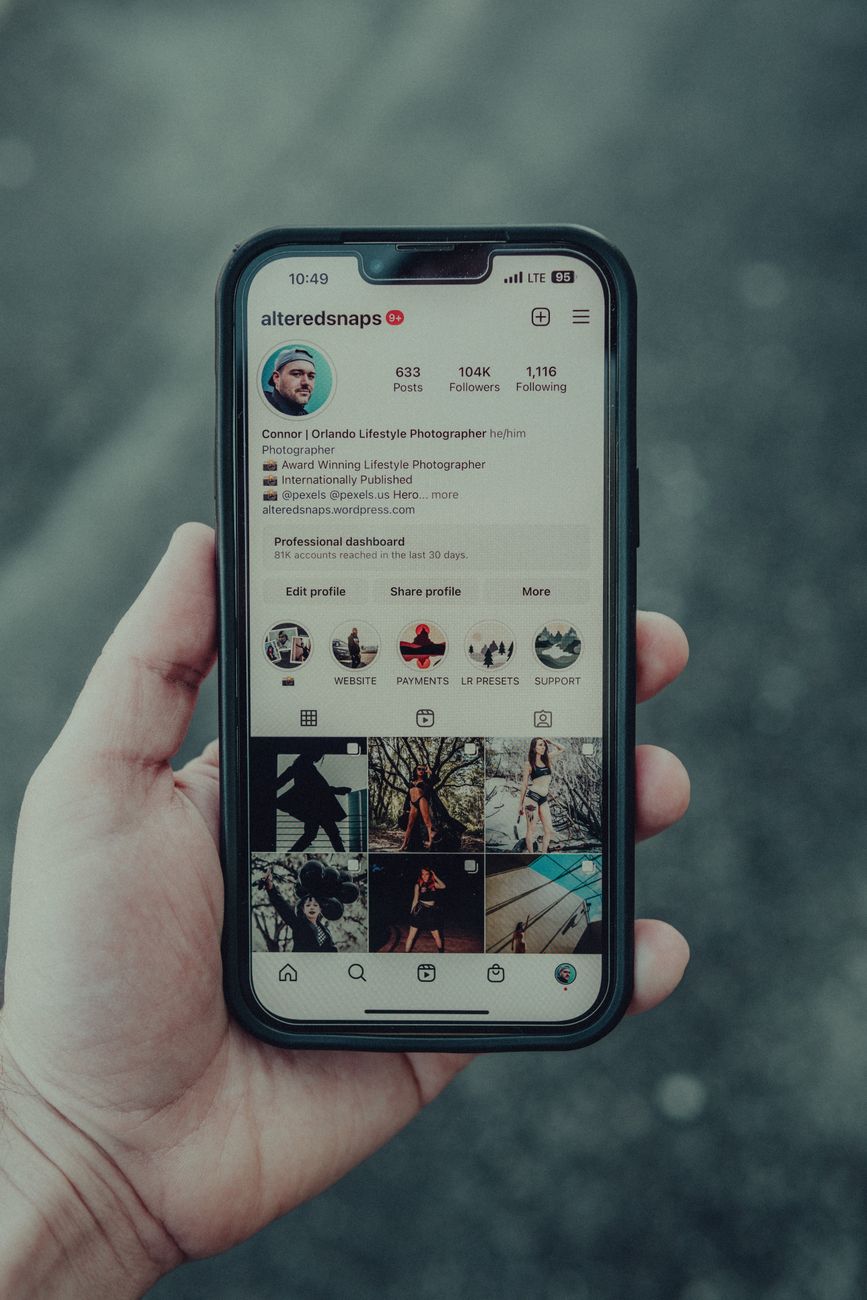
Instagram gives creators the Creator Studio (now folded into Meta Business Suite), a basic hashtag suggester, and Insights — a decent analytics layer that shows reach, saves, and profile visits. For Reels, there's also a built-in audio library and a basic text overlay editor.
Here's the problem: Meta Business Suite is notoriously clunky. Scheduling a carousel post with a custom caption for a specific timezone requires navigating at least four separate screens. And the caption editor? It offers zero AI assistance. You write it, you post it, you hope it lands.
Compare that to an AI caption generator. Feed it your image or a short description, and it returns five to ten caption variations — each tuned to a different tone (funny, educational, inspirational) — with hashtag clusters already embedded. Postigniter's Image Caption Generator goes one step further: it reads the actual image and generates context-aware captions, not generic filler. That's a meaningful difference when you're posting product shots, travel content, or event photography where context matters.
- Native Instagram strength: Insights on saves and shares, Reels audio library
- AI tool advantage: Caption variants, tone control, hashtag integration, image-aware copy
- Common mistake: Using the same caption across TikTok and Instagram — each platform's algorithm reads captions differently. Always adapt.
For timing, don't guess. Cross-reference your Insights data with a dedicated resource: the best time to post on Instagram guide gives you data-backed windows by industry and audience type.
3. YouTube Studio vs. AI Title & Description Optimization
YouTube Studio is genuinely powerful — arguably the best native analytics suite of the three platforms. You get click-through rate by thumbnail, average view duration, traffic source breakdowns, and A/B thumbnail testing (rolling out to more creators in 2025-2026). If you want to understand why a video underperformed, YouTube Studio usually has the answer.
But writing titles? That's still a manual, high-stakes task that most creators underestimate. A title is a search query in reverse — it has to match what people type AND trigger curiosity at the same time. Backlinko's YouTube ranking study found that titles containing an exact keyword phrase rank significantly higher than those that paraphrase or omit it. Yet most creators write titles by feel, not by data.
An AI YouTube title generator closes that gap. It pulls your target keyword, generates ten title variants, and ranks them by predicted click-through potential — factoring in emotional triggers, number usage, and question formats. Pair that with an AI-generated description that front-loads keywords in the first 150 characters (the visible portion before "Show more"), and you've done in two minutes what used to take 20.
- Native YouTube Studio strength: Deep analytics, thumbnail A/B testing, revenue reporting
- AI tool advantage: Title generation, description SEO, chapter timestamps, tag suggestions
- Edge case: If your channel is under 1,000 subscribers, YouTube Studio's data is statistically thin. AI tools give you a starting framework before your own data is meaningful.
Check the best time to post on YouTube to layer publishing timing on top of your title and description work — it's a compounding advantage most creators ignore.
4. Cross-Platform Scheduling: Why Native Schedulers Are a Trap
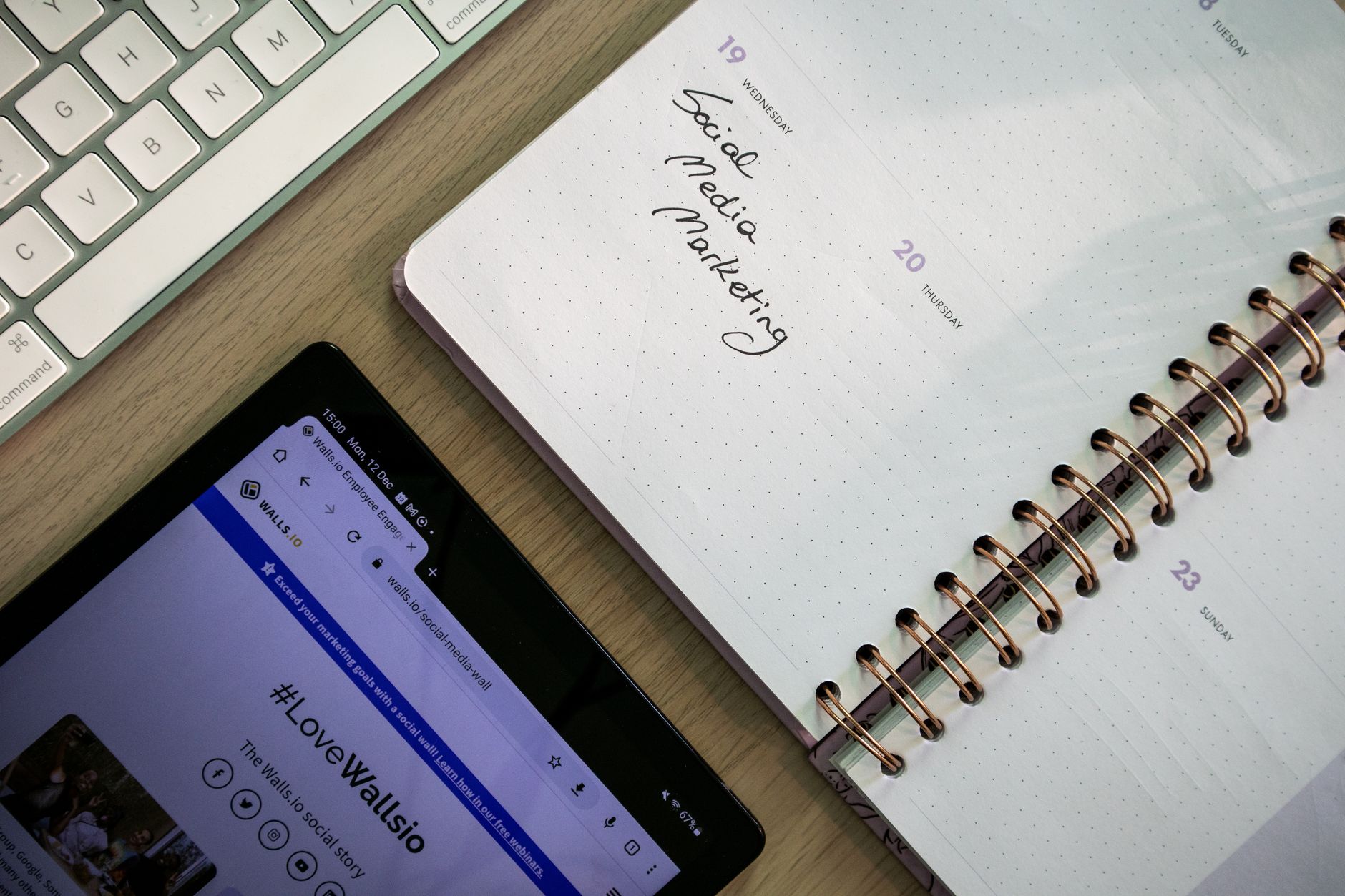
Each platform offers its own native scheduler. TikTok's goes 10 days out. Instagram's (via Meta Business Suite) goes 75 days out but excludes Stories. YouTube's scheduler is unlimited but applies only to YouTube. None of them talk to each other.
This creates a fragmented workflow where you're logging into three dashboards, managing three content calendars, and manually adapting the same core content three times. For a solo creator posting five times a week per platform, that's a significant time sink — easily 5-8 hours per week just on scheduling and reformatting.
An AI social media scheduler collapses this into a single workflow. You upload your content once, set platform-specific captions and posting times, and let the scheduler handle distribution. Postigniter's platform does exactly this — connect your TikTok, Instagram, YouTube, and more, then schedule everything from one dashboard. See how the platform works and why 12,000+ creators have made it their scheduling hub.
- TikTok native scheduler: 10-day limit, no cross-posting
- Instagram native scheduler: 75-day limit, no Stories, no Reels cross-posting
- YouTube native scheduler: Unlimited, YouTube only
- AI scheduler advantage: Unified calendar, platform-specific copy, optimal timing suggestions, bulk upload
5. Content Repurposing: The Stack Layer Most Creators Skip
You've spent three hours filming a 20-minute YouTube video. That same content can become five TikToks, three Instagram Reels, a carousel post, and a LinkedIn article — but only if you have a system for extracting and reformatting it. Most creators don't. They post the YouTube video and move on, leaving 80% of the content value unused.
A content repurposer changes the math entirely. Feed it your video transcript or blog post, and it outputs platform-specific snippets, reformatted for each channel's length and tone. Postigniter's Content Repurposer tool handles this automatically — paste your long-form content, choose your target platforms, and get ready-to-post short-form versions back in under a minute.
The ROI here is straightforward: one hour of filming becomes a week of content across four platforms. That's not a productivity hack — it's a fundamental shift in how you think about content production. HubSpot's marketing data consistently shows that brands repurposing content see 3x the engagement of those posting original content per channel. The volume advantage is real.
- Input: Long-form video transcript, blog post, or podcast notes
- Output: TikTok scripts, Instagram captions, YouTube Shorts hooks, carousel slide copy
- Time saved: Roughly 3-4 hours per week for a creator posting daily across three platforms
6. Engagement Rate Tracking: Moving Beyond Vanity Metrics
Native platform analytics all report engagement differently. TikTok counts shares and duets. Instagram weights saves heavily in its algorithm. YouTube prioritizes watch time and clicks. Comparing performance across platforms using native tools is like measuring distance in miles, kilometers, and furlongs — technically possible, practically maddening.
A dedicated engagement rate calculator standardizes the math. It takes your followers, likes, comments, and shares and outputs a single comparable percentage — so you can see, at a glance, whether your TikTok content outperforms your Instagram content with the same audience size. Postigniter's Engagement Rate Calculator does this for free, with no login required.
Here's a benchmark to work with: a healthy engagement rate on TikTok for mid-tier creators (10K-100K followers) sits between 5-9%. On Instagram, 2-4% is considered strong. On YouTube, a 4-6% like-to-view ratio signals a healthy video. If your numbers are below these thresholds, the problem is usually content quality or posting timing — not the algorithm punishing you arbitrarily.
7. The Full 2026 Best Creator Tools Stack — Built Around a Central Hub
Here's how the complete stack looks when you put it together. Each layer handles a specific job, and Postigniter sits at the center connecting them:
- Script & Hook Generation: AI script generator + Post Hook Generator for TikTok and Reels
- Caption Writing: Image Caption Generator for Instagram, keyword-driven captions for YouTube
- Title Optimization: AI YouTube title generator for search-optimized, high-CTR titles
- Scheduling: Postigniter's unified AI scheduler for cross-platform publishing
- Repurposing: Content Repurposer to extract maximum value from every long-form asset
- Performance Tracking: Engagement Rate Calculator + native analytics for a complete picture
- Timing Intelligence: Platform-specific best-time-to-post data layered over your own Insights
The key insight here is that no single tool does everything — and that's fine. The goal is a stack where each tool does one job exceptionally well, and a central platform (Postigniter) handles the connective tissue: scheduling, distribution, and cross-platform coordination. Trying to do all of this inside native dashboards is the equivalent of running a restaurant out of a food truck with no kitchen — possible, but not scalable.
The best creator tools aren't the most expensive or the most feature-heavy. They're the ones that fit cleanly into a workflow you'll actually stick to. Start with the tools that solve your biggest bottleneck — usually scripting or scheduling — and build outward from there.
Ready to see the full toolkit? Explore all of Postigniter's free AI creator tools and start building your 2026 stack today. No subscription required to get started — join 12,000+ creators already using it.
Tags
Postigniter Team
The Postigniter team shares practical tips and strategies to help creators grow their online presence.