TikTok Script Generator AI: How to Turn Ideas into Scroll-Stopping Videos in Minutes
Postigniter Team
June 27, 2026
Why Most TikTok Scripts Fail Before the Camera Rolls
Every creator who has stared at a blinking cursor knows the feeling: you have a vague idea, a trending sound queued up, and exactly zero words on the page. A TikTok script generator AI solves that specific problem — not by replacing your creativity, but by collapsing the gap between raw idea and camera-ready script. The tools that do this well are not simple text spinners. They understand hook architecture, pacing, scene beats, and the psychology of the scroll.
The mistake most creators make is treating scripting as an afterthought. They film first, edit second, and wonder why their retention graph drops off a cliff at the three-second mark. TikTok's own data shows that videos that hook viewers in the first two seconds see up to 2x higher completion rates. That two-second window is entirely a scripting problem, not a filming one.
This guide is not a shallow roundup of tools. It is a practical, workflow-focused breakdown of how AI script generation actually works, where TikTok's own Creative Center falls short, and how to build a repeatable system that produces high-retention content on demand.
How a TikTok Script Generator AI Actually Works
At its core, a TikTok script generator AI takes a topic, a target audience, and a desired tone, then outputs a structured script broken into discrete sections: hook, body beats, and CTA. The better tools go further — they factor in video length (15s, 30s, 60s), content format (tutorial, storytime, product review), and even trending audio pacing.
The underlying engine is typically a large language model (LLM) fine-tuned or prompted specifically for short-form video. This matters because a general-purpose writing AI will produce paragraphs. A TikTok-specific AI produces spoken lines — short, punchy, built for a human voice reading at roughly 130-150 words per minute.
Here is the basic structure a quality AI script output should follow:
- Hook (0–2 seconds): A single provocative statement, question, or visual cue line that stops the scroll.
- Setup (2–8 seconds): Context that earns the viewer's trust and signals what they will get.
- Scene Beats (8–45 seconds): The core content, broken into 3-5 discrete moments — each one a micro-payoff.
- CTA (final 3–5 seconds): A specific, low-friction ask: follow, comment a word, save this, or click the link.
Most free AI tools skip the scene beat layer entirely. They give you a hook and a vague body paragraph. That is not a script — it is an outline. The difference between a 20% completion rate and a 70% completion rate often lives in those middle beats.
TikTok Creative Center Script Generator vs. Third-Party AI Tools
TikTok launched its own Creative Center Script Generator as part of its advertising suite. It is worth understanding what it does well — and where it stops.
What TikTok's tool does well:
- It pulls from TikTok's own trend data, so scripts can reference current sounds and formats.
- It is optimized for paid ad scripts, meaning it follows proven direct-response structures.
- It is free for any TikTok Business account holder.
Where it falls short for organic creators:
- It is built for ads, not organic content. The CTAs it generates push toward purchases, not community engagement.
- It lacks multi-format flexibility. You cannot easily switch between a tutorial format and a storytime format for the same topic.
- It does not integrate with your broader content calendar or scheduling workflow.
- Customization is limited — tone, brand voice, and niche-specific language are hard to bake in consistently.
Third-party AI tools fill these gaps. The best ones let you define a persistent brand voice, generate multiple script variations for A/B testing, and connect directly to a scheduling workflow. That last point is where platforms like Postigniter create real leverage — you generate the script, refine it, and push it to your posting queue without switching tabs.
Building a High-Retention Hook: The 5 Hook Formulas That Consistently Work
The hook is the single highest-leverage element in any TikTok script. A great hook on a mediocre video will outperform a mediocre hook on a great video — every time. When you use a TikTok script generator AI, prompting it with a specific hook formula produces far better results than asking it to "write a hook."
Here are five hook formulas worth building into your AI prompts:
- The Bold Claim: "I made $4,000 in 72 hours using one TikTok strategy most people ignore." — Specific numbers create instant credibility and curiosity.
- The Contrarian Statement: "Posting every day is actually killing your TikTok growth." — Challenges a widely held belief. Forces the viewer to stay and find out why.
- The Direct Address: "If you're a freelancer stuck under $3K a month, stop scrolling." — Laser-targets a specific person. Everyone else self-selects out, which is fine.
- The Open Loop: "There's a setting inside TikTok that almost no creator knows about — and it changed everything for me." — Promises a reveal without delivering it yet. The brain cannot resist closing the loop.
- The Visual Cue Line: "Watch what happens when I do this." — Short, spoken over a visual action. Works best when the visual is genuinely surprising.
When you prompt an AI tool, specify the formula: "Write a hook using the Open Loop formula for a video about TikTok scheduling tips, targeting content creators with 1K–10K followers." That specificity cuts generic output by roughly 80%.
Want to test which hooks perform best before you even film? Use Postigniter's Post Hook Generator to generate and compare multiple hook variations for any topic in seconds.
Scripting Scene Beats: The Part Every Tutorial Skips
Scene beats are the backbone of a high-retention TikTok. Think of them as micro-chapters — each one delivers a small payoff that earns the viewer's attention for the next beat. A 60-second video should have roughly four to five beats. A 30-second video needs three, minimum.
Here is a worked example for a 45-second tutorial video on "how to grow on TikTok without posting every day":
- Beat 1 (8–15s): Establish the problem — "Most people burn out posting daily and see zero compounding growth."
- Beat 2 (15–25s): Introduce the reframe — "The algorithm rewards watch time and saves, not post frequency."
- Beat 3 (25–35s): Deliver the tactic — "Post three times a week, but spend the time you saved on the first three seconds of each video."
- Beat 4 (35–42s): Proof or social validation — "I dropped to three posts a week in March. My saves went up 140% in 30 days."
- Beat 5 (42–45s): CTA — "Follow for the posting schedule I actually use. It's in my bio."
Notice how each beat is a complete thought in two sentences or fewer. That is not an accident — it mirrors how TikTok's algorithm measures retention at the 25%, 50%, 75%, and 100% marks. A beat that runs too long bleeds viewers at each checkpoint.
When prompting your AI tool for beats, give it the format: "Write five scene beats for a 45-second TikTok. Each beat should be two sentences maximum. Topic: [your topic]. Tone: [conversational/authoritative/entertaining]."
How to Prompt a TikTok Script Generator AI for Consistent Results
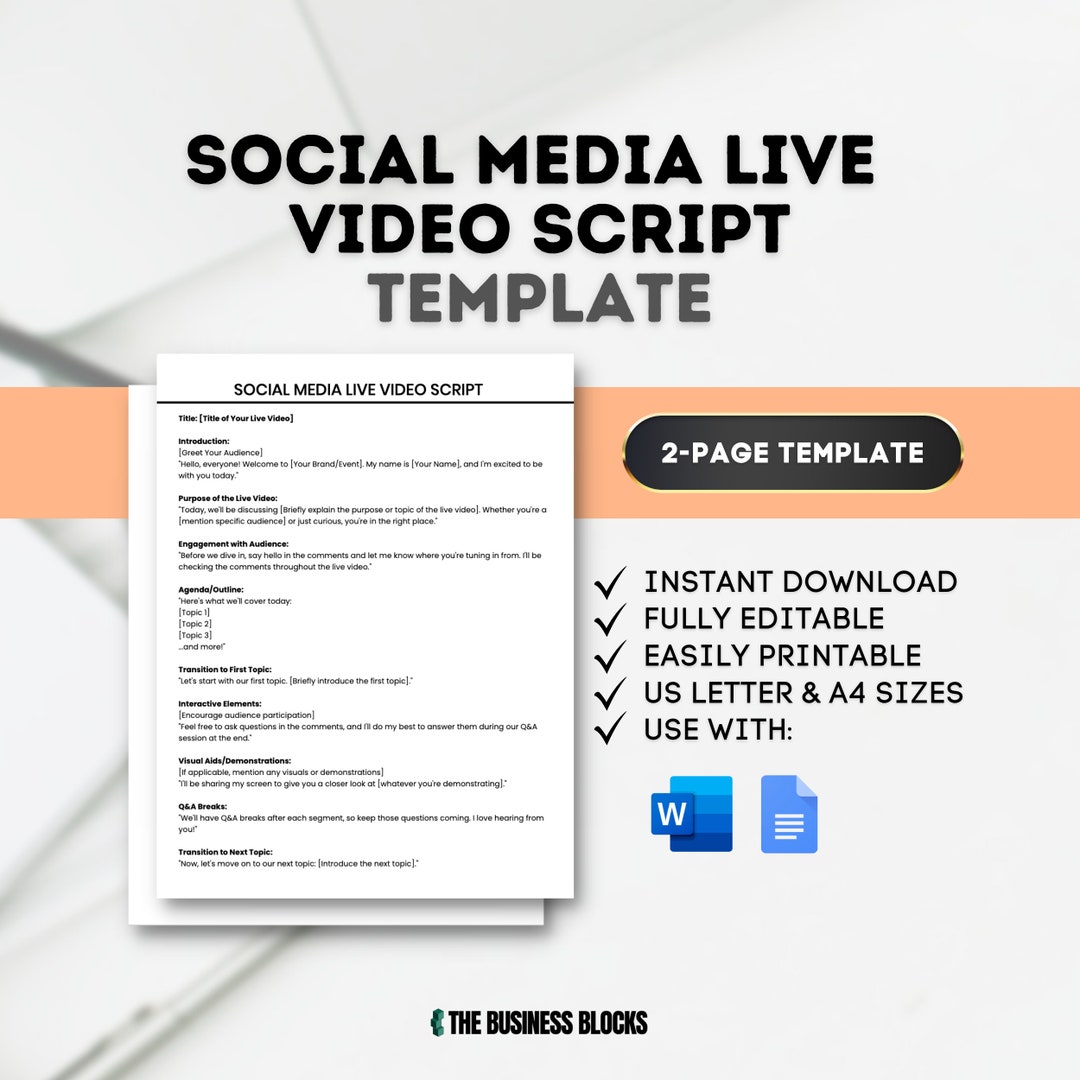
The output quality of any AI tool is a direct function of the input quality. Vague prompts produce vague scripts. Here is a repeatable prompt template that consistently produces usable first drafts:
"Generate a TikTok script for a [length]-second video. Format: [tutorial/storytime/product review/list]. Topic: [specific topic]. Target audience: [describe them in one sentence]. Hook formula: [choose from Bold Claim/Contrarian/Direct Address/Open Loop/Visual Cue]. Tone: [conversational/authoritative/humorous]. Include: one hook line, three to five scene beats of two sentences each, and a CTA asking the viewer to [specific action]. Do not use filler words like 'amazing' or 'awesome.'"
Run this prompt three times for the same topic and pick the strongest elements from each output. This "three-draft blend" approach produces better scripts than any single AI output, because LLMs have inherent randomness — each run surfaces different angles.
One common mistake: creators accept the first AI draft and film it verbatim. The result sounds robotic. Always read the script aloud before filming. If you stumble on a phrase, rewrite it. Your mouth knows what your eye misses.
Once your script is locked, timing your post matters just as much as the content itself. Check out the best time to post on TikTok to make sure your video hits when your audience is most active.
Common Mistakes Creators Make With AI-Generated TikTok Scripts
AI tools are not magic. They amplify your strategy if you have one, and they amplify your confusion if you do not. These are the mistakes that consistently hurt creators using script AI:
- Using generic topics: "How to grow on TikTok" produces a generic script. "How a food blogger with 800 followers got 2M views on one video" produces a specific one. Specificity is the creator's job, not the AI's.
- Ignoring brand voice: AI defaults to a neutral, slightly formal tone. If your brand is dry humor or no-nonsense directness, you have to bake that into the prompt explicitly — or edit it in afterward.
- Skipping the CTA entirely: Many creators feel awkward asking for follows or saves. They leave the CTA vague or drop it. This is a measurable mistake. Research consistently shows that explicit CTAs lift engagement rates by 20–30% versus videos with no ask.
- Over-scripting: A 60-second script that reads like a 90-second script will cause you to rush your delivery, kill your pacing, and drop your completion rate. Always time your read-aloud before filming.
- Not iterating: The first script you generate is a draft, not a final product. The best creators use AI to produce volume, then manually select and refine the top candidates.
Integrating Your TikTok Script Workflow With Content Scheduling
A script without a publishing plan is just a document. The real productivity unlock comes from connecting your script generation workflow to your content calendar. Here is what a streamlined weekly workflow looks like for a solo creator:
- Monday: Generate five script drafts using your AI tool. Use the prompt template above. Pick three to develop.
- Tuesday–Wednesday: Film and edit the three selected videos.
- Thursday: Schedule all three posts using your social media management tool, spaced across optimal posting windows.
- Friday: Review the previous week's retention data. Note which hook formula and beat structure performed best. Feed that insight into next Monday's prompts.
This loop — generate, film, schedule, analyze, refine — is what separates creators who grow consistently from those who post randomly and hope for the best. The AI handles the blank-page problem. You handle the creative judgment calls.
Postigniter's suite of free AI content tools is built for exactly this kind of workflow. From hook generation to post scheduling, every step lives in one place — so you spend less time context-switching and more time creating.
The Bottom Line on TikTok Script Generator AI
A TikTok script generator AI is not a shortcut to virality. It is a precision tool for eliminating the most time-consuming, lowest-creativity part of content production: the blank page. Used well, it gives you more time to focus on delivery, editing, and strategy — the parts where human judgment still wins.
The creators who will dominate TikTok over the next two years are not the ones who post the most. They are the ones who have a repeatable system for producing high-retention scripts, testing hook formulas, and learning from their data. AI is the engine that makes that system scalable.
Start with one video. Use the prompt template above. Time your read-aloud. Film it. Then do it again next week with a different hook formula. Consistency built on a smart system beats raw volume every time. Get started with Postigniter's free AI tools today and build the workflow that keeps your content calendar full — without burning out.
Tags
Postigniter Team
The Postigniter team shares practical tips and strategies to help creators grow their online presence.