Free AI Writing Tools Like ChatGPT: The Best Options for Social Media Creators in 2025
Postigniter Team
August 08, 2026
Searching for AI writing tools free online that actually deliver for social media — not just generic blog copy? You're not alone. Millions of creators are hunting for free or freemium tools that can punch out Instagram captions, TikTok hooks, YouTube titles, and short-form scripts without a $49/month subscription. The good news: genuinely useful options exist. The catch: most have real limits, hidden paywalls, or output that needs heavy editing before it's post-ready. This guide cuts through the noise with honest trade-offs for each tool, plus a look at purpose-built social media content features that go further than a general-purpose chatbot ever will.

How to Judge a Free AI Writing Tool Before You Commit
Not all "free" is equal. Some tools cap you at 2,000 words per month; others lock their best templates behind a Pro tier. Before you invest time learning a platform, check three things: daily or monthly output limits, whether social-specific templates (captions, hooks, scripts) are included on the free plan, and the quality of output for short-form content specifically. A tool that writes great 1,500-word blog posts can still produce flat, generic captions that tank your engagement.
Also watch for tone consistency. The best social media copy sounds like a real person, not a press release. Test any tool with a niche prompt — say, a TikTok hook for a sustainable fashion brand — and see if the output feels native to the platform or just reworded filler. That single test tells you more than any feature list.
-
1. ChatGPT (Free Tier) — The Benchmark, With Caveats
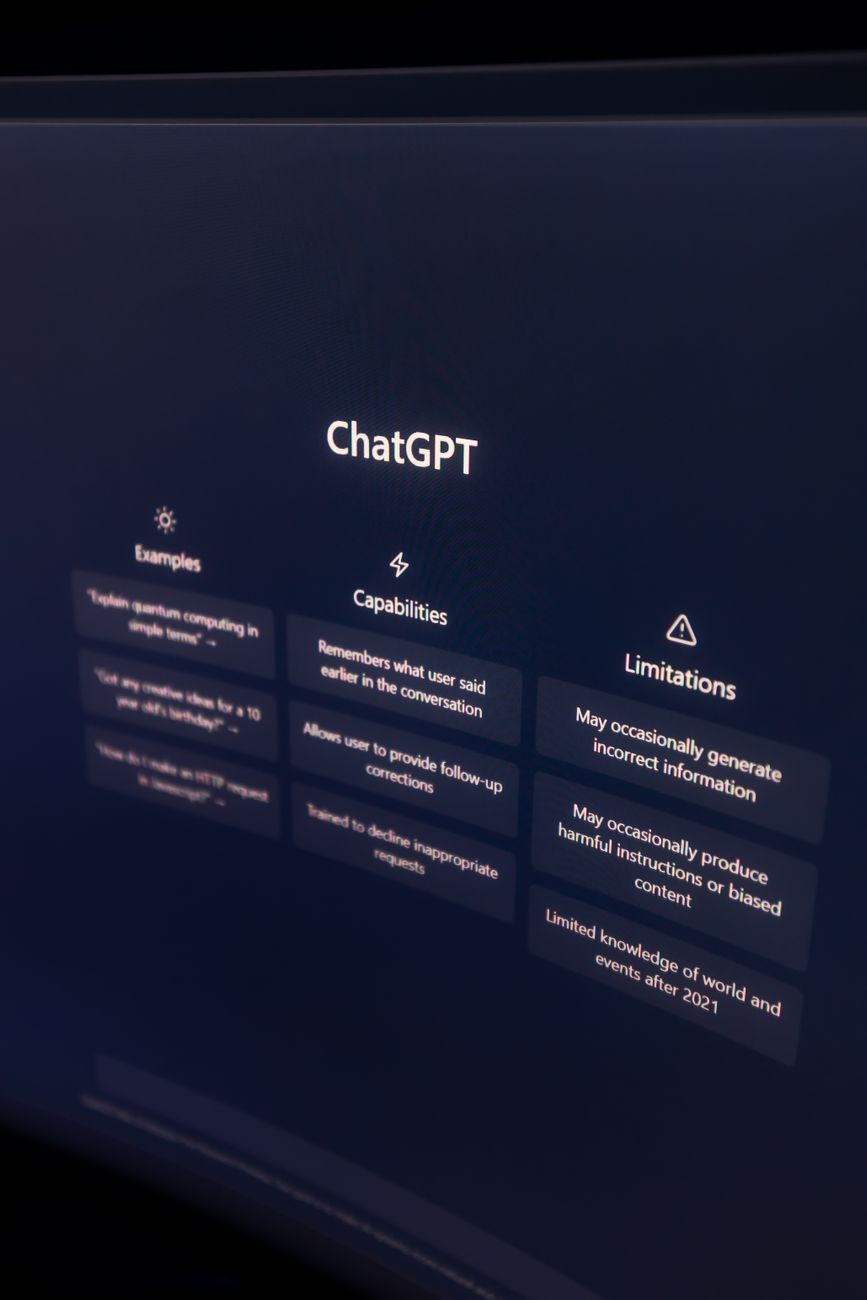
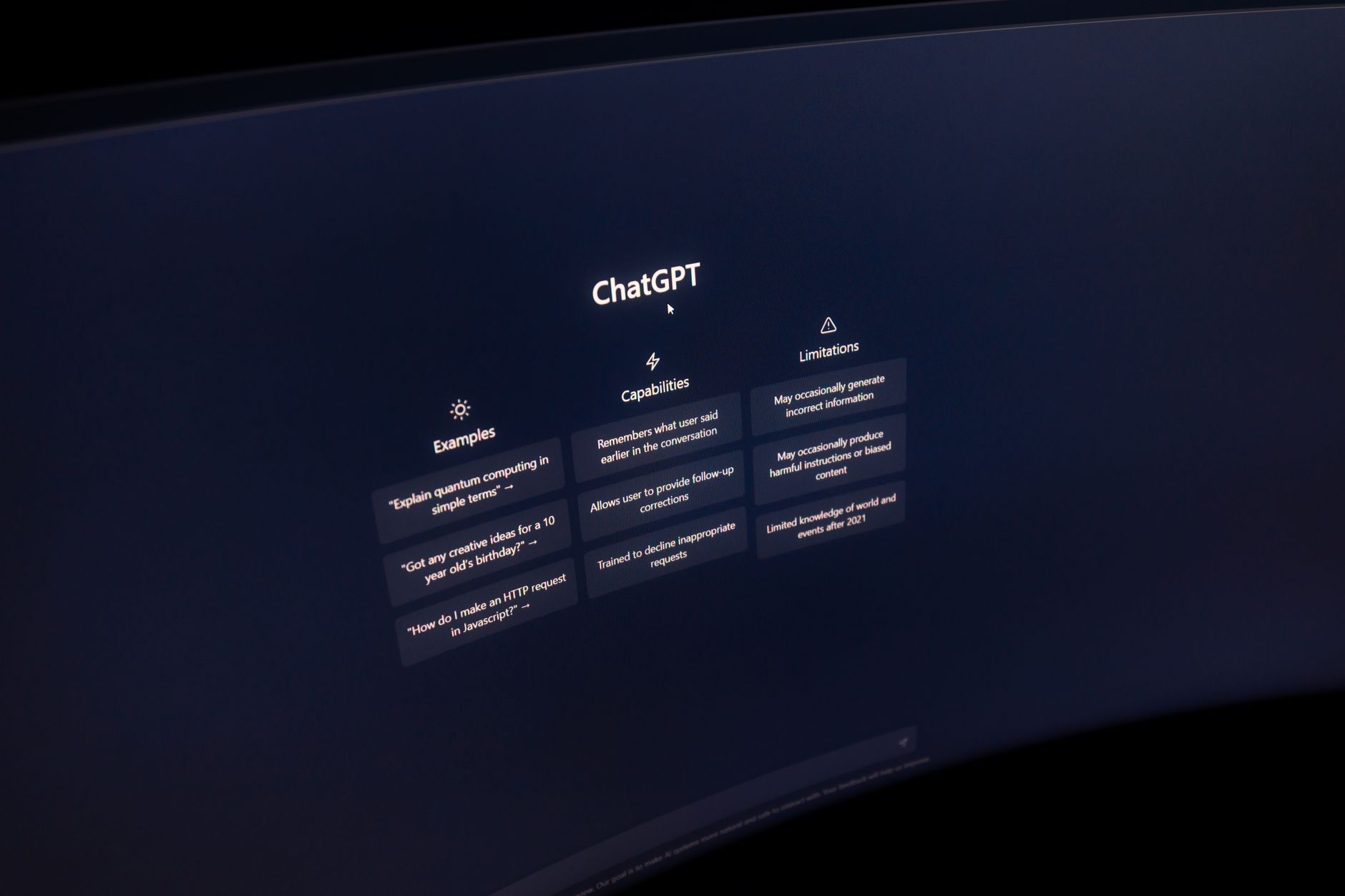
ChatGPT's free tier (GPT-3.5, with limited GPT-4o access) remains the most-used AI writing tool on the planet for good reason: it's flexible, fast, and genuinely capable of writing captions, hooks, and short scripts when prompted well. OpenAI's ChatGPT handles platform-specific requests surprisingly well — ask it for "five punchy TikTok hooks for a fitness creator targeting beginners" and you'll get usable drafts in seconds.
The real limitation is prompt dependency. ChatGPT has no built-in knowledge of what's trending on Instagram Reels this week, and it won't automatically format output as a caption with hashtags, a call-to-action, and an emoji strategy. You have to engineer every prompt yourself. For creators who post daily across multiple platforms, that overhead adds up fast.
Free plan limits: Message caps apply during peak hours on GPT-4o; GPT-3.5 is unlimited but noticeably weaker for nuanced social copy.
- Best for: Brainstorming, ideation, and drafting scripts when you have time to refine
- Weak spot: No platform-native templates, no scheduling, no hashtag research built in
- Verdict: A powerful starting point, not a complete social media content workflow
-
2. Google Gemini — Strong for Research-Backed Content

Google Gemini (free via Google account) has a meaningful edge over ChatGPT's free tier for one specific use case: writing content that references current events or recent trends. Because Gemini has Google Search integration, it can pull in fresher context — useful if you want a YouTube title that plays off a trending topic without hallucinating outdated facts.
For pure caption and hook generation, Gemini is competitive but not dramatically better than ChatGPT. Its tone can skew slightly formal, which sometimes needs a manual pass to feel native to TikTok or Instagram. That said, the free tier is genuinely unlimited for most casual use, which is a real advantage over tools with hard monthly word caps.
Free plan limits: Gemini 1.5 Flash is free with no hard word cap; Gemini 1.5 Pro requires Google One AI Premium at $19.99/month.
- Best for: YouTube content, trend-aware captions, research-heavy scripts
- Weak spot: Tone calibration for short-form platforms requires extra prompting
- Verdict: Underrated free option, especially for YouTube creators
-
3. Copy.ai — Social Media Templates That Actually Work

Copy.ai takes a different approach from general chatbots: it's built around templates, and many of those templates are explicitly designed for social media. The free plan gives you access to the chat interface and a limited set of templates, including Instagram captions, social media hooks, and short ad copy. For creators who don't want to write prompts from scratch, this structure is genuinely helpful.
The free tier was historically capped at 2,000 words per month — tight for daily posting. Copy.ai has since shifted toward a freemium chat model, but the most powerful workflow automation features (like bulk content generation across multiple posts) sit behind the Pro plan at $49/month. Still, for occasional use, it's one of the better free AI writing tools online specifically for social captions.
- Best for: Instagram captions, ad hooks, short promotional copy
- Weak spot: Bulk generation and workflow automation require paid upgrade
- Verdict: Good template library; limited free output makes it hard to rely on daily
-
4. Writesonic — Generous Free Credits, Platform-Specific Outputs
Writesonic offers a free plan that includes a meaningful credit allocation — enough to generate roughly 10,000 words of GPT-3.5-quality content per month, or a smaller volume of GPT-4-quality output. What makes it relevant for social creators is its dedicated templates for Instagram captions, YouTube descriptions, TikTok video ideas, and Twitter/X threads. You pick the platform, fill in a brief, and get formatted output rather than a raw text block.
The quality gap between GPT-3.5 and GPT-4 outputs is noticeable for hooks and titles specifically. GPT-3.5 outputs on Writesonic can feel generic; GPT-4 outputs are sharper but burn credits faster. If you're on the free plan, budget your credits toward high-stakes content like YouTube titles and TikTok hooks rather than basic captions you could write yourself in two minutes.
- Best for: Multi-platform creators who want structured, template-driven output
- Weak spot: Credit system means you'll hit limits quickly if posting daily
- Verdict: One of the better free tiers for social-specific templates
-
5. Rytr — Cheapest Paid Tier, Decent Free Plan
Rytr is worth including because it offers one of the most generous free plans in the category: 10,000 characters per month (roughly 1,500-2,000 words) with access to 40+ use cases, including social media captions, video descriptions, and call-to-action copy. Its paid Saver plan at just $9/month unlocks 100,000 characters — making it the most affordable upgrade path of any tool on this list.
Output quality is competent but not exceptional. Rytr works best for short, formulaic content where the structure matters more than creative flair — think product description captions or event announcement posts. For punchy, personality-driven TikTok hooks, you'll likely need to iterate more than you would with ChatGPT or Gemini. That said, for a creator on a strict budget who posts moderate volume, Rytr's free plan is genuinely usable.
- Best for: Budget-conscious creators, structured promotional captions
- Weak spot: Creative output lacks edge for personality-driven brands
- Verdict: Best value-per-dollar upgrade path; free plan is honest about its limits
-
6. Canva Magic Write — Best for Visual Content Creators

Canva's Magic Write feature (included in the free Canva plan with 25 lifetime uses, then 500 uses/month on Canva Pro) deserves a mention because of its context: you're writing inside your design workflow. For creators who build their Instagram carousels, Reels covers, or YouTube thumbnails in Canva, having AI caption and copy generation in the same tool removes a step from the process.
The output quality is solid for short captions and headline copy. It won't write a 60-second TikTok script with scene directions, but for a five-word carousel slide headline or a punchy Instagram bio, it's fast and contextually aware of what you're designing. The 25-use lifetime free limit is the real constraint — it's a trial, not a sustainable free plan. If you're already on Canva Pro, treat Magic Write as a bonus rather than a primary tool.
- Best for: Visual creators who live in Canva; carousel and static post copy
- Weak spot: 25 lifetime uses on free plan is barely a test drive
- Verdict: Excellent workflow integration; not a standalone free AI writing solution
-
7. Postigniter — Purpose-Built Free AI Tools for Social Media Creators

Every tool above is a general-purpose AI writer adapted for social media. Postigniter flips that equation: it's a social media management platform with AI content tools built specifically for the platforms creators actually use. The difference in output quality for platform-native content is real and measurable.
The free tools on Postigniter include a Post Hook Generator designed to produce scroll-stopping openers for TikTok, Instagram Reels, and YouTube Shorts — not generic blog intros. There's an Image Caption Generator that reads your visual context, a Content Repurposer that adapts one piece of content across multiple platforms, and a Post Generator for full social media posts. These aren't generic templates — they're calibrated for engagement on specific platforms.
Beyond content generation, Postigniter connects to your social accounts so you can schedule and publish directly. That's the gap every other tool on this list leaves open: you still have to copy-paste output into your platform of choice. With Postigniter, the writing and the publishing live in the same place. Join 12K+ creators who are already using it — and explore the full free AI tools suite without entering a credit card.
- Best for: Creators who want AI content generation AND scheduling in one free platform
- Weak spot: Newer platform; tool library is growing but not as broad as a general LLM
- Verdict: The strongest free option for social-media-specific content workflows
The Mistake Most Creators Make With Free AI Writing Tools
The biggest error isn't picking the wrong tool — it's treating AI output as finished copy. Every tool above, including the best ones, produces first drafts. The creators who get the most from free AI writing tools online are the ones who use AI to eliminate the blank-page problem, then spend five minutes editing for voice, specificity, and platform fit.
A TikTok hook that says "Are you making this mistake?" is technically a hook — but it's also the hook used by approximately 40,000 other creators this week. The AI gives you the structure; you supply the specific, ownable angle. That combination beats either approach alone.
Also worth noting: output quality scales with input quality. "Write me a caption for my fitness post" produces generic output. "Write a 150-character Instagram caption for a 30-second Reel showing a 5-minute morning mobility routine, targeting desk workers aged 25-40, with a CTA to save the video" produces something you can actually use. The prompt is the skill.
Which Free AI Writing Tool Should You Actually Use?
Here's the honest answer: it depends on your workflow. If you need maximum flexibility and don't mind prompt-crafting, ChatGPT or Gemini are your best free general-purpose options. If you want structured social templates without writing prompts from scratch, Writesonic or Copy.ai are worth testing. If you're a visual creator already in Canva, Magic Write is a convenient bonus.
But if your primary goal is creating and publishing social media content — captions, hooks, titles, scripts — without stitching together three different tools, Postigniter is the purpose-built choice. The AI tools are free, they're designed for social platforms, and they connect directly to your scheduling workflow. That's a combination no general-purpose chatbot offers. See how it works and get started for free today.
According to Statista research on AI tool adoption, over 60% of content creators now use some form of AI assistance in their content workflow — but fewer than 20% use tools purpose-built for social media. That gap is exactly where the right tool choice makes a real difference in output quality and time saved.
Tags
Postigniter Team
The Postigniter team shares practical tips and strategies to help creators grow their online presence.